Conguring Client Settings
Conguring Network Settings
96
4.5.5 Establishing and Stopping a VPN connection
The VPN setting enables you to establish/stop a virtual private network connection for your t180L/t180LB.
NOTE
• The VPN setting also allows you to congure and manage virtual private network
settings. For instructions on how to congure and manage virtual private network
settings, please refer to section “4.5.6 Conguring Virtual Private Network Settings”
on page 100.
Adding a Virtual Private Network
To add a virtual private network, please do the following:
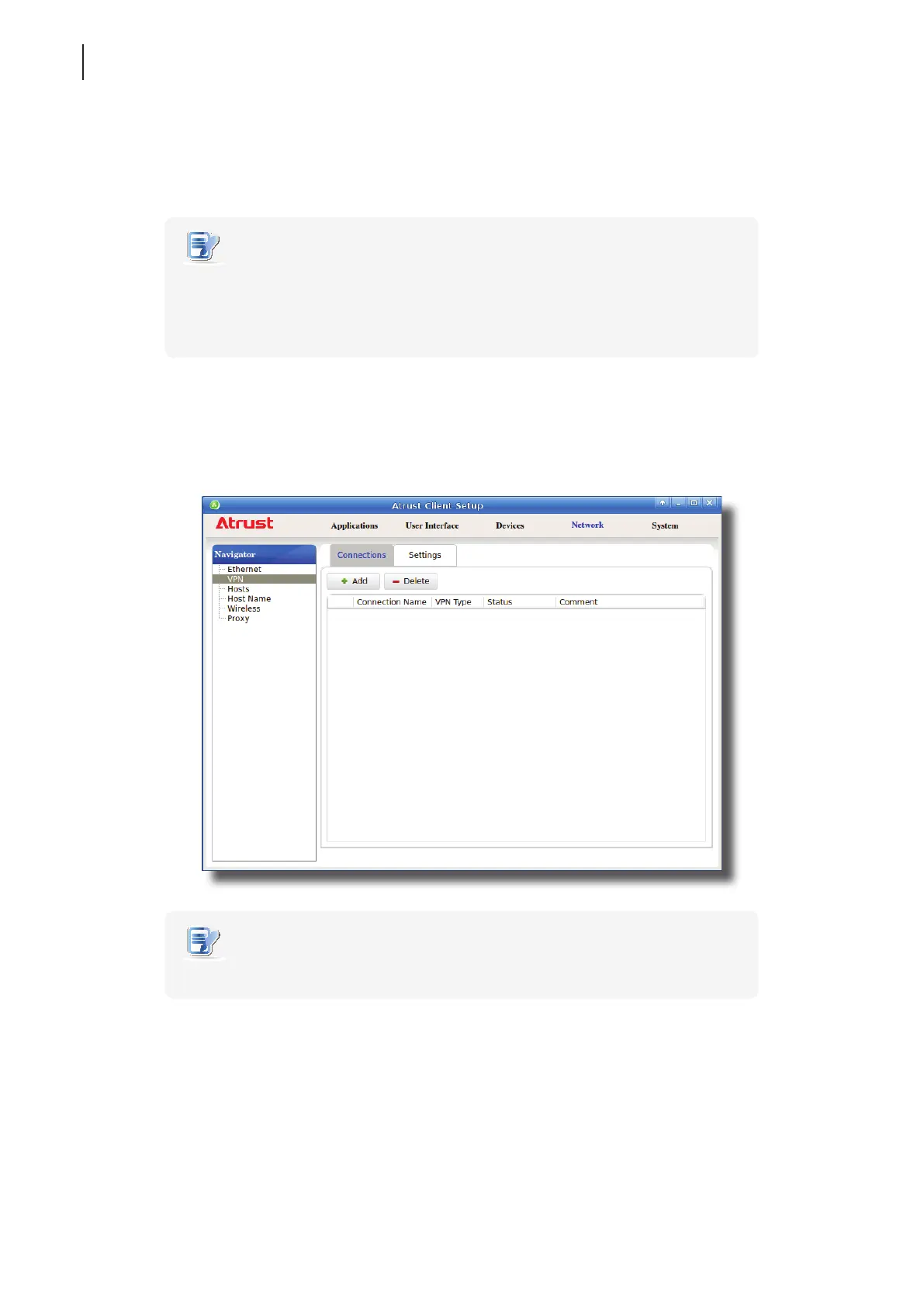
1. On Atrust Client Setup, click Network > VPN to open the Virtual Private Network list.
NOTE
• If you haven’t created any entry, the Virtual Private Network list will be empty.
2. Click Add on the top of the Virtual Private Network list.



 To Next Page