216
A.3 Using SECUREMATRIX Authentication for VMware Connections
Enabling SECUREMATRIX Authentication for Custom VMware Connections
To enable SECUREMATRIX authentication for a custom VMware connection, please do the following:
NOTE
• SECUREMATRIX authentication is not available in Quick Connection mode.
1. On the local desktop, click START > Settings > Atrust Client Setup to launch Atrust Client Setup.
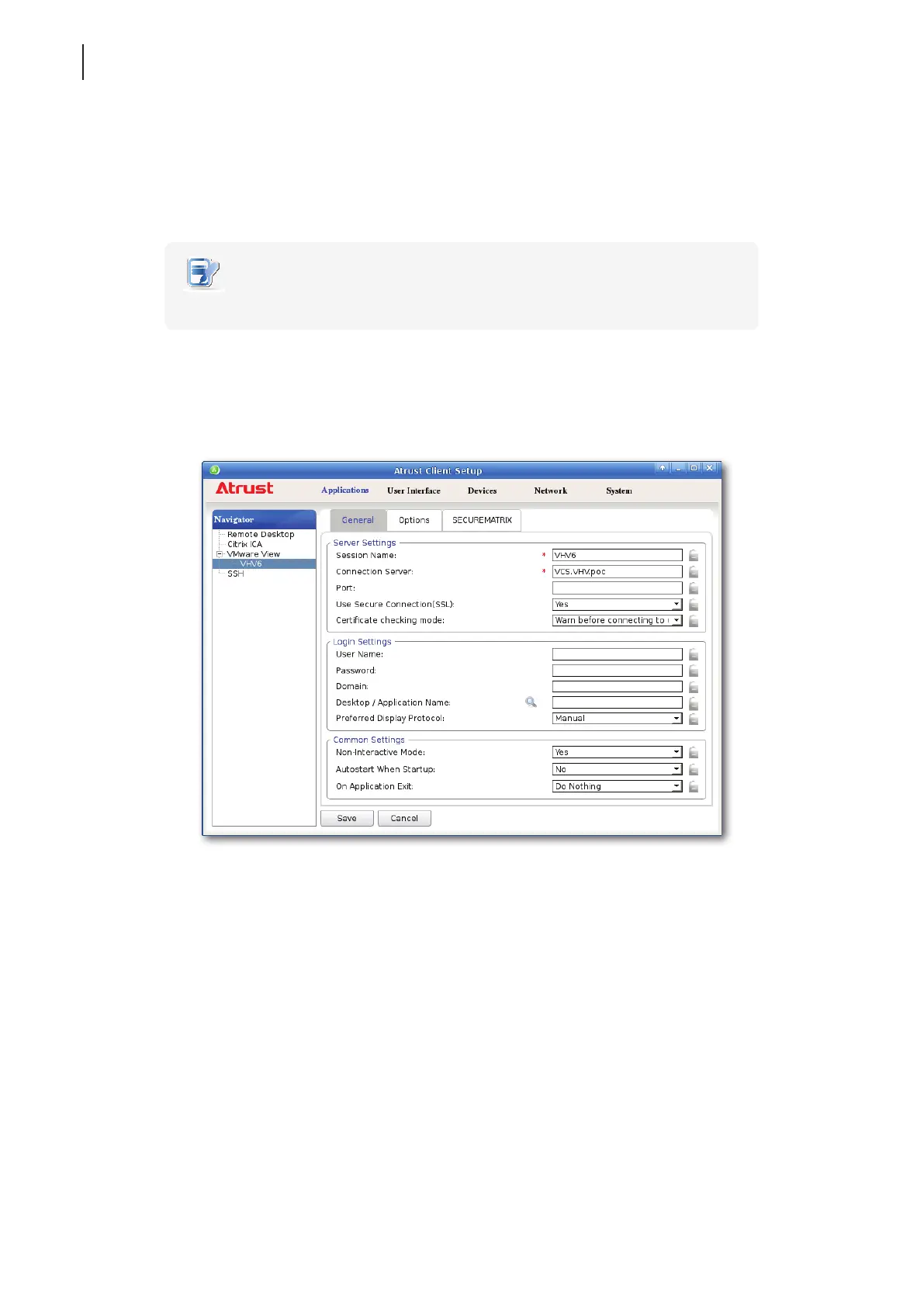
2. Click Applications > VMware > Add to create a new entry of connection settings.
3. On the General tab, type the desired session name and the server address of View Connection Server.
4. On the SECUREMATRIX tab, click to check Use SECUREMATRIX.



 To Next Page