Conguring Client Settings
Conguring System Settings
56
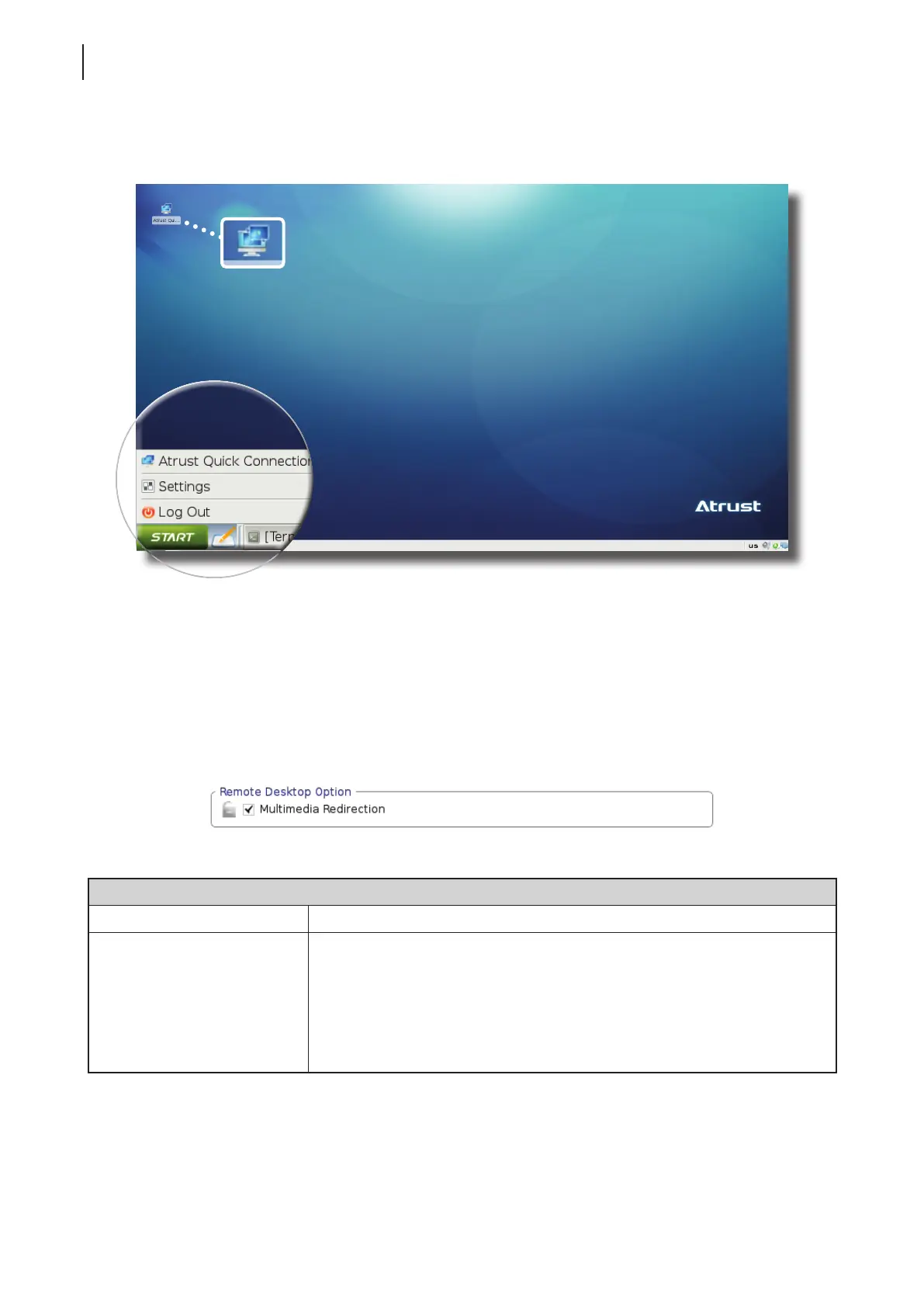
3. Switch shortcuts are also added to or removed from the START menu and local Linux desktop as
shown below.
4.2.10 Conguring Advanced Quick Connection Settings
You are allowed to congure advanced Quick Connection settings for Remote Desktop, Citrix ICA, and
VMware View sessions through System > Quick Connections on Atrust Client Setup.
Advanced Quick Connection Settings for Remote Desktop Sessions
To congure advanced Quick Connection settings for Remote Desktop sessions, please refer to the table below:
Remote Desktop Option
Item Description
Multimedia Redirection
Check/Uncheck to enable/disable multimedia redirection.
When enabled, the client receives original compressed multimedia streams and
decodes locally for display. This feature increases the load on the client, but
saves server resources, decreases the bandwidth usage, and improves audio and
video playback experiences.
It’s enabled by default.



 To Next Page