Conguring Client Settings
Conguring Network Settings
107
4.5.11 Conguring the Trigger Threshold for Roaming
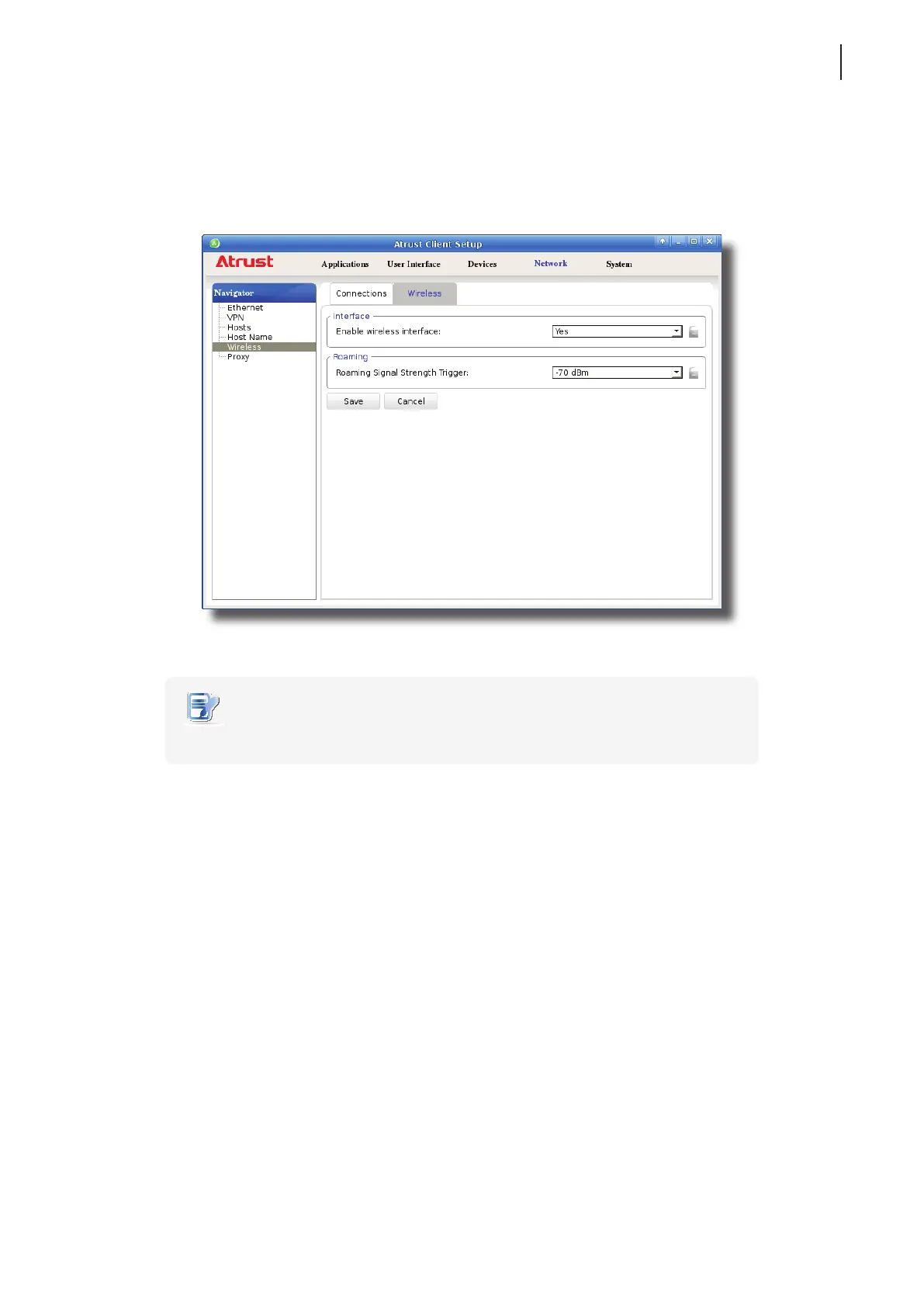
To congure the roaming trigger threshold for your wireless connection, please do the following:
1. On Atrust Client Setup, click Network > Wireless, and then click Wireless sub-tab.
2. Under the Roaming section, click the drop-down menu to choose the desired trigger threshold.
NOTE
• To disable wireless roaming, you can choose No roaming here.
3. Click Save to apply.



 To Next Page