Setting Up Your t180L / t180LB
Assembling the AC Adapter
16
2.2 Assembling the AC Adapter
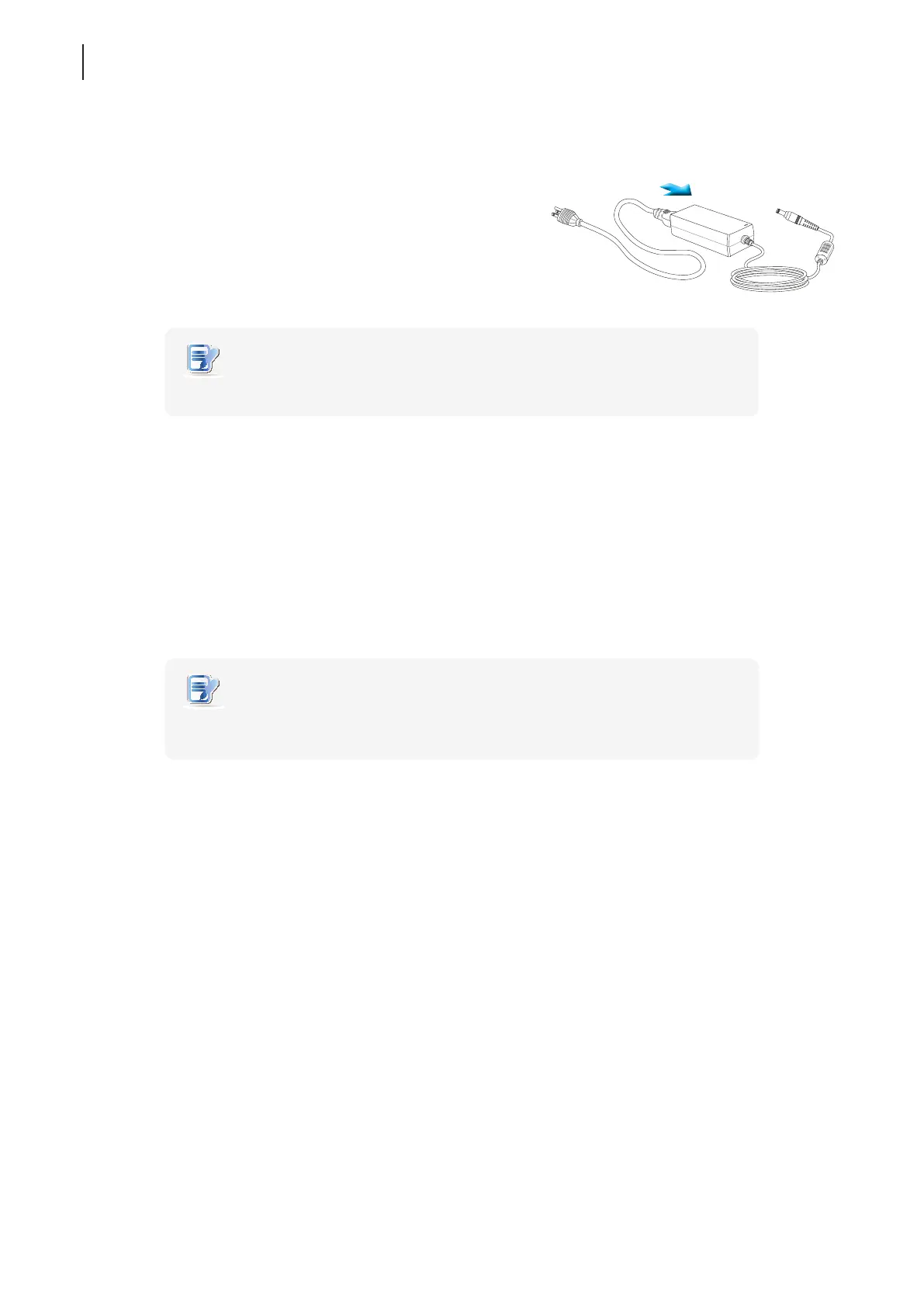
To assemble the AC adapter for your t180L / t180LB, please do the following:
1. Unpack your thin client package and take out the AC adapter
and its detached AC power cord.
2. Press the female end of the power cord into the male connector
of the AC adapter.
NOTE
• The plug of the supplied power cord may vary with your area.
2.3 Getting Connected
To make connections for your t180L / t180LB, please do the following:
1. Connect your t180L / t180LB to your local network with an Ethernet cable.
2. Connect a keyboard and mouse to your t180L / t180LB with USB ports.
3. Connect and turn on the monitor(s).
4. Connect your t180L / t180LB to a power outlet using the AC adapter included in the package.
NOTE
• For detailed instructions on how to assemble the supplied AC adapter, please refer
to section “2.2 Assembling the AC Adapter” on page 16.
5. Connect other peripherals for your t180L / t180LB if needed.



 To Next Page