Conguring Client Settings
Conguring User Interface Settings
79
4.3.8 Conguring Mouse Settings
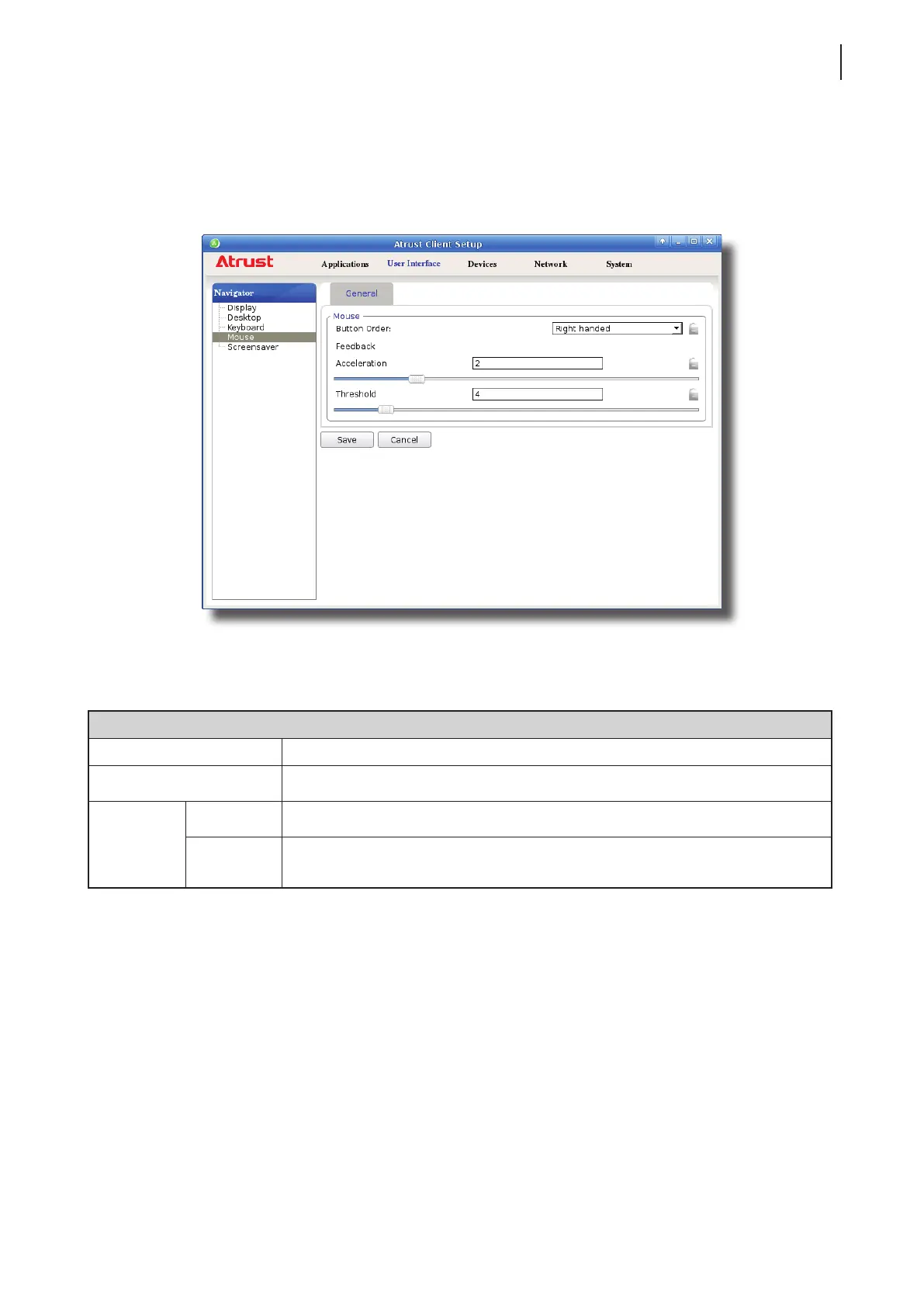
To congure mouse settings for your t180L/t180LB, please do the following:
1. On Atrust Client Setup, click User Interface > Mouse.
2. Click the drop-down menu or move sliders to choose desired setting values. Refer to the following table for a
description of each setting item.
Mouse
Item Description
Button Order Click the drop-down menu to switch mouse buttons for right-hand/left-hand use.
Feedback
Acceleration Move the slider to select the rate at which the mouse increases speed while moving.
Threshold
Move the slider to select the moved distance (pixels) after which the mouse starts
to accelerate.



 To Next Page