Conguring Client Settings
Conguring External Device Settings
86
4.4.7 Adding a Local Printer
To add a local printer for your t180L/t180LB, please do the following:
1. Connect the desired printer to your t180L/t180LB and turn on the printer.
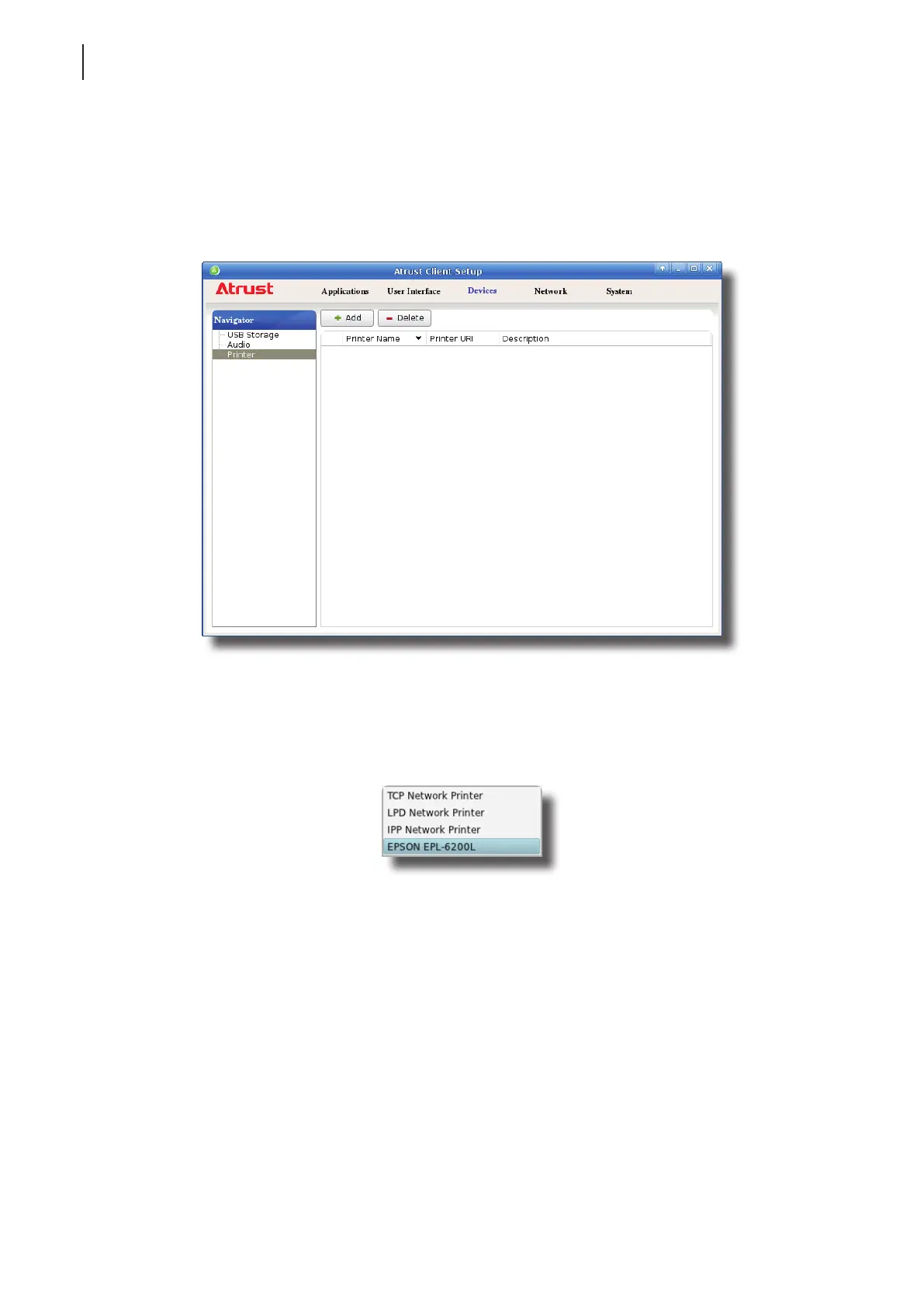
2. On Atrust Client Setup, click Devices > Printer.
3. Click Add on the top of the Printer list.
4. The system automatically start searching for available local printers.
5. Upon completion, the discovered local printers will be listed on the Printer Port drop-down menu.
6. Click the Printer Port drop-down menu to select the desired local printer.
7. Fields in the Add Printer section will automatically change to t the type of the selected printer.



 To Next Page