Conguring Client Settings
Conguring Network Settings
105
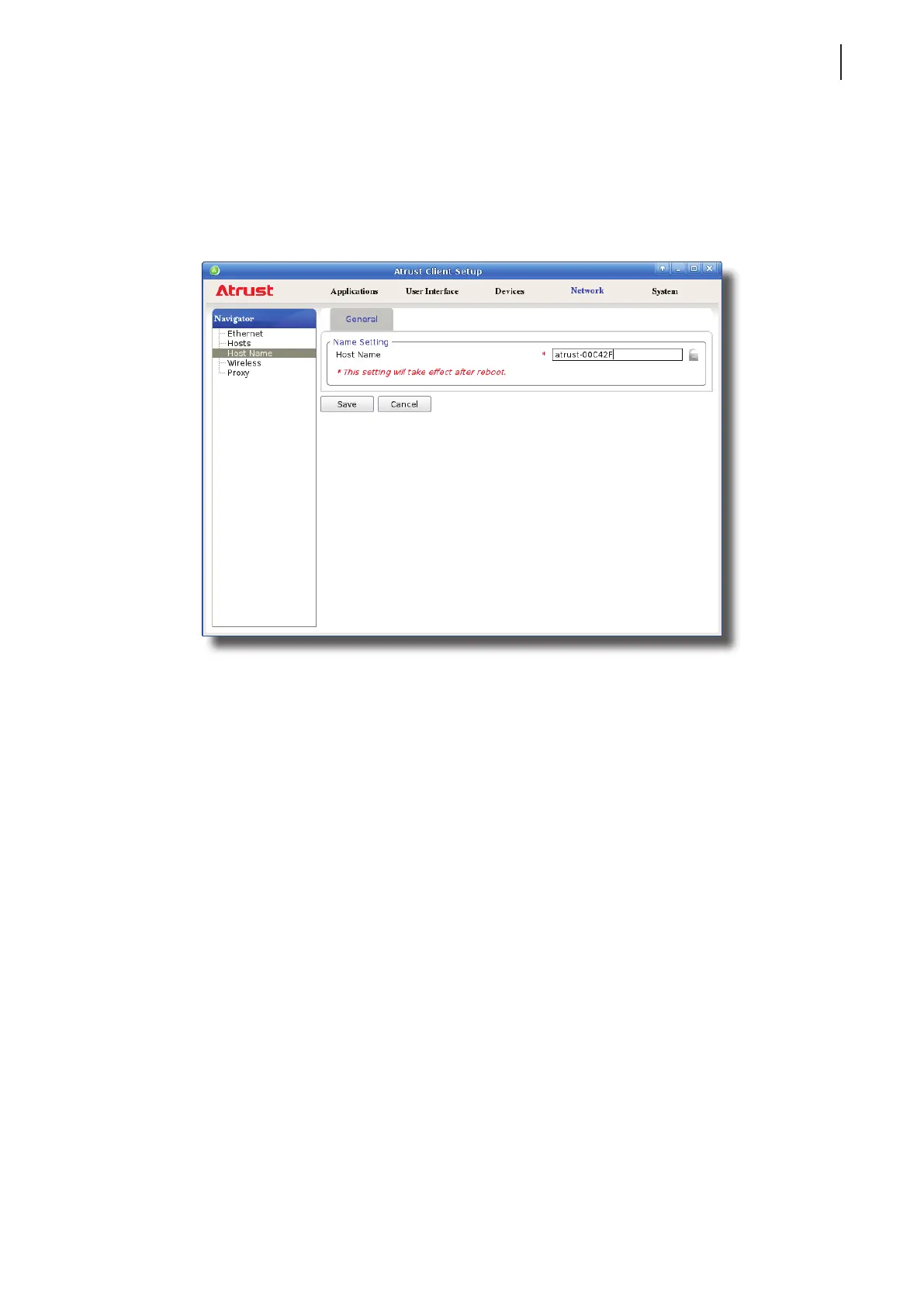
4.5.9 Changing the Host Name of Your Thin Client
To change the host name of your thin client, please do the following:
1. On Atrust Client Setup, click Network > Host Name.
2. Change the default host name of your thin client.
3. Click Save to conrm.
4. A restart is required for the change to take eect.



 To Next Page