213
A.1 Resetting Your t180L/t180LB to the Factory Default
To reset your t180L/t180LB to the factory default, please do the following:
WARNING
• Resetting your t180L/t180LB to the factory default will erase all current settings in
Atrust Client Setup and restore all settings to defaults.
1. Restart your t180L/t180LB.
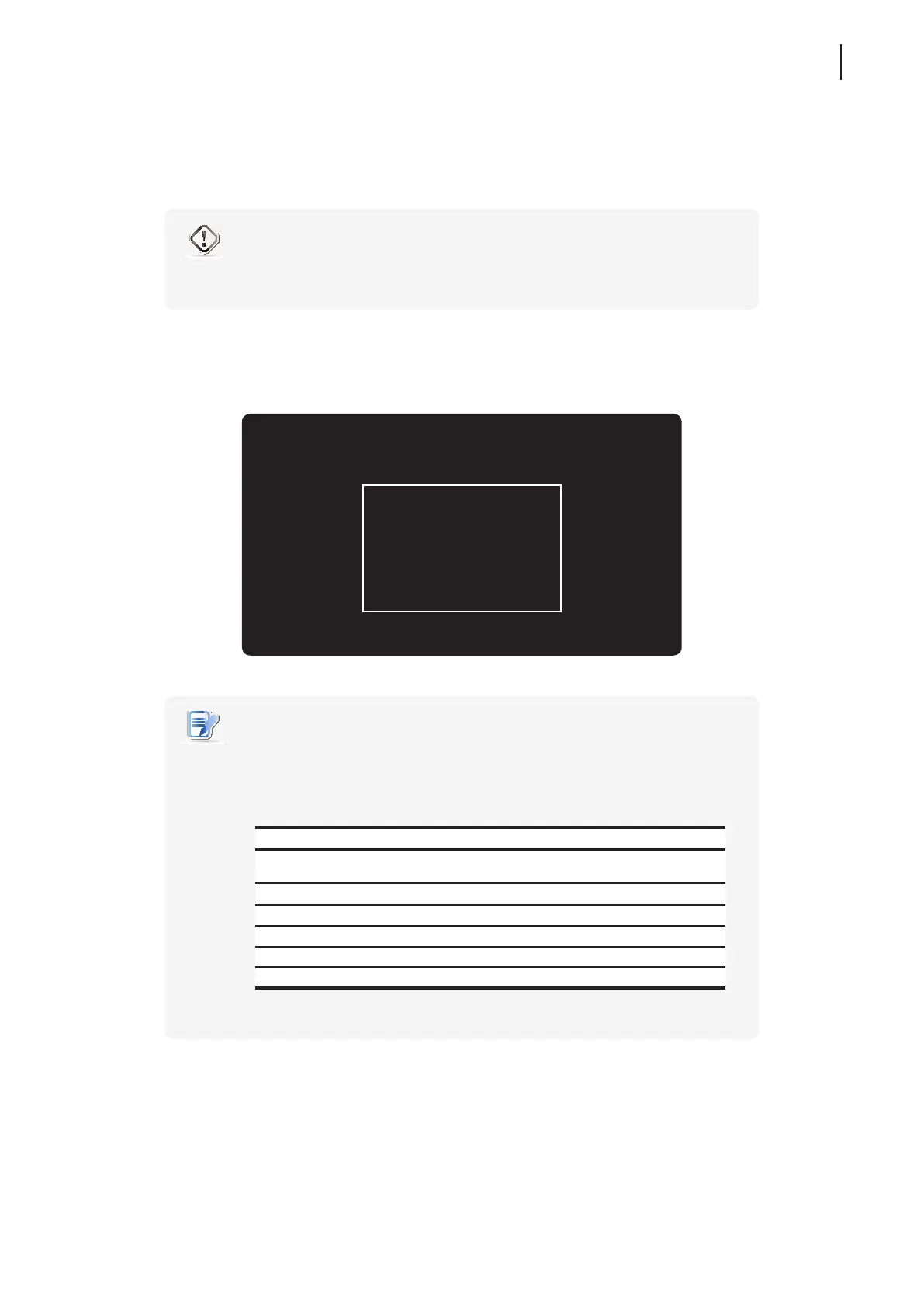
2. During the POST (Power-on Self-Test) period, press Esc on the keyboard to enter Atrust Thin Client Menu.
Atrust Thin Client Menu
Normal Mode
Safe Mode
Reset Mode
Firmware update
Reboot
Shutdown
NOTE
• You might need to wait about 15 seconds for this menu to appear on the screen.
• Six options are available on Atrust Thin Client Menu: Normal Mode, Safe Mode,
Reset Mode, Firmware update, Reboot, and Shutdown. See the table below for
the description of each option:
Menu Option Description
Normal Mode Boots up your t180L/t180LB as the normal startup procedure.
Safe Mode Clears and resets the current screen resolution setting.
Reset Mode Resets your t180L/t180LB to the factory default.
Firmware update Updates rmware for your t180L/t180LB through the network.
Reboot Reboots your t180L/t180LB.
Shutdown Shuts down your t180L/t180LB.
3. Use arrow keys on the keyboard to select Reset Mode, and then press Enter on the keyboard to continue.
4. A message appears prompting for conrmation. Click y on the keyboard to conrm.
5. After completion, press Enter on the keyboard to restart your system.



 To Next Page