Conguring Client Settings
Conguring Service Access Settings
161
4.6.9 Conguring Keyboard Layout and Type for Citrix ICA Sessions
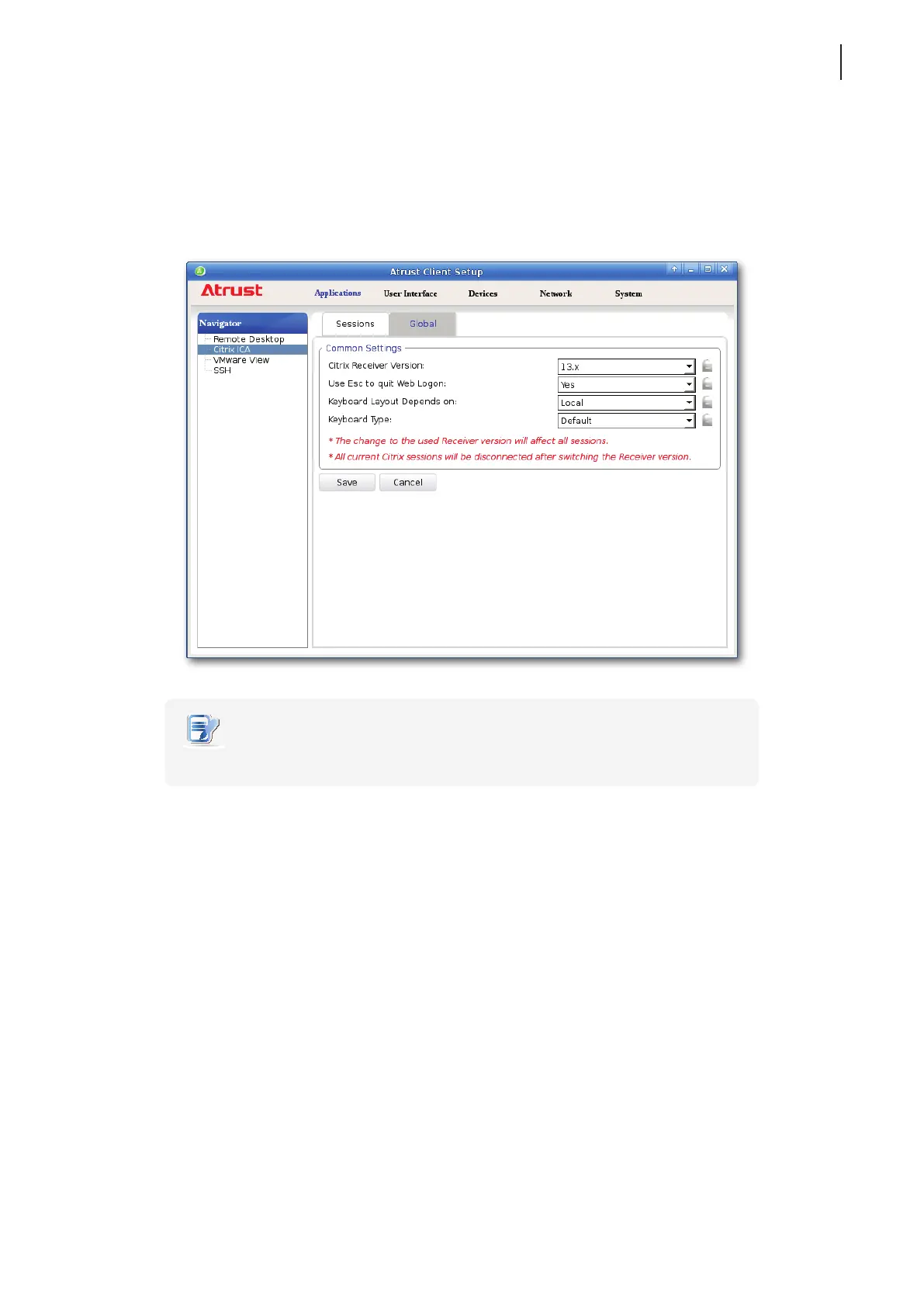
To set the used keyboard layout and type for all Citrix ICA sessions, please do the following:
1. On Atrust Client Setup, click Applications > Citrix ICA > Global.
2. Click drop-down menus to select what determines the keyboard layout and the desired keyboard type.
NOTE
• These are global settings; the changes will aect all ICA sessions.
3. Click Save to apply.



 To Next Page