Conguring Client Settings
Conguring Service Access Settings
125
4.6.4 Accessing Remote Desktop Services
Connection Type: Remote Desktop
To access remote desktops, please do the following:
1. Double click the created shortcut on the desktop.
2. Follow the on-screen instructions and provide required credentials if needed.
3. The remote desktop will be displayed on the screen.
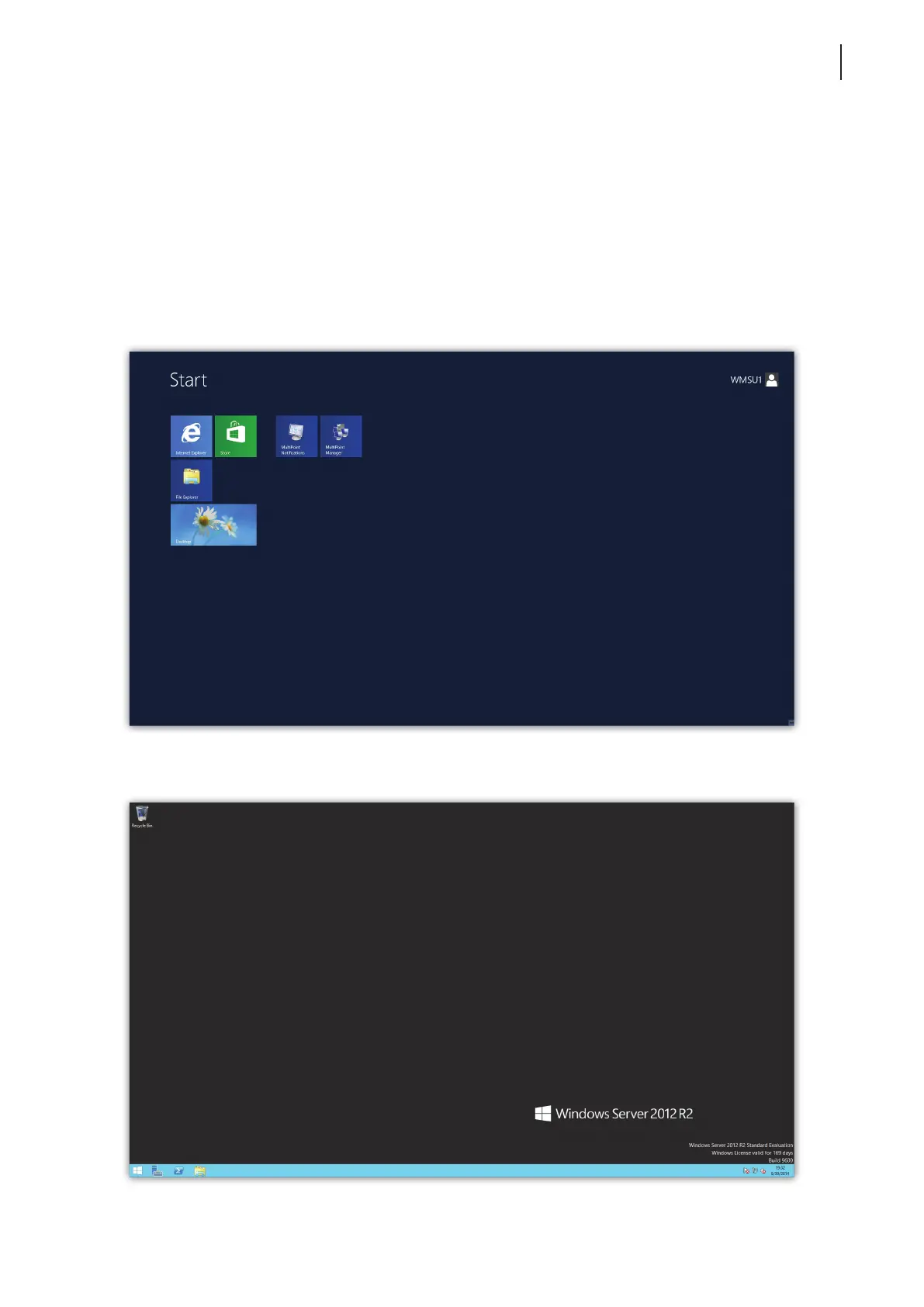
Example: Windows MultiPoint Server 2012
Example: Windows Server 2012



 To Next Page