Conguring Client Settings
Conguring System Settings
42
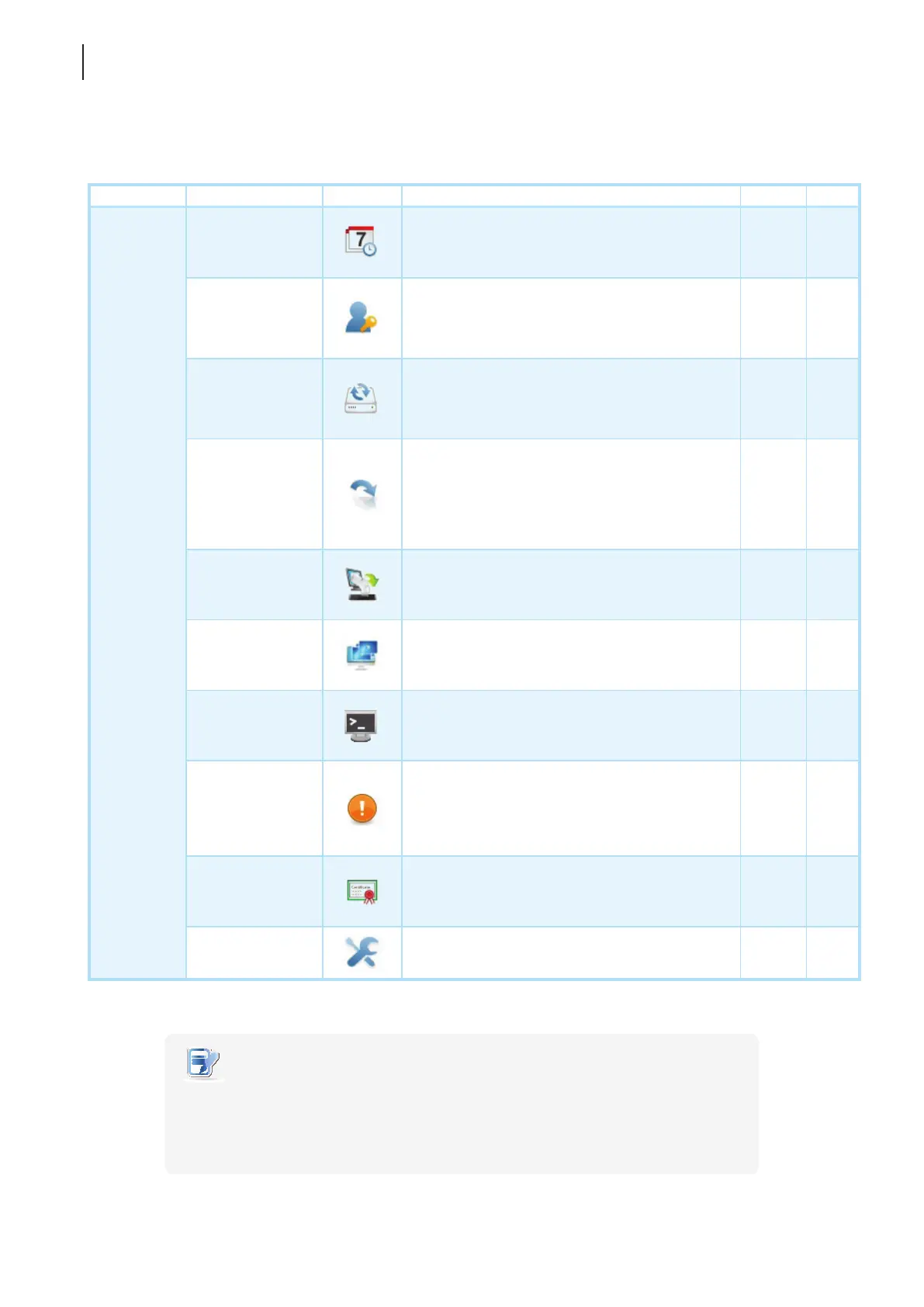
4.2.2 Available Settings at a Glance
Tab Setting Icon Description Section Page
System
Time Zone
Click to congure the time zone and time server
for your t180L/t180LB.
4.2.3 43
Password
Click to congure the access privileges of Atrust
Client Setup for t180L/t180LB users.
Click to congure settings for remote assistance.
4.2.4
4.2.5
44
46
Firmware Update
Click to update rmware through the network.
This feature is applicable to the client only when
the client is managed by the remote Atrust Device
Manager console.
4.2.6 48
Appliance Mode
Click to enable/disable the Appliance mode to
allow/disallow the automatic RDP / ICA / View
sessions. In Appliance mode, the client starts up
directly with the desired RDP / ICA / View session
and performs the congured action after exiting
the session.
4.2.7 50
Auto Setup
Click to enable Auto Setup to allow the client to
get its preset conguration on startup and enter
the desired user environment automatically.
4.2.8 54
Quick Connection
Click to congure the Quick Connection mode.
4.2.9
4.2.10
54
56
Terminal
Click to enable/disable the execution of the
text-based (command-line) functions.
4.2.11 60
Error Report
Click to collect error log and launch the screen
capturing program for error reporting.
Click to upload les to a specied FTP server for
error reporting.
4.2.12
4.2.13
61
63
Certicate
Manager
Click to import or manage certicates for
remote computers.
4.2.14 64
Advanced
Click to congure advanced settings such as
Auto Registration.
4.2.15 68
NOTE
• Atrust Device Manager is a remote and mass client management console,
helping you remotely manage a large number of endpoint devices in a desktop
virtualization infrastructure. For more information about Atrust Device Manager,
please refer to the User’s Manual for Atrust Device Manager.



 To Next Page