Conguring Client Settings
Conguring Service Access Settings
162
4.6.10 Accessing Citrix Services
For Connection Types of StoreFront, VDI-in-a-Box, XenDesktop, XenApp, and Server Connection
To access Citrix services, please do the following:
1. Double click the created (customized) shortcut on the desktop, and then provide your credentials if needed.
2. The desired desktop or application will be displayed on the screen.
For Connection Type of Web Logon
To access Citrix services, please do the following:
1. Double click the created (customized) shortcut on the desktop.
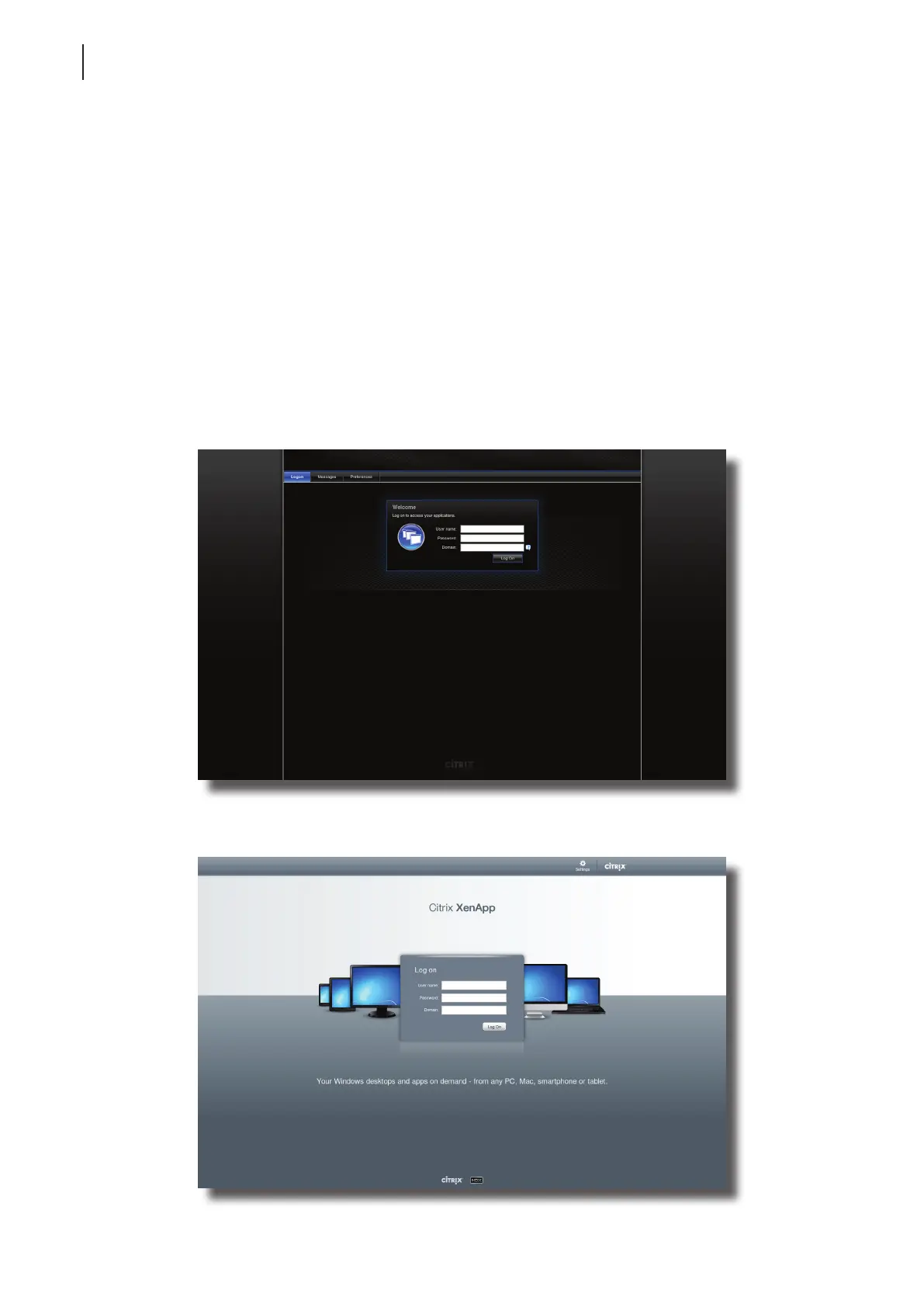
2. The Web browser is launched in full-screen with the Citrix Logon screen.
Citrix Logon Screen Example: XenApp 6.0 Fundamentals
Citrix Logon Screen Example: XenApp 6.5 Platinum



 To Next Page