Overview
LED Indicators
8
1.6 LED Indicators
Your t180L / t180LB is equipped with a Power LED to indicate the state of power. The meanings of LED signals
are described as follows:
LED Signal Meaning
Power LED
Off The client is off.
Orange The client is in System Sleep mode.
Blue The client is on.
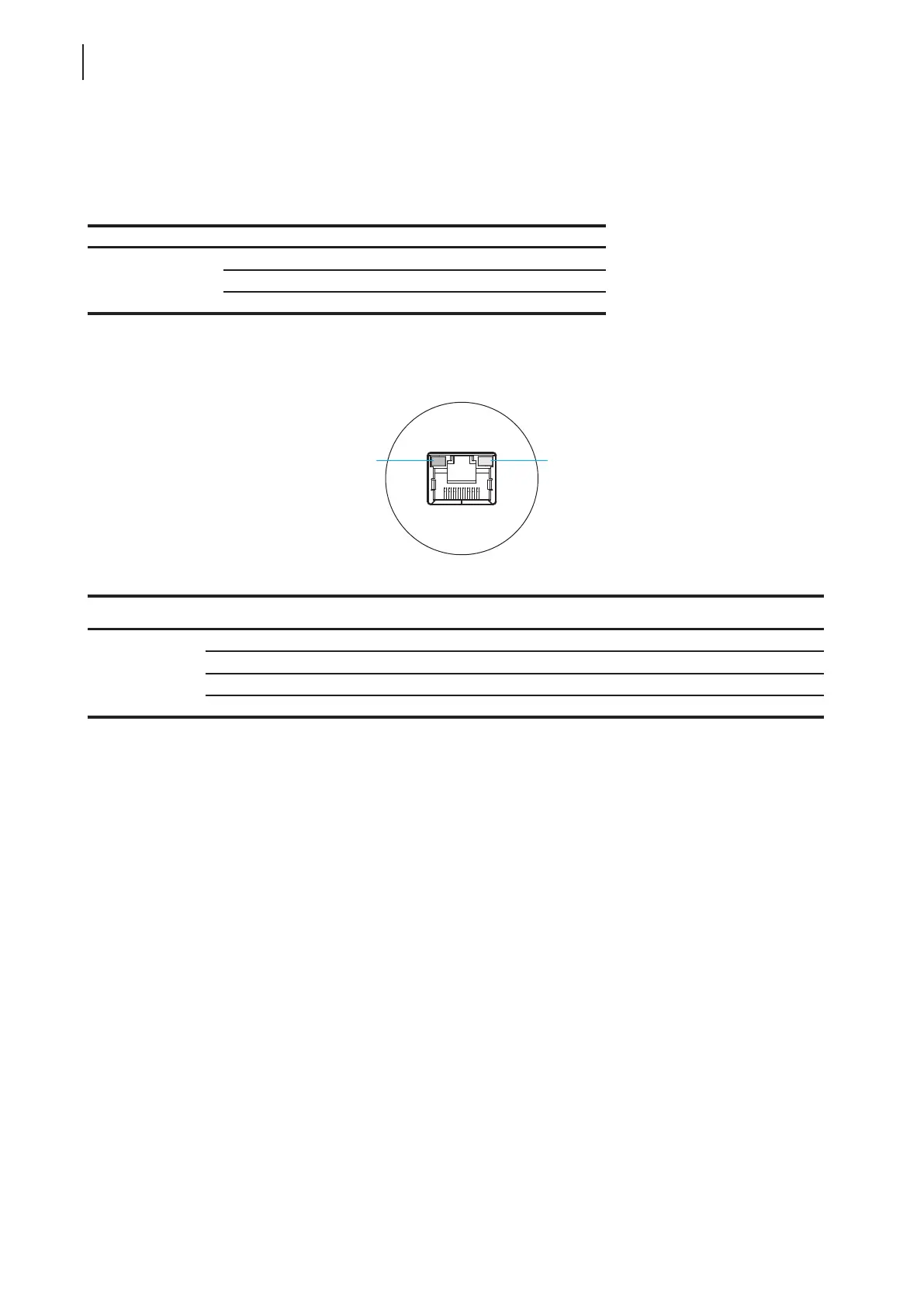
The LAN port of your t180L / t180LB has two LED indicators showing the state of networking. The meanings of
LED signals are described as follows:
SPEED LED
(transmission rate)
LINK/ACT LED
(linking/transmission activity)
Meaning
LED Signal
Off Off The client is not connected to a LAN.
Off Amber blinking The client connects to a 10 Mbps LAN.
Orange Amber blinking The client connects to a 100 Mbps LAN.
Green Amber blinking The client connects to a 1000 Mbps LAN.
SPEED LED LINK/ACT LED



 To Next Page