Conguring Client Settings
Conguring Service Access Settings
198
4.6.12 Conguring Basic VMware View Connection Settings
The VMware View setting enables you to congure View connection settings for VMware View or Horizon View
services and create shortcuts on the local desktop and START menu for service access. You can access on-demand
services for work simply through these shortcuts.
NOTE
• For more information on VMware desktop virtualization solutions, please visit
VMware website at www.vmware.com.
To quickly congure VMware View connection settings, please do the following:
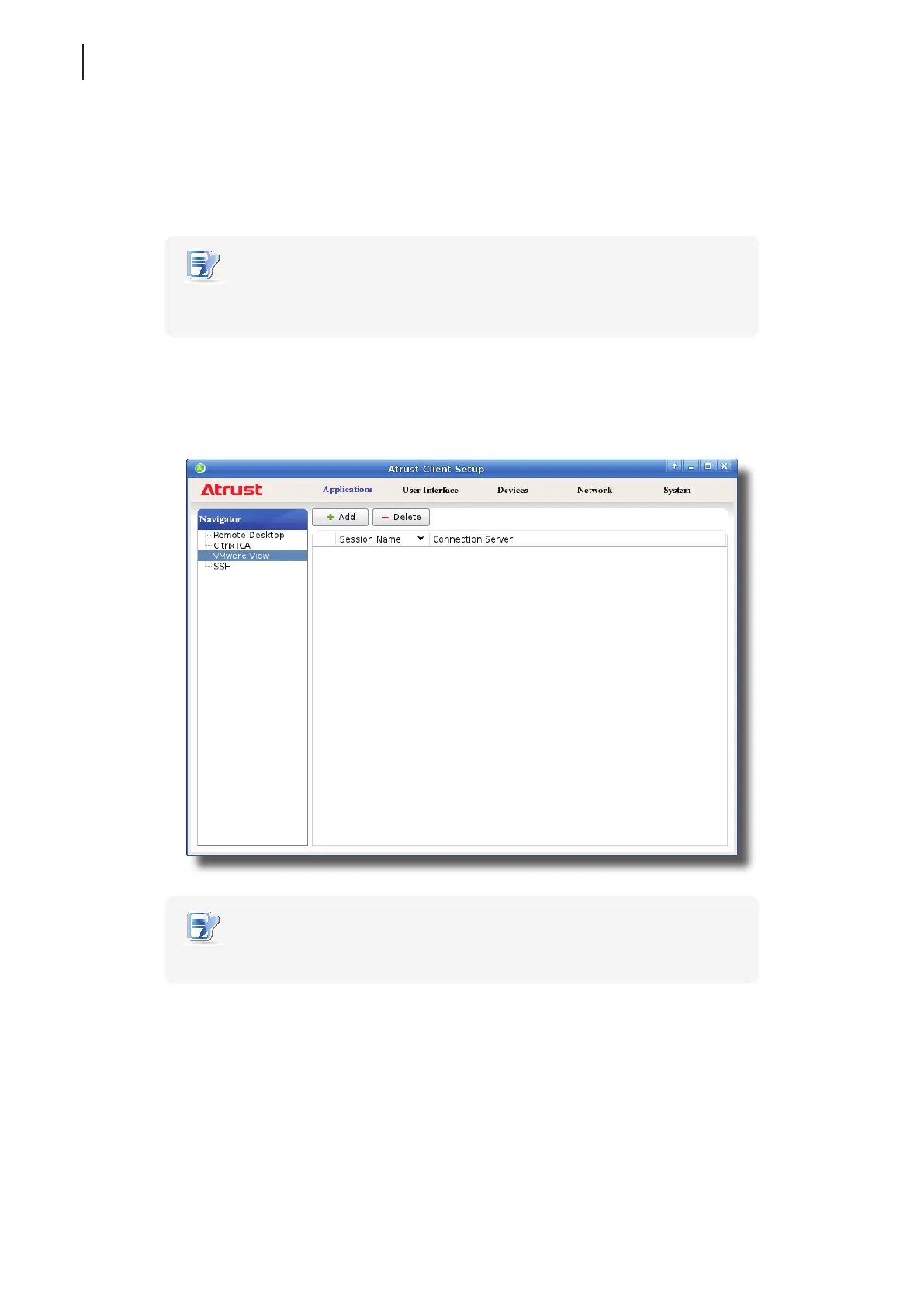
1. On Atrust Client Setup, click Applications > VMware View.
2. The View Connection list appears in the Conguration area.
NOTE
• If you haven’t created any entry, the View Connection list will be empty.
3. Click Add on the top of the View Connection list to add a new entry of View connection.



 To Next Page