Overview
Panel Components
6
1.5 Panel Components
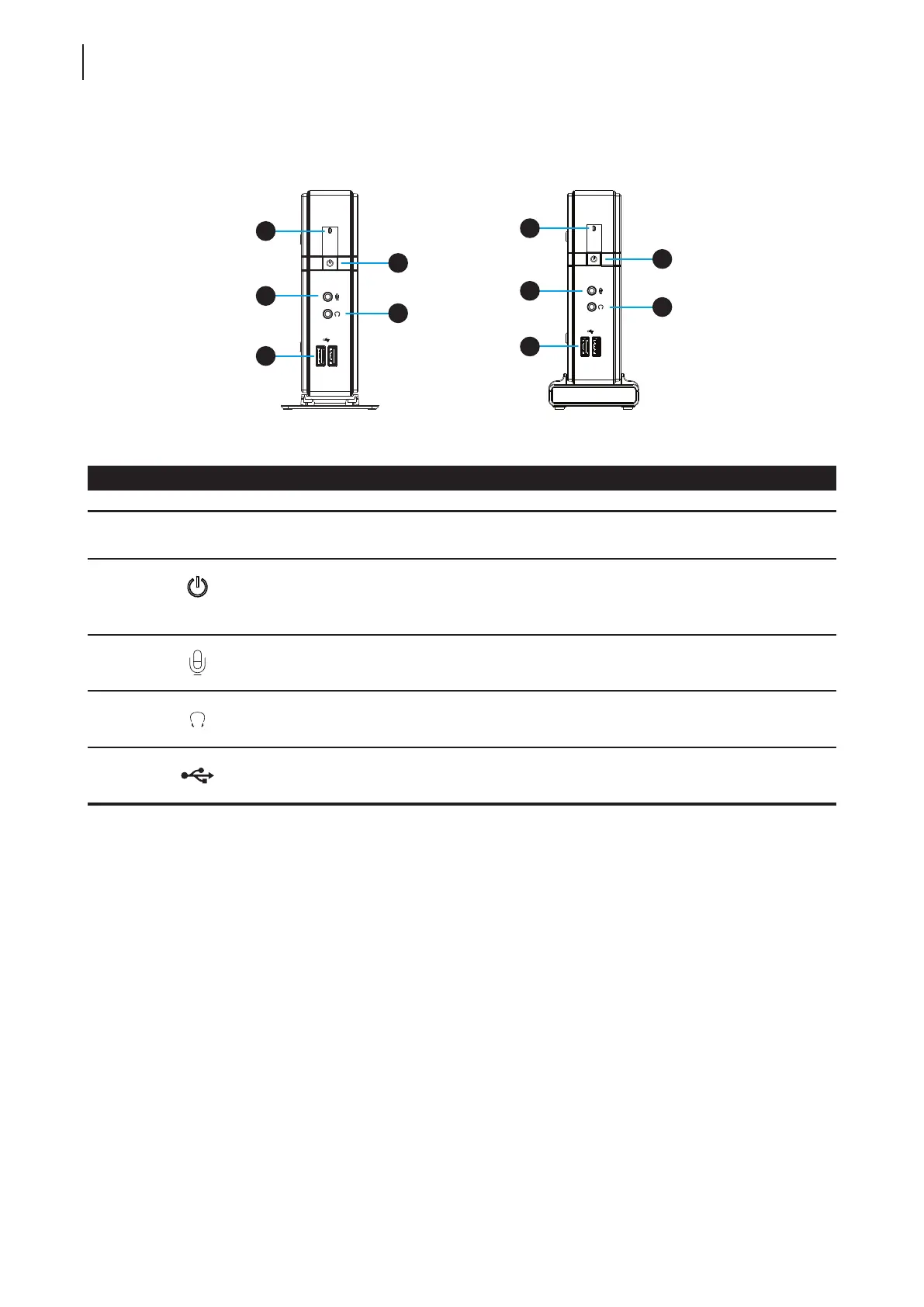
Front Panel Components
No. Sign Name Description
1 Power LED Indicates the status of power.
2
Power button
• Press to turn on the thin client.
• Press to exit the System Sleep mode.
See page 20 for Suspend feature.
• Long press to power off the thin client.
3
Microphone port Connects to a microphone.
4
Headphone port Connects to a set of headphones or a speaker system.
5
USB port
(USB 2.0)
Connects to a USB device.
1
2
3
4
5
1
2
4
5
3



 To Next Page