Getting Started
Learning the Basics
23
Topic 4: Accessing Desktops or Applications
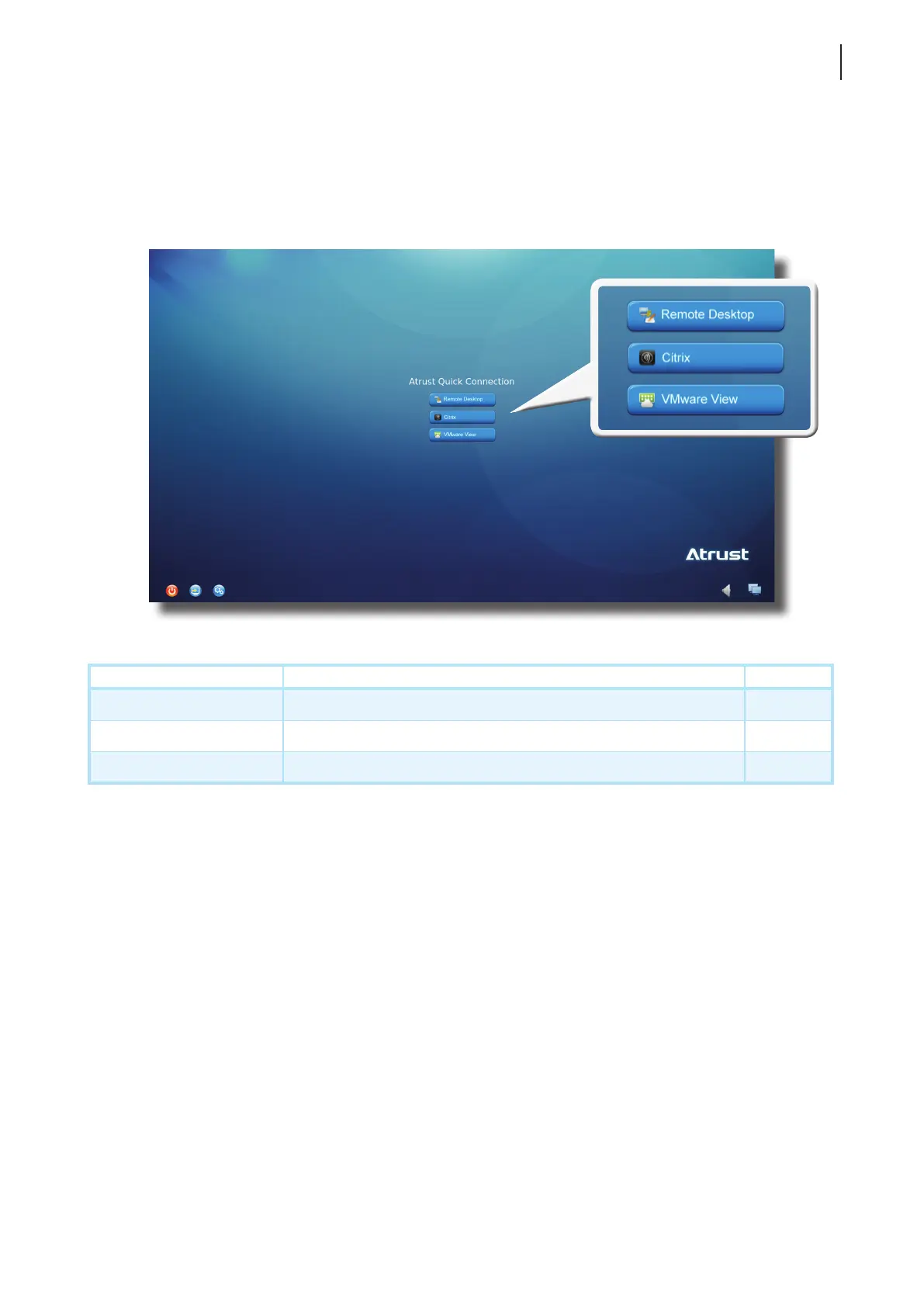
Through Atrust Quick Connection screen, you can access three types of desktop virtualization services:
Remote Desktop, Citrix, and VMware View.
Icon Description Page
Remote Desktop Click to access Microsoft Remote Desktop services. 24
Citrix Click to access Citrix XenApp, XenDesktop, or VDI-in-a-Box services. 25
VMware View Click to access VMware View or Horizon View services. 34
Atrust Quick Connection Screen



 To Next Page