Conguring Client Settings
Conguring External Device Settings
82
4.4.2 Available Settings at a Glance
Tab Setting Icon Description Section Page
Devices
USB Storage
Click to congure settings for USB storage devices.
4.4.3
4.4.4
82
83
Audio
Click to congure settings for audio devices.
4.4.5
4.4.6
84
85
Printer
Click to add local or network printers.
4.4.7
4.4.8
86
89
4.4.3 Conguring Settings for USB Storage Devices
To congure settings for USB storage devices, please do the following:
NOTE
• To access locally attached USB storage devices in a local or virtual session, you need
to congure appropriate settings under this setting item.
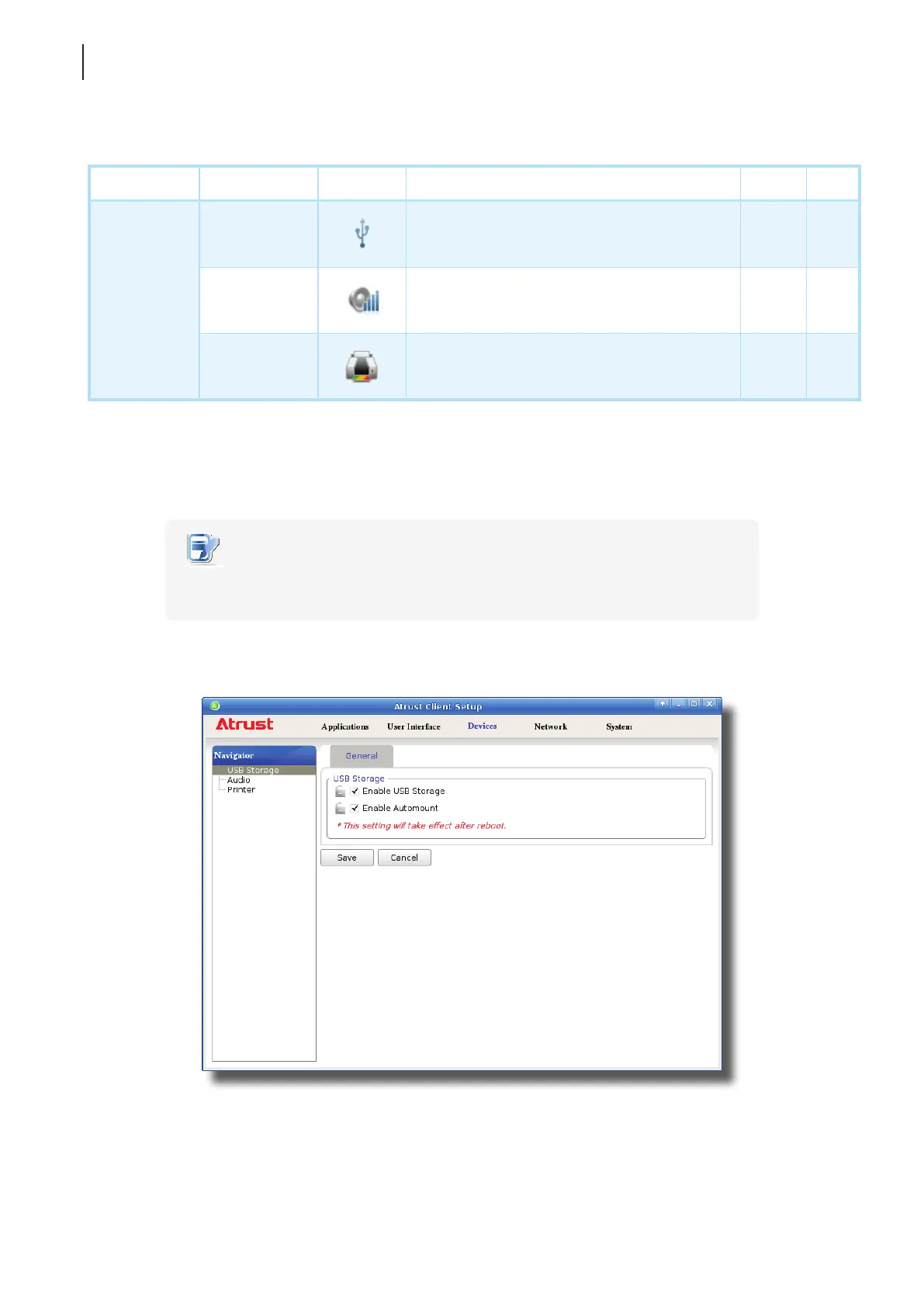
1. On Atrust Client Setup, click Devices > USB Storage.
2. Tick/untick the checkboxes to choose the desired settings.



 To Next Page