Conguring Client Settings
Conguring Network Settings
112
4.5.14 Conguring Proxy Settings for Web-based Access to Services
To congure proxy settings for Web-based access to services, please do the following:
NOTE
• Settings available here are only applicable to services that use Web-based access,
such as (Microsoft) Remote Web Access and (Citrix) Web Logon connection types.
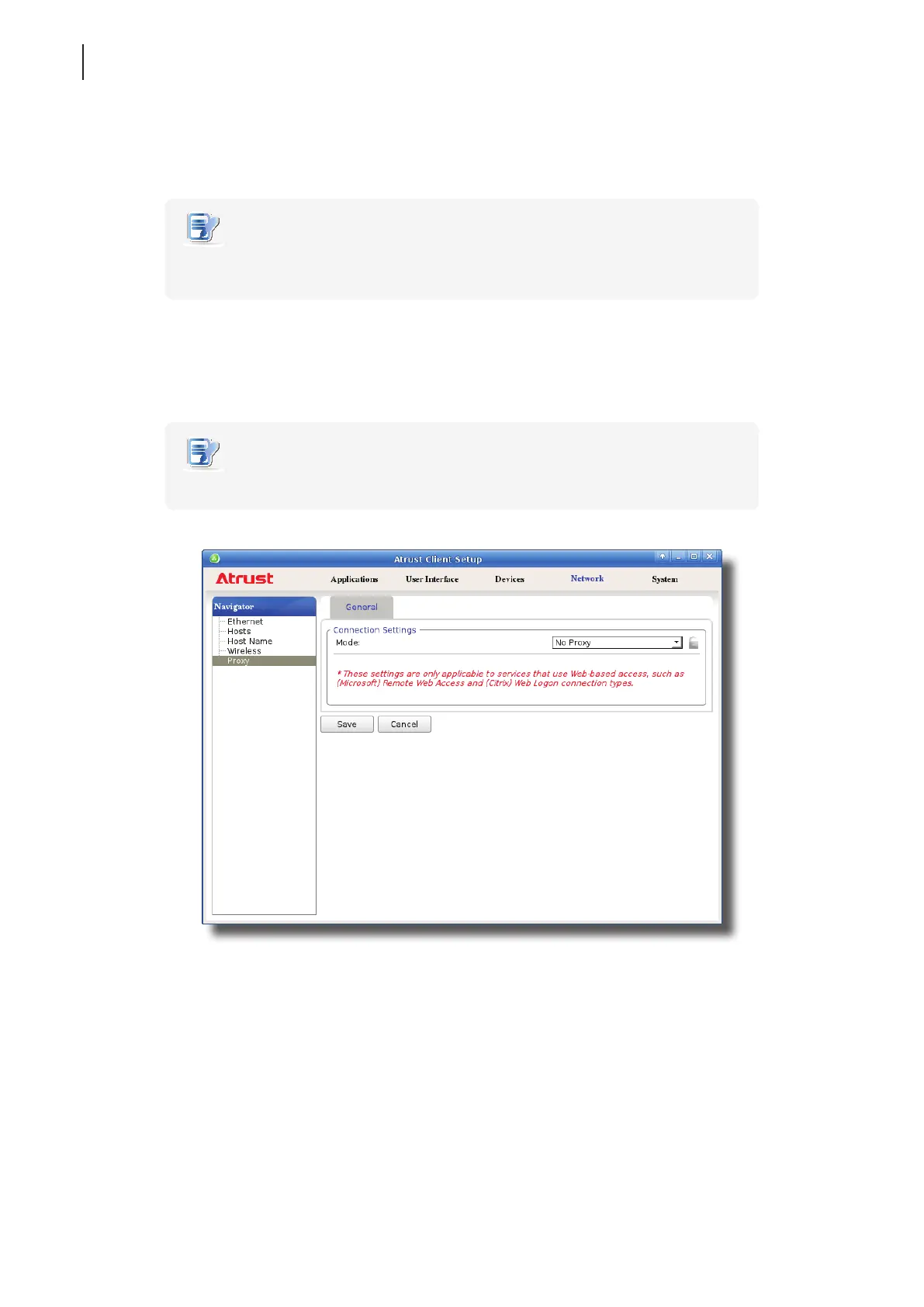
1. On Atrust Client Setup, click Network > Proxy.
2. Click the Mode drop-down menu to select the desired conguration mode. Four modes are available:
No Proxy, Auto-detect proxy settings, Manual proxy conguration, and Auto proxy conguration.
NOTE
• The setting items will vary with the selected mode.



 To Next Page