Conguring Client Settings
Conguring Network Settings
104
4. Repeat steps 2 though 3 to add another new entry.
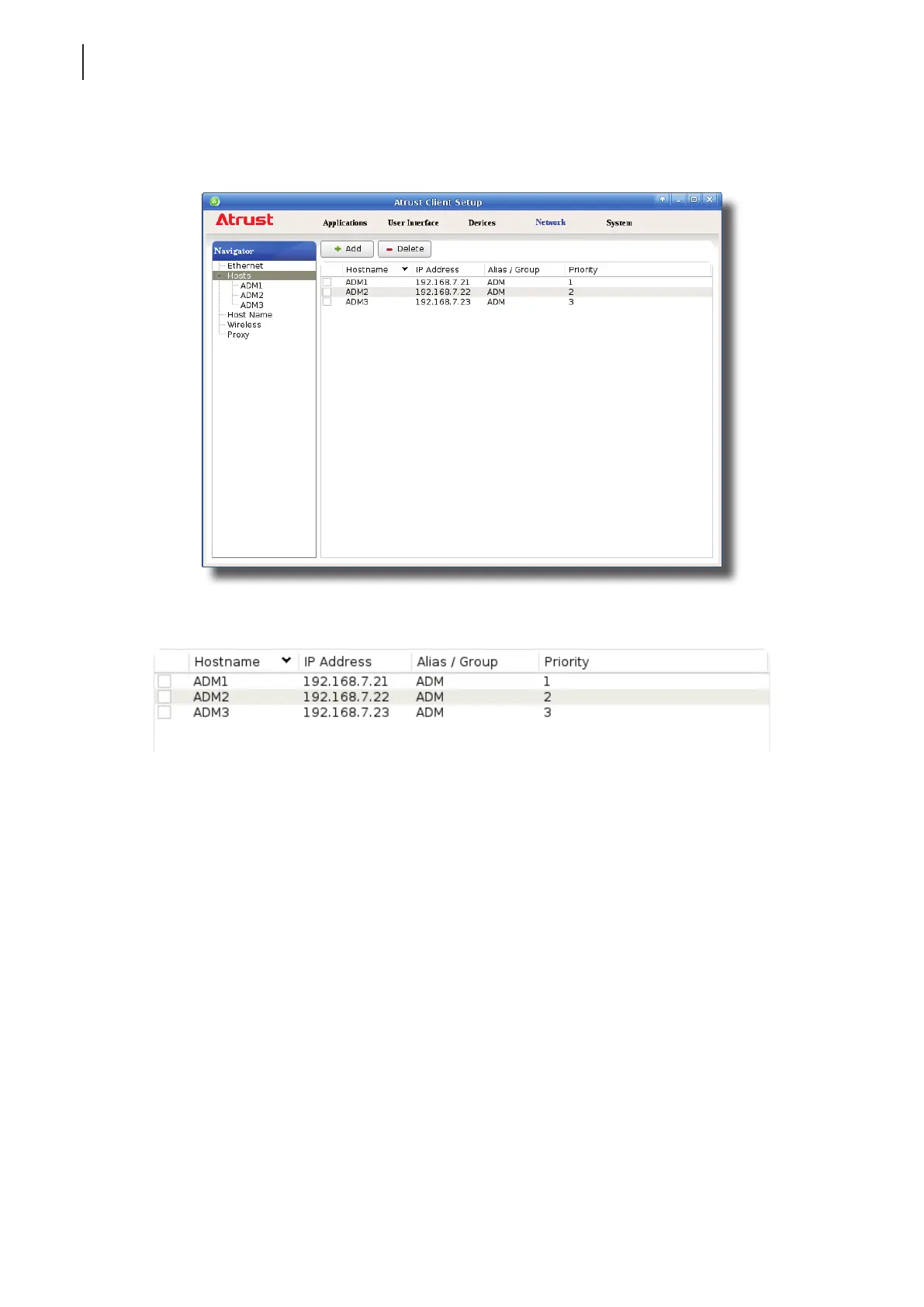
5. All added entries appear on the Host list.
6. Your t180L/t180LB will follow the given priority order while connecting to this failover cluster (group).
Managing the Failover Cluster List
To manage the Host list, please do the following:
1. On Atrust Client Setup, click Network > Hosts to open the Host list.
2. Select to manage entries on the Host list.
• To adjust the settings of an entry, double click the entry, or check o an entry, and then click the Edit
button on the top of the Host list.
• To delete an entry, check o the entry, and then click Delete on the top of the Host list.
• To delete multiple entries, check o all the desired entries, and then click Delete. A window appears
prompting for conrmation. Click Yes to conrm.



 To Next Page