Conguring Client Settings
Conguring External Device Settings
87
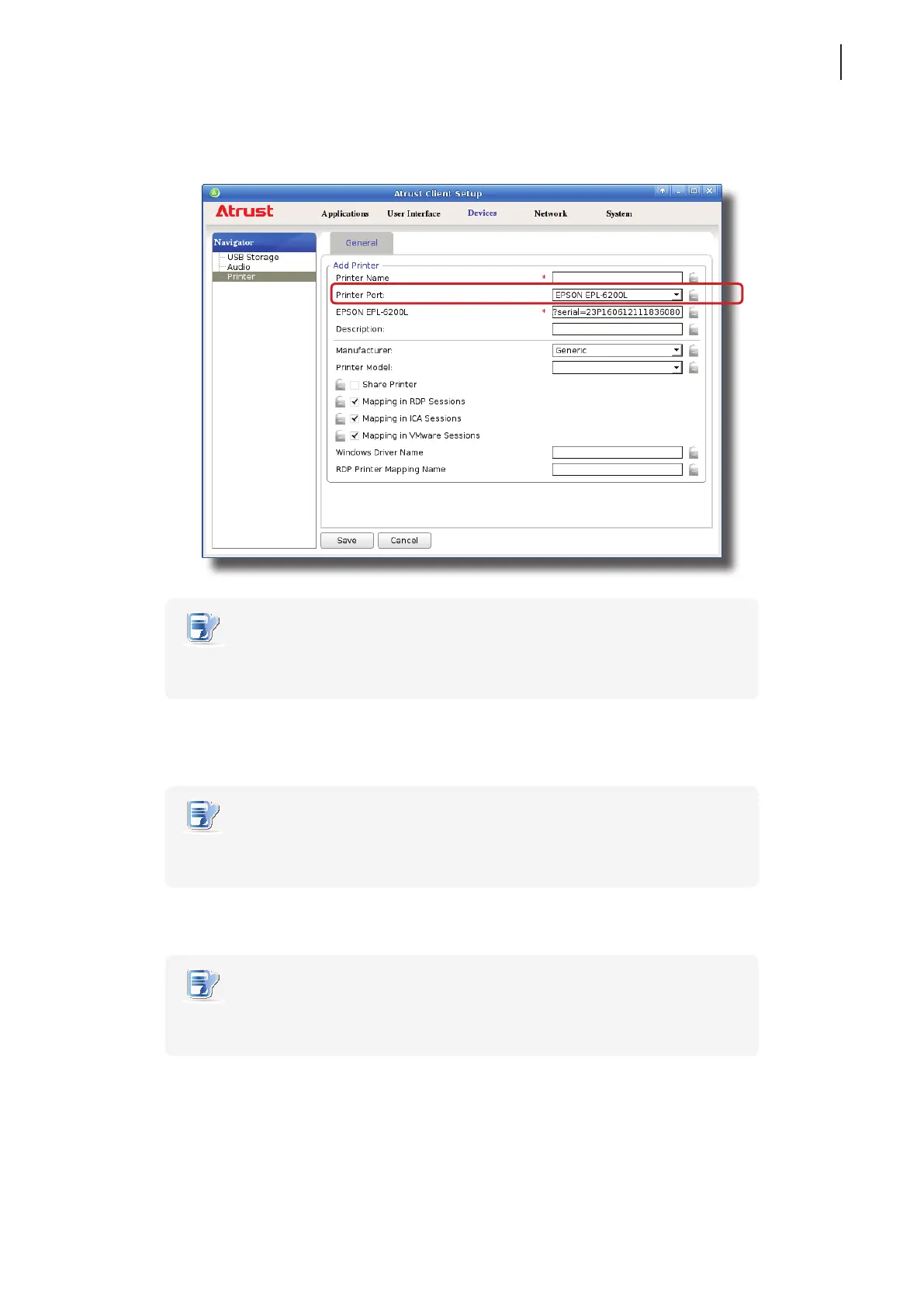
8. A eld for the selected printer appears and the printer URI (Uniform Resource Identier) data is automatically
lled out in the eld.
NOTE
• A URI (Uniform Resource Identier) is a sequence of characters that is used to
identify a resource on the Internet.
9. Click the Manufacturer and Printer Model drop-down menus to select the manufacturer and model for the
attached local printer.
NOTE
• For the printer to operate normally, you need to specify the correct information in
these two menus. Otherwise, the printer would fail to work.
10. Refer to the following table to congure desired settings.
NOTE
• You may need to provide the Windows driver name for your printer. For details,
please refer to descriptions in the table.
11. Type the desired printer name, and then click Save to apply.



 To Next Page