217
NOTE
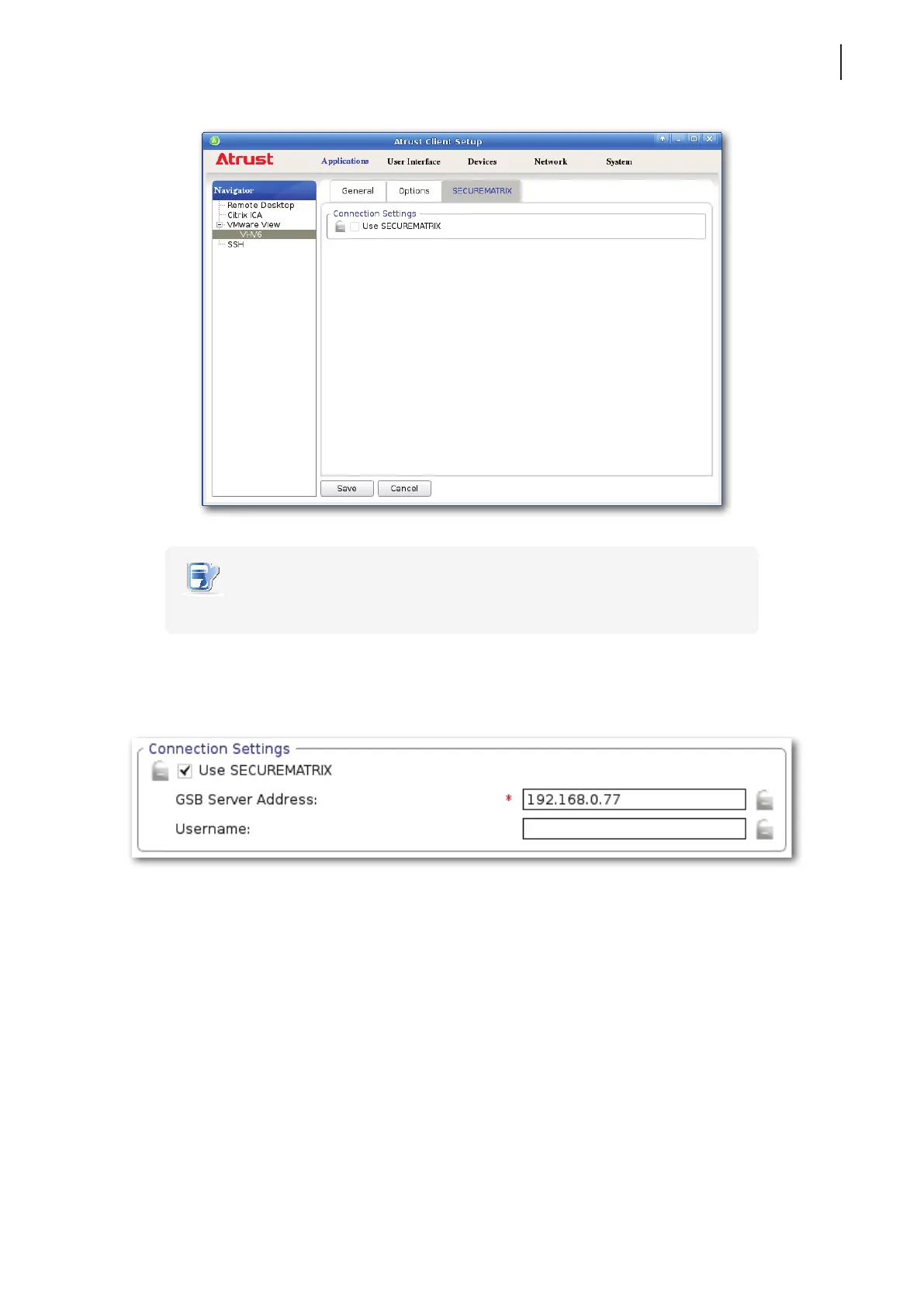
• By default, SECUREMATRIX authentication is disabled.
5. Two elds appear for you to provide SECUREMATRIX related information. Type the server address of GSB
server (the server for SECUREMATRIX authentication service).
6. Congure other connection settings if needed, and then click Save to conrm.
7. The access shortcuts will be created on the local desktop and START menu.



 To Next Page