218
Using SECUREMATRIX Authentication in VMware Connections
When SECUREMATRIX is enabled in your VMware connection, follow the steps and instructions below to use
SECUREMATRIX authentication:
1. Click the shortcut on the local desktop or START menu.
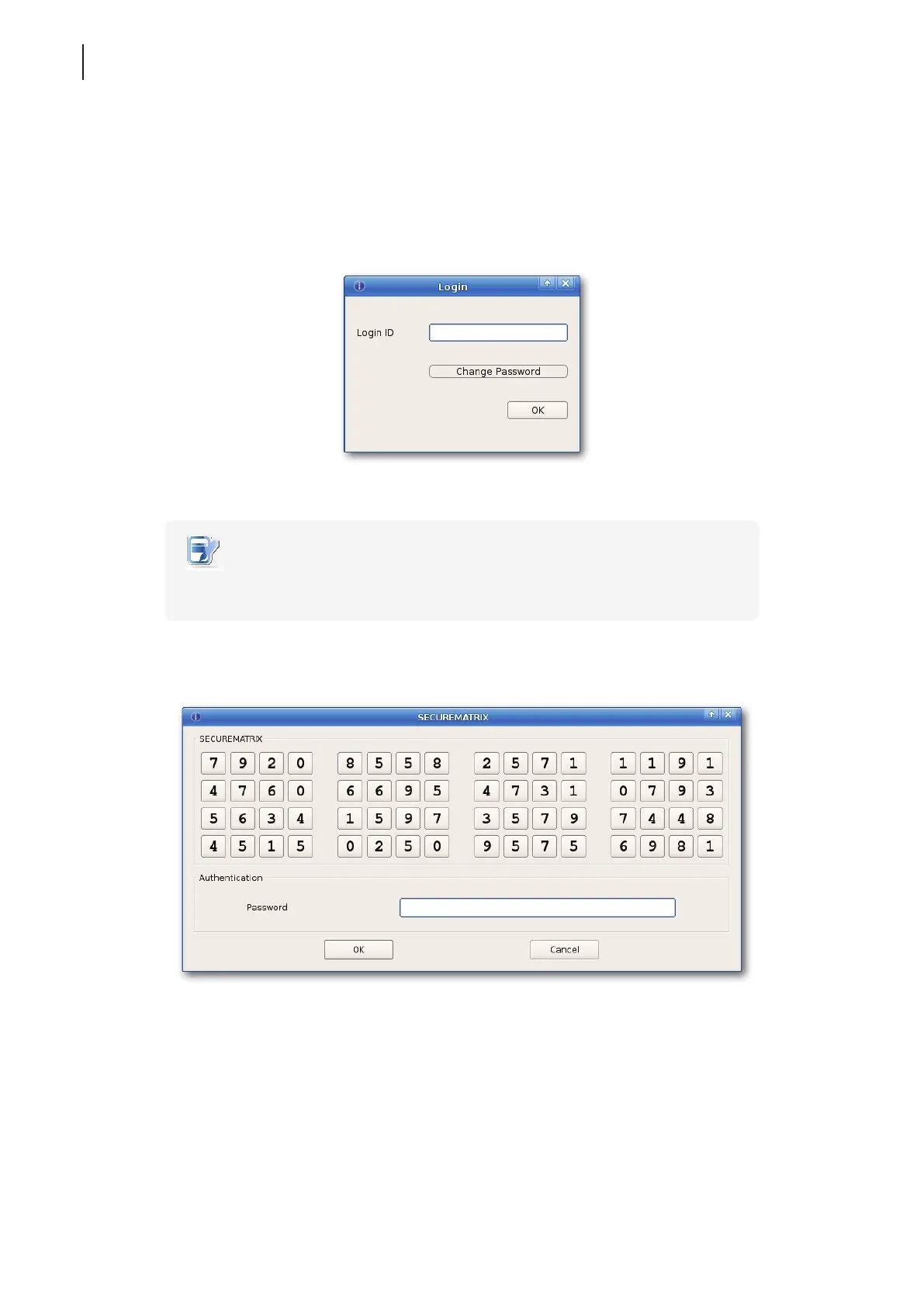
2. A window appears to prompt for the Login ID of SECUREMATRIX authentication.
3. Type your Login ID, and then click OK to conrm.
NOTE
• To change your password pattern, click Change Password. For details, please see
“Changing Your Password Pattern for SECUREMATRIX Authentication” on page 221.
4. The SECUREMATRIX window appears prompting for the password.
5. Type numbers under your password pattern using the keyboard or click numbers directly on the window,
and then click OK to conrm.



 To Next Page