221
Changing Your Password Pattern for SECUREMATRIX Authentication
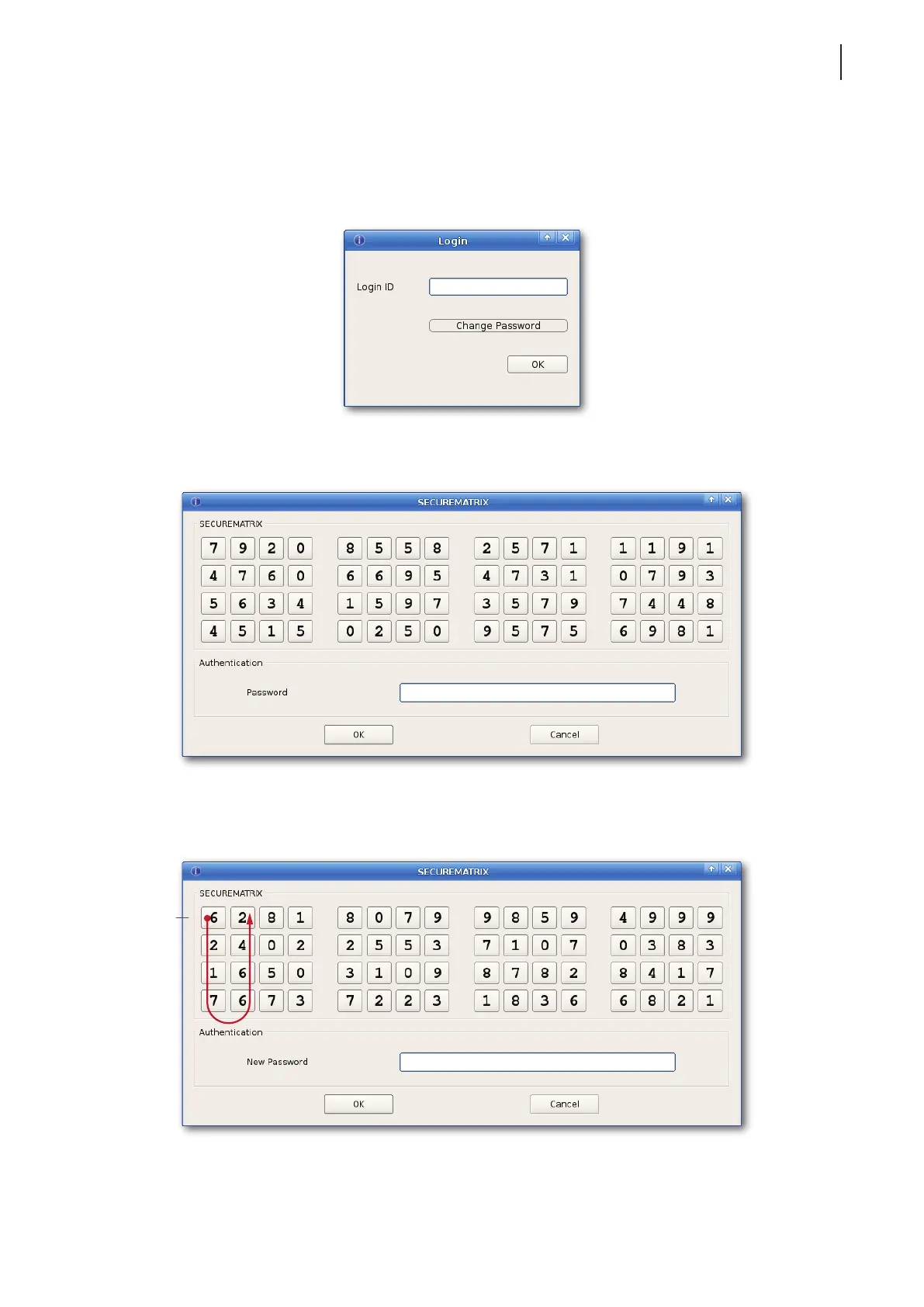
To change your password pattern for SECUREMATRIX authentication, please do the following:
1. On the window prompting for the Login ID as shown, type your Login ID, and then click Change Password.
2. Type or click numbers under your old password pattern, and then click OK to continue.
3. Type or click numbers under your new password pattern, and then click OK to continue.
Your new
password pattern,
for example



 To Next Page