Conguring Client Settings
Conguring System Settings
67
Importing certicates from Atrust Device Manager through the network
To import certicates from Atrust Device Manager through the network, please do the following:
NOTE
• Before proceeding, ensure that (1) your thin client has been added into a managed
group in the management console, that is, Atrust Device Manager, and that (2) you
have imported certicates into the management console.
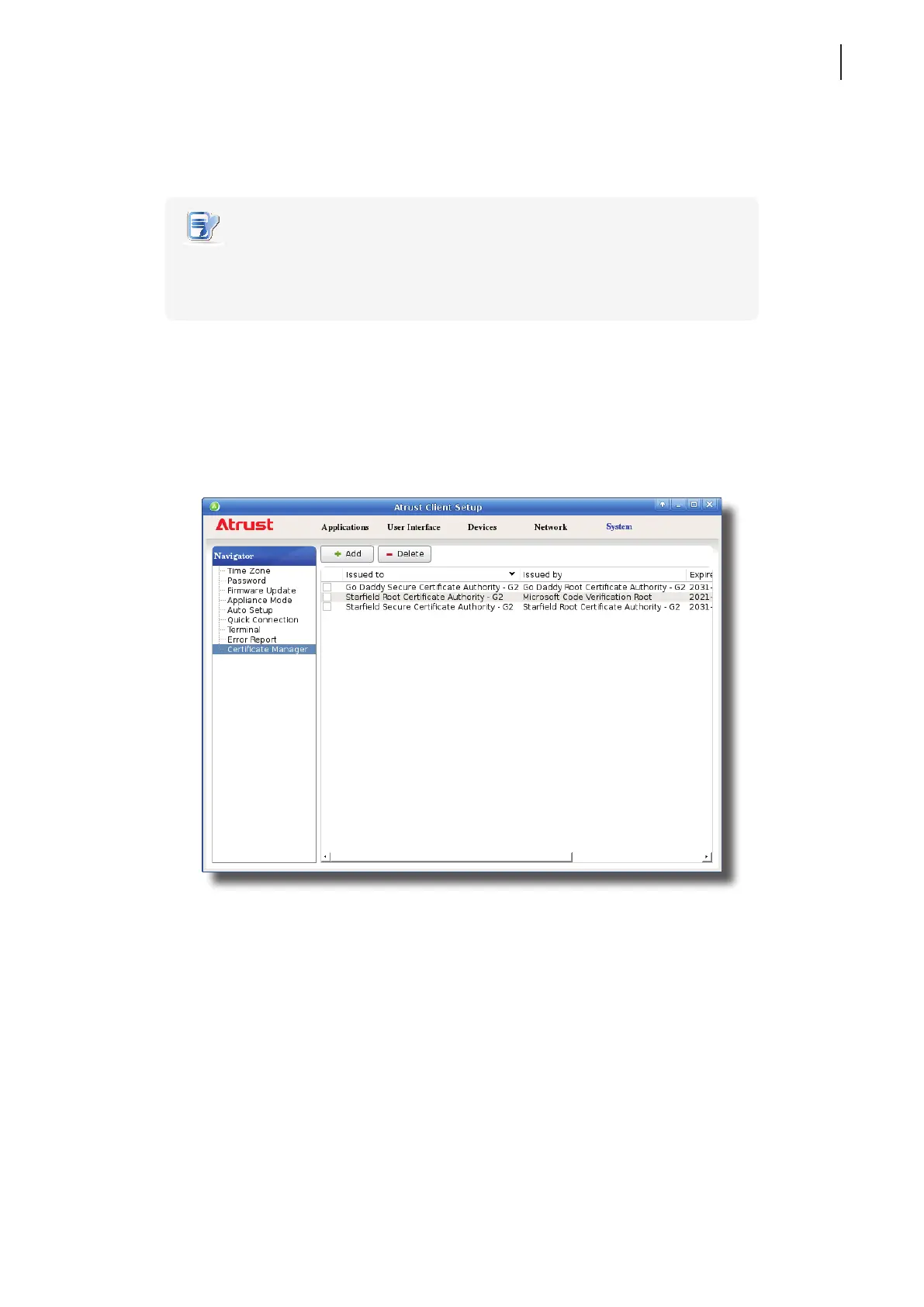
1. On Atrust Client Setup, click System > Certicate Manager.
2. Click Add on the top of the Certicate list.
3. In the From Atrust Device Manager section, click Import to start importing all certicates available in
Atrust Device Manager.
4. On completion, the certicates are shown in the Certicate list.



 To Next Page