Conguring Client Settings
Conguring Network Settings
102
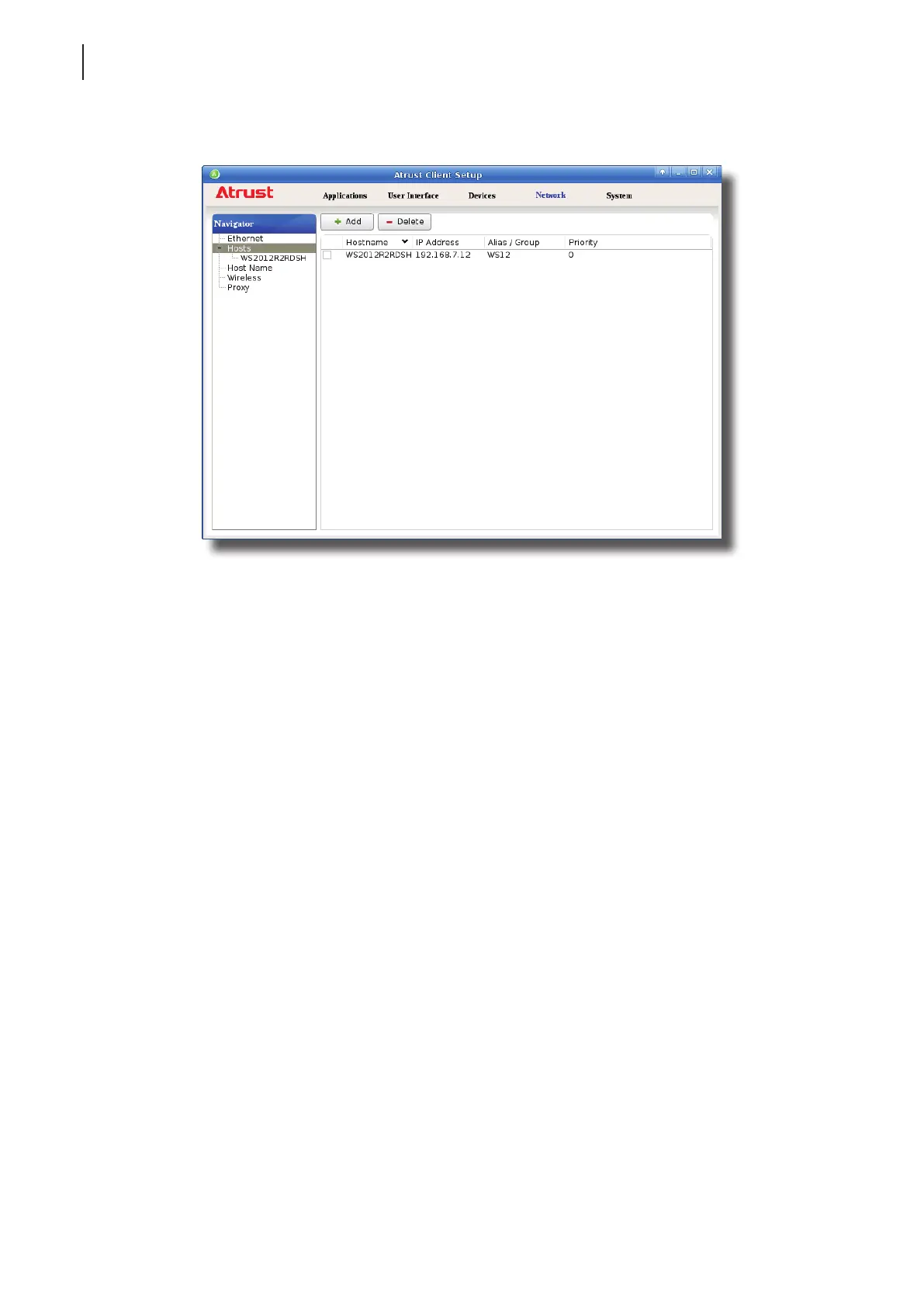
4. The newly added entry appears in the Host list.
5. Repeat steps 2 through 3 to add another new entry.
6. Now you can use the name or alias of a host instead of its IP address wherever you need to specify an IP
address on Atrust Client Setup while conguring client settings.
Managing the Mapping List
To manage the Mapping list, please do the following:
1. On Atrust Client Setup, click Network > Hosts to open the Host list.
2. Select to manage entries on the Host list.
• To adjust the settings of an entry, double click the entry, or check o an entry, and then click the Edit
button on the top of the Mapping list.
• To delete an entry, check o the entry, and then click Delete on the top of the Mapping list.
• To delete multiple entries, check o all the desired entries, and then click Delete. A window appears
prompting for conrmation. Click Yes to conrm.



 To Next Page