Conguring Client Settings
Conguring Service Access Settings
164
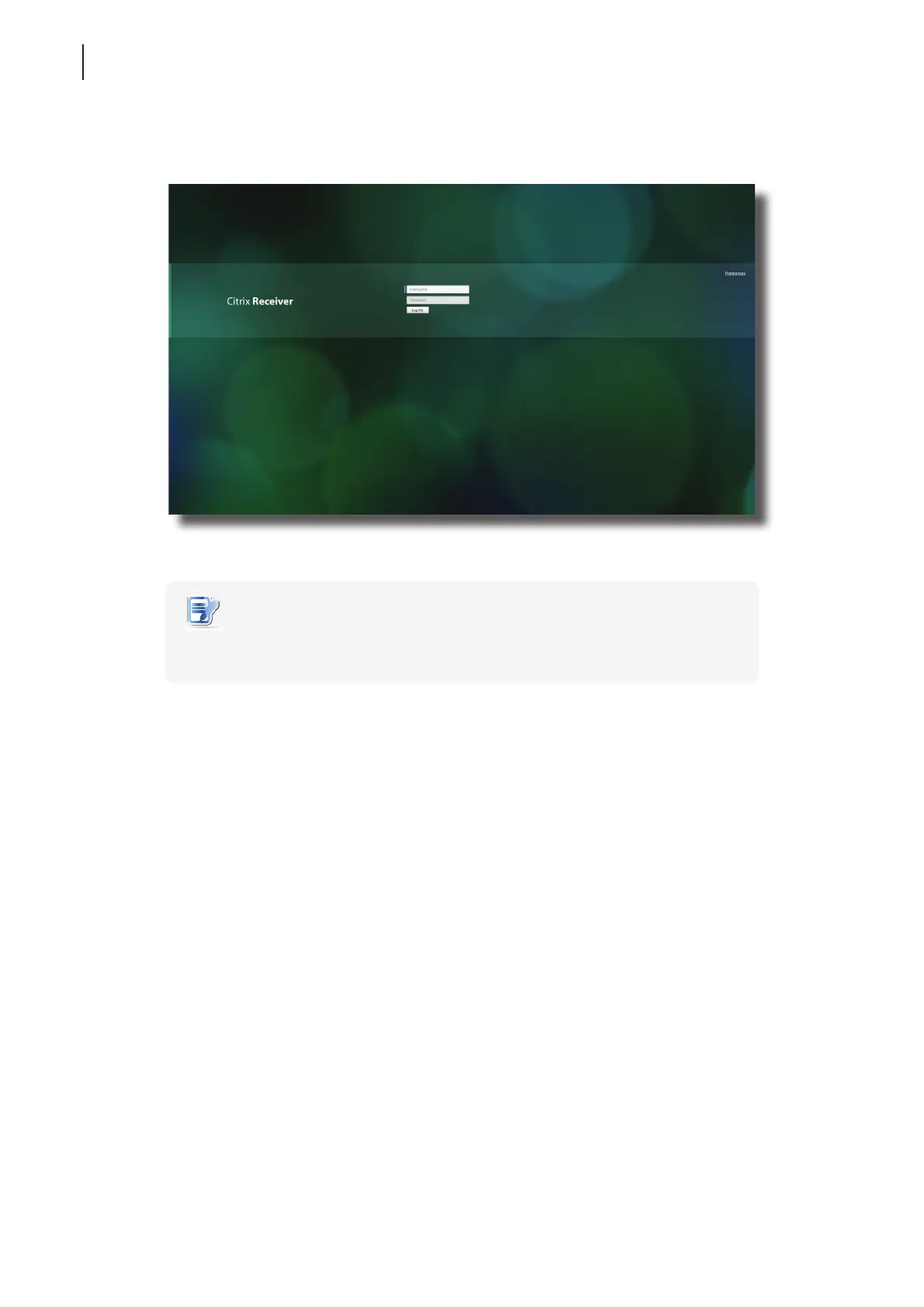
3. Type in the required credentials, and then click Log On.
NOTE
• If your XenApp server doesn’t belong to any domain, type in the server name in the
Domain eld instead.
Citrix Logon Screen Example: XenApp and XenDesktop 7.5 Platinum



 To Next Page