Conguring Client Settings
Conguring Service Access Settings
201
6. The selected desktop or application will be displayed on the screen.
NOTE
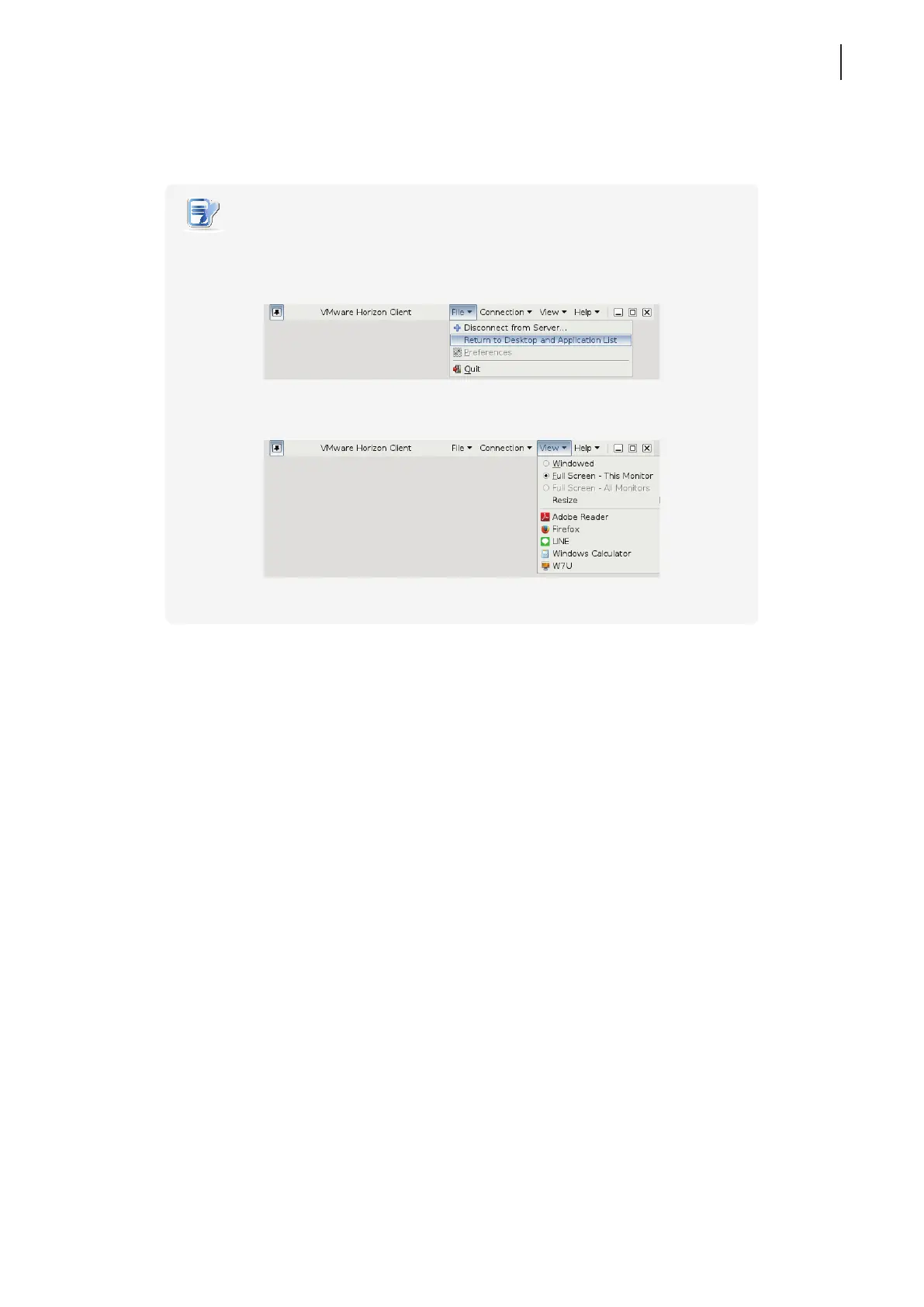
• Your desktop or application will be displayed in full screen. You can:
Click File > Return to Desktop and Application List on the top tool bar to
recall the Desktop and Application list.
Click View on the top tool bar to switch to a virtual desktop or application.



 To Next Page