Conguring Client Settings
Conguring Service Access Settings
208
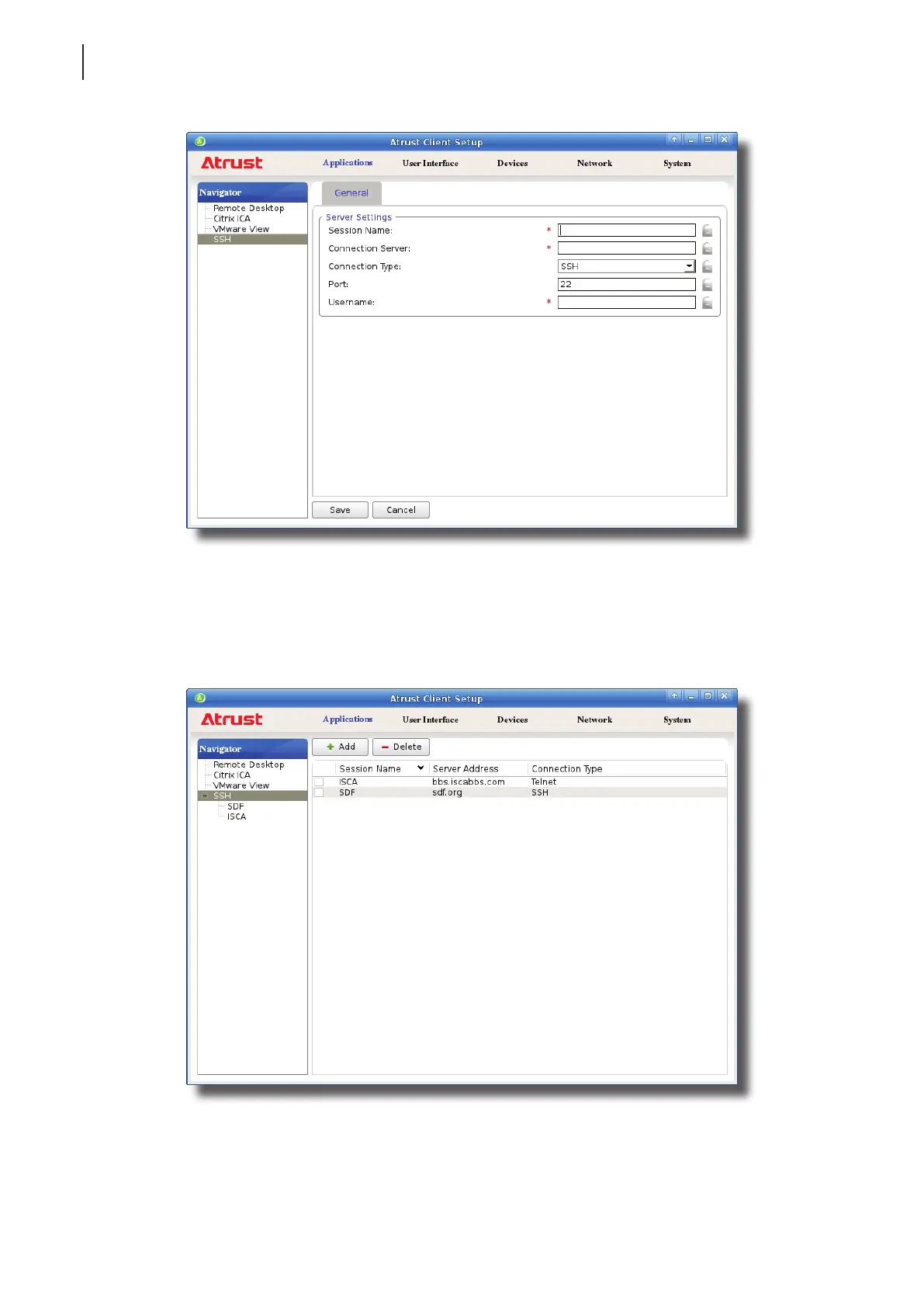
4. Click the drop-down menu to select the desired connection type. Two types are available: SSH and Telnet.
5. Type in the desired session name, the computer name or IP address of the remote server, the user name, and
then click Save to conrm.
6. The new entry is added to the SSH Connection list and the access shortcuts are automatically created
on the local desktop and START menu.



 To Next Page