Getting Started
Learning the Basics
27
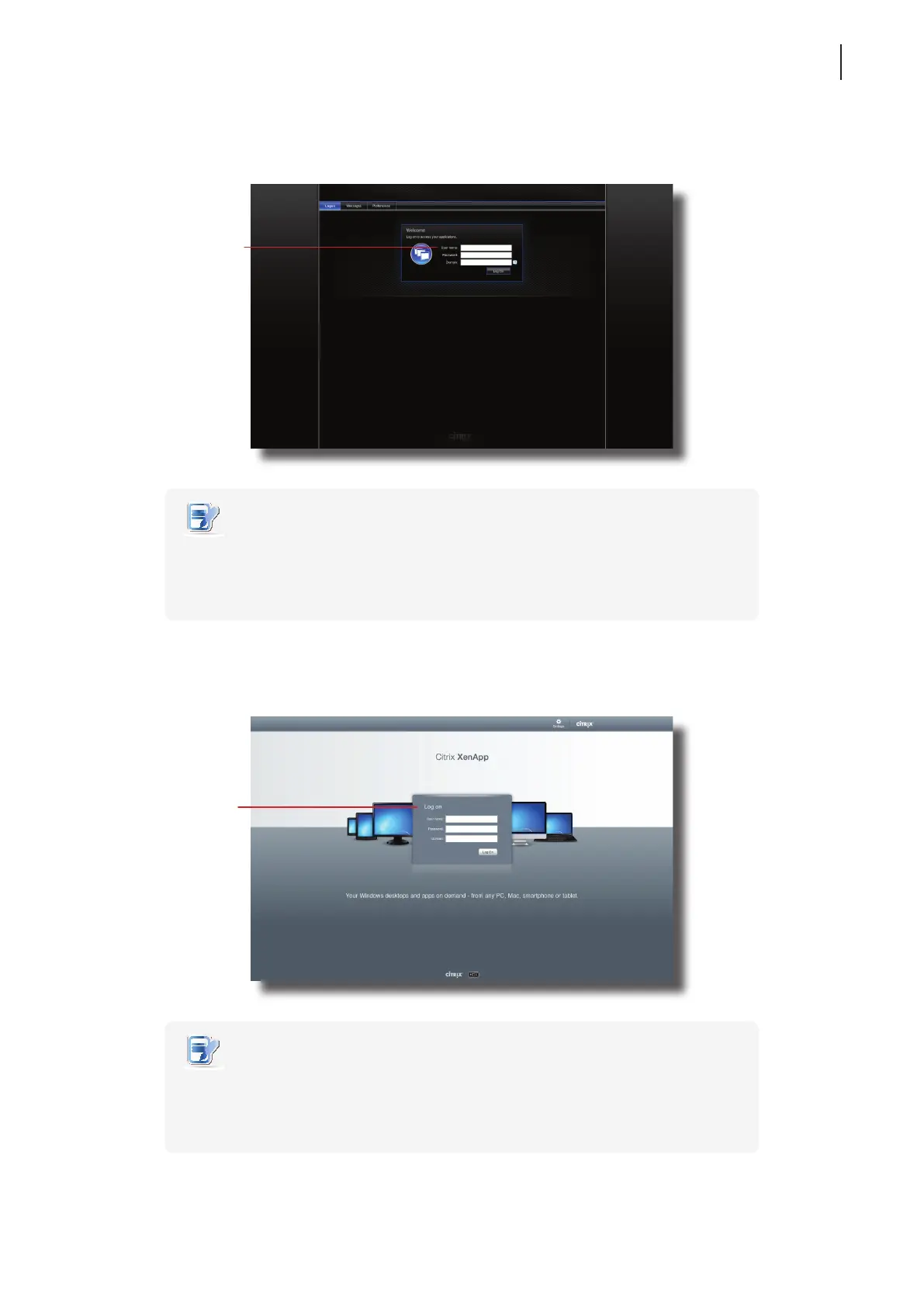
XenApp 6.0 Fundamentals:
NOTE
• To return to Atrust Quick Connection screen, press Esc.
• If your XenApp server doesn’t belong to any domain, type the computer name of
the server in the Domain eld.
XenApp 6.5 Platinum:
NOTE
• To return to Atrust Quick Connection screen, press Esc.
• If your XenApp server doesn’t belong to any domain, type the computer name of
the server in the Domain eld.
Citrix Logon Screen
Type the required
user name, password,
domain, and then click
Log On to access
virtual applications.
Citrix Logon Screen
Type the required
user name, password,
domain, and then click
Log On to access
virtual applications.



 To Next Page