Getting Started
Learning the Basics
29
Accessing Virtual Desktops and Applications
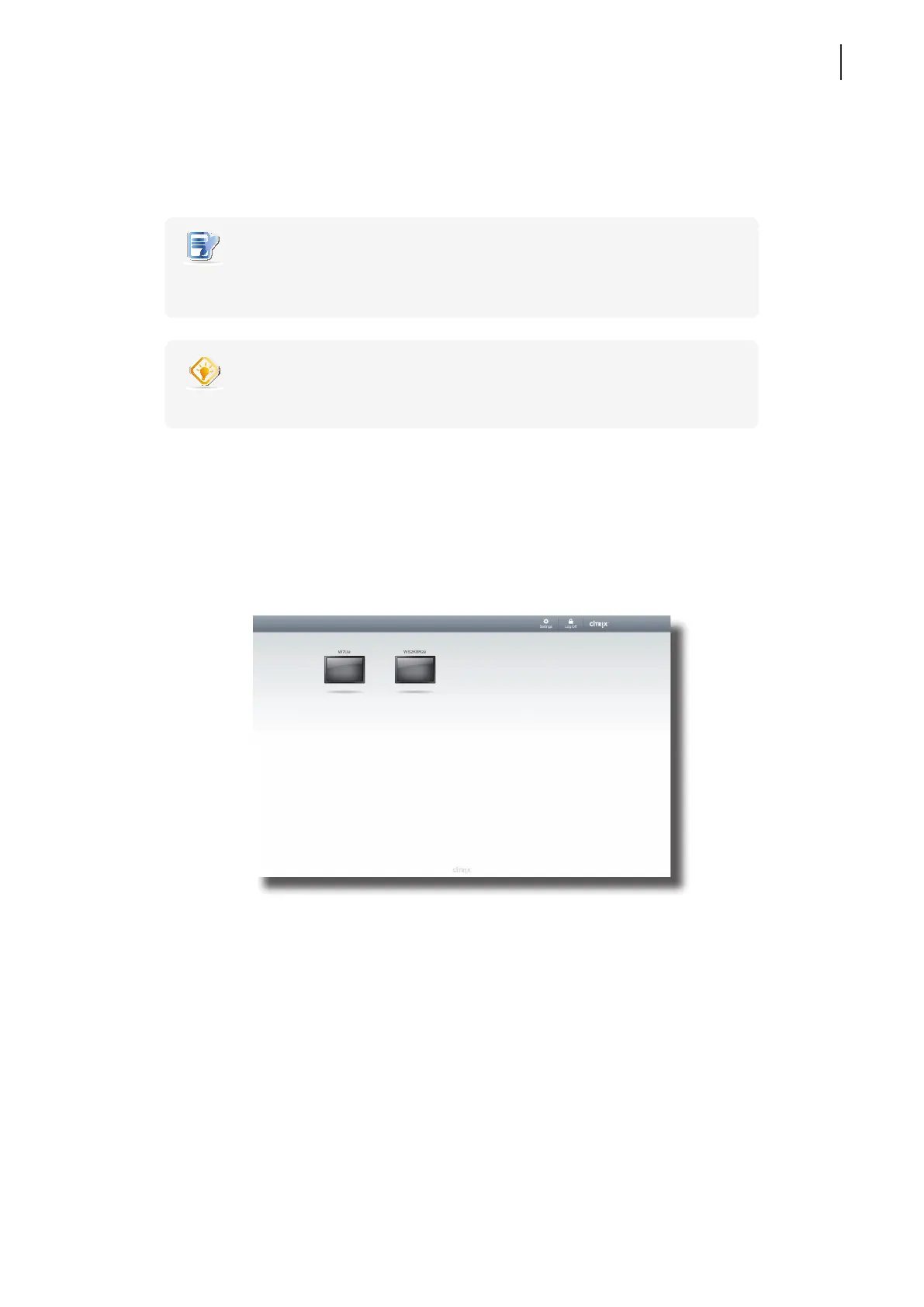
You will enter the Desktop Selection or Application Selection screen after logon. On the screen you can click to select
the desired desktop or application(s).
NOTE
• You might enter the virtual desktop directly if only one type of virtual desktop is
assigned to the provided credentials.
TIP
• Use Alt + Tab to select and restore a hidden or minimized application or desktop.
The following are some examples of Selection screens and delivered desktops and applications.
XenDesktop 5.6 Platinum:
1. The Desktop Selection screen appears after logon.
2. Click to select the desired desktop.
3. The selected virtual desktop will be displayed on the screen.
Desktop Selection Screen



 To Next Page