Conguring Client Settings
Conguring System Settings
47
NOTE
• On a remote computer, an administrator will need this password to use the Shadow
feature (remote assistance) with the Atrust Device Manager console. For more
information, please refer to the User’s Manual of Atrust Device Manager.
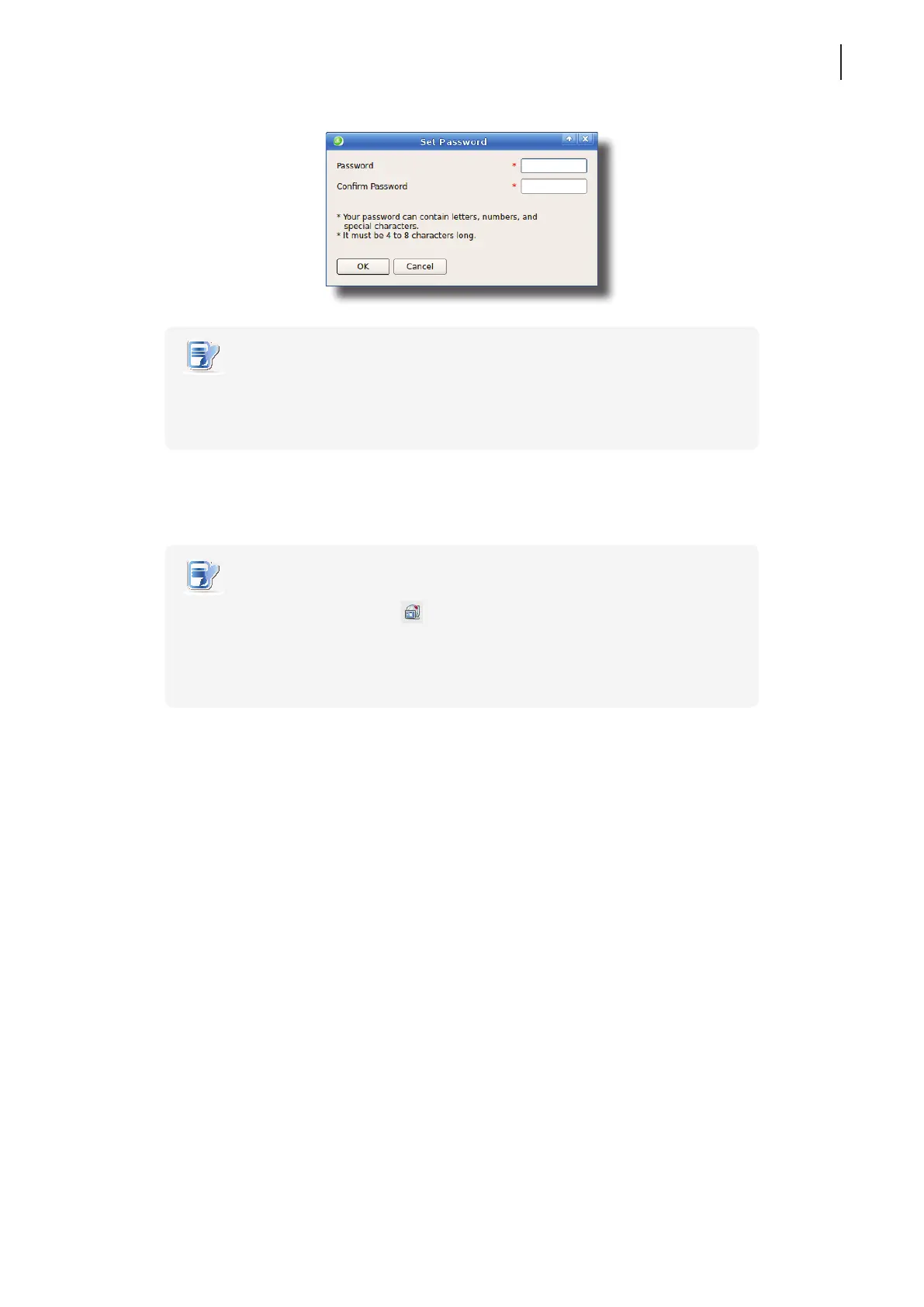
4. Type in the desired password, and then click OK to conrm.
5. Click Save to save all the changes.
NOTE
• When the Shadow feature is performed from a remote Atrust Device Manager, on
the target client, an icon
appears on the Taskbar of the local Linux desktop
and a notication pops up in the bottom-right corner. If you are under the Quick
Connection mode (the default for t180L/t180LB thin clients), a notication would
pop up in the upper-left corner on Atrust Quick Connection screen.



 To Next Page