103
B.2.4 Exit from Remote Operation Mode to Host Operation Mode
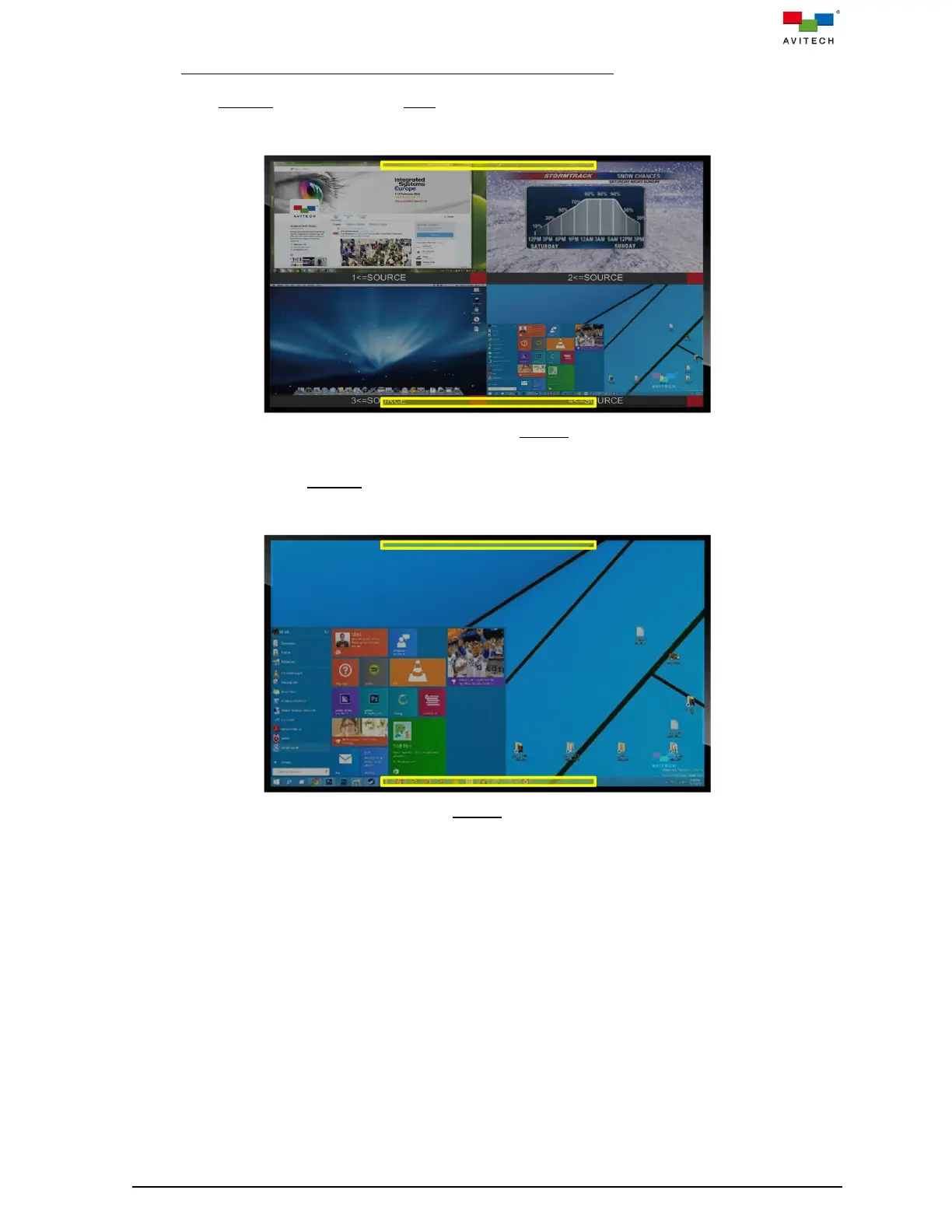
To exit from Remote operation mode to Host operation mode, press within half inch of the upper or lower
edges of the touch screen and hold for approximately two (2) seconds. Figure B.2.4.1 figure indicates
these areas with the yellow rectangles.
Figure B.2.4.1 Touch Screen: Exit Remote Operation Mode
To exit from (Fullscreen) Remote operation mode, press within half inch of the upper or lower edges of
the touch screen and hold for approximately two (2) seconds. Figure B.2.4.2 indicates these areas with
the yellow rectangles.
Figure B.2.4.2 Touch Screen: Exit Remote Operation Mode (When in Fullscreen)



 To Next Page