49
4.1.1 Multiview Layout
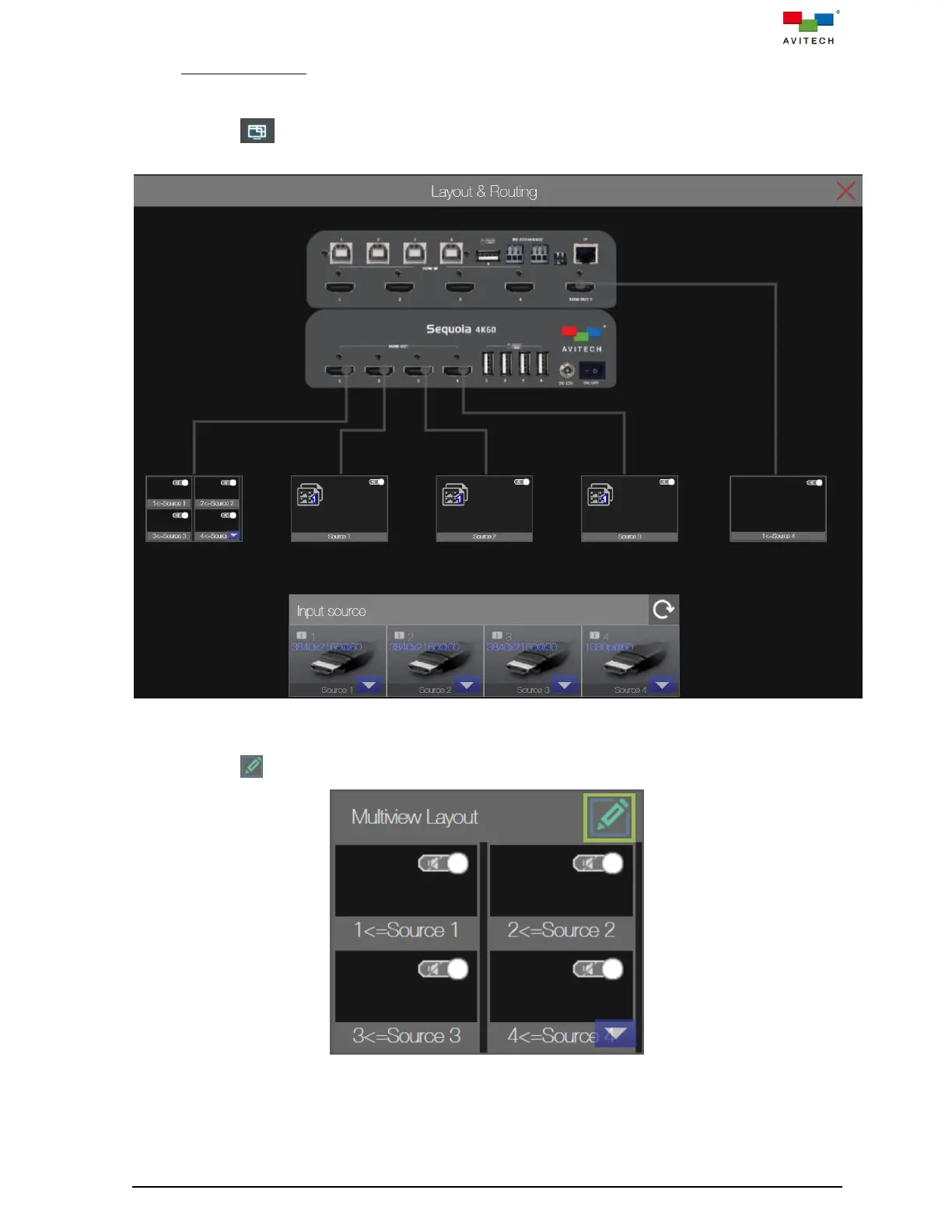
To adjust the multiview layout, perform the following steps:
Step 1. Locate Layout & Routing icon on the main page and click it, the Layout & Routing page
will appear.
Figure 4.1.1.1 Web Browser-based GUI: Layout & Routing
Step 2. Locate (upper right) on the Multiview Layout window and click it.
Figure 4.1.1.2 Web Browser-based GUI: Multiview Layout



 To Next Page