95
Appendix A Using the “Surfer” Feature
The “Surfer” feature is designed to make it easy to control multiple remote computer windows. Simply
moving the mouse to the window of another computer will allow the Sequoia’s keyboard and mouse to
control that computer.
By default, the “Surfer” feature is enabled upon starting up the Sequoia 4K60. For computers hosting
Linux, or Android, or Embedded Operating System, you will need to switch off “Surfer” feature by using
keyboard “Ctrl + Alt + Shift + F8” hotkey or pressing side-key of the mouse (if applicable) in order to
control that computer.
A.1 “Surfer” Feature on Uniform Quad Layout Fills Entire Screen
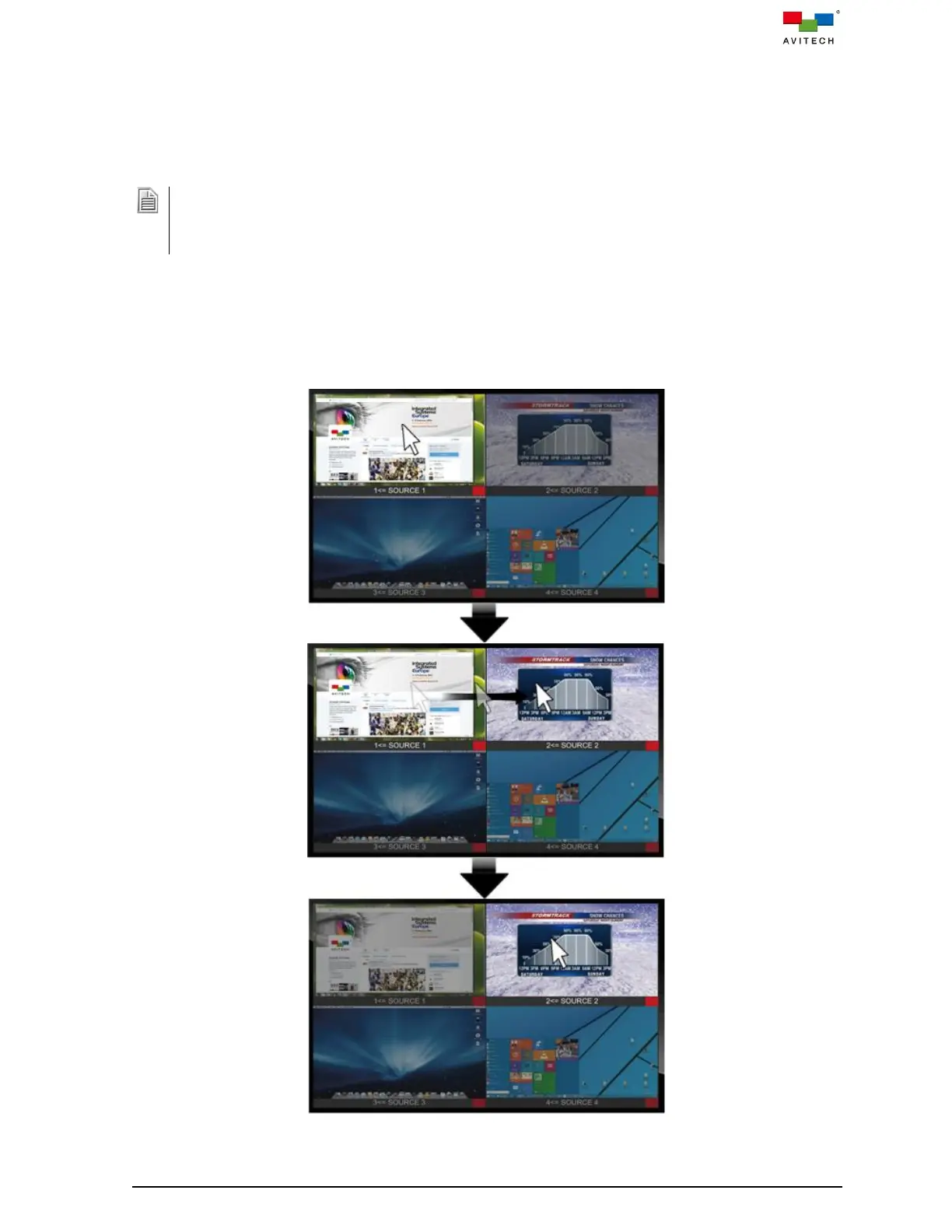
Below figure shows the “Source” window control switching action upon moving the mouse to the
window side. Moving the mouse from one “Source” window to another transfers control from the
former window to the target window.
Figure A.1.1 “Surfer” Feature



 To Next Page