104
B.2.5 Switch Control (Cycle) Between Windows
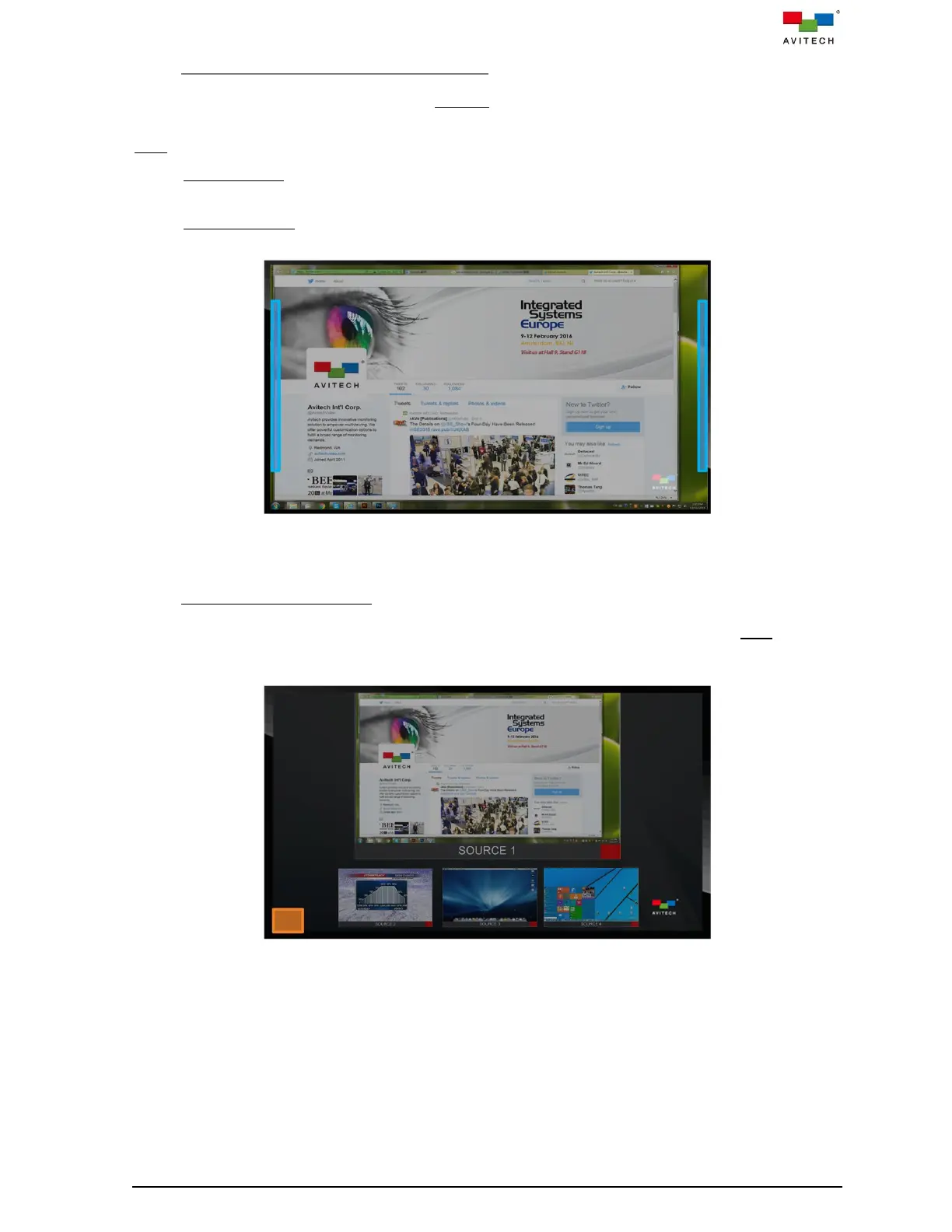
To switch Source (cycle) while in fullscreen Remote operation mode, press within half inch of the left or
right edges of the touch screen and hold for approximately two (2) seconds.
Note: Figure B.2.5.1 indicates these areas with the blue rectangles.
Cycle Forward: press right side of screen:
window 1
window 2
window 3
window 4
window 1
Cycle Backward: press left side of screen:
window 1
window 4
window 3
window 2
window 1
Figure B.2.5.1 Touch Screen: Switch Sources in Fullscreen Mode
B.2.6 Returns to Default Layout
To switch the four windows’ size and position back to its default layout (only available in Host mode),
press within the area shown in below figure and hold for approximately two (2) seconds. Figure B.2.6.1
figure indicates these areas with the orange square.
Figure B.2.6.1 Touch Screen: Return to Default Layout



 To Next Page