94
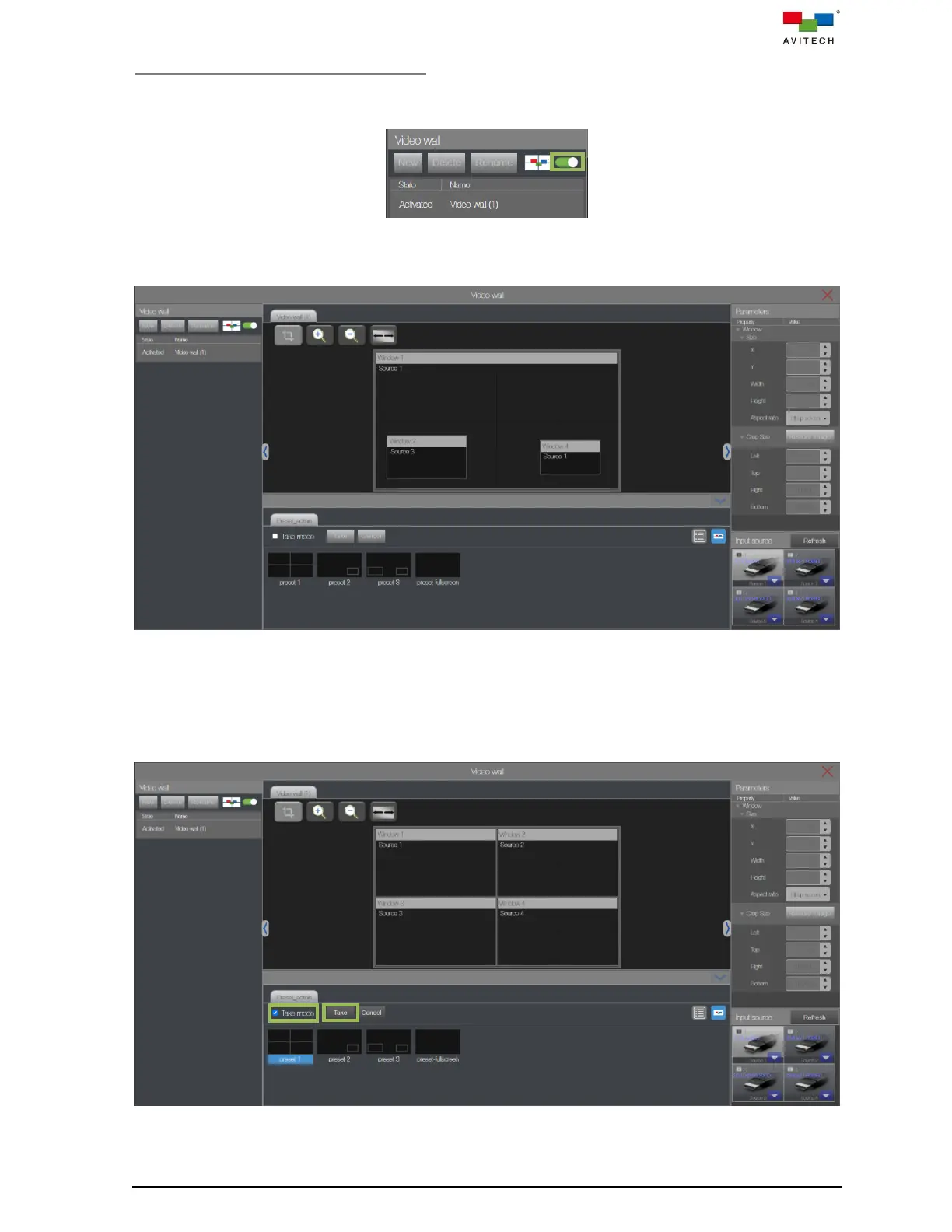
To Switch Preset on created video wall:
1. Lock the video wall layout editor by clicking the Edit Mode switch to slide it to the right (turns green).
This completes setup of the video wall configuration.
Figure 5.2.29 Enable Lock Video Wall Edit Mode
The video wall controlling page will be changed to locked edit mode.
Figure 5.2.30 Video Wall: Lock Edit Mode
2. Click Preset name to switch video wall layout instantly.
3. Or, checks “Take mode”, when switch window layout to other preset, you will need to select a preset
file first, and then click Take to apply the window layout. This can ensure the window layout is loaded
correctly.
Figure 5.2.31 Video Wall: Enable Take Mode



 To Next Page