93
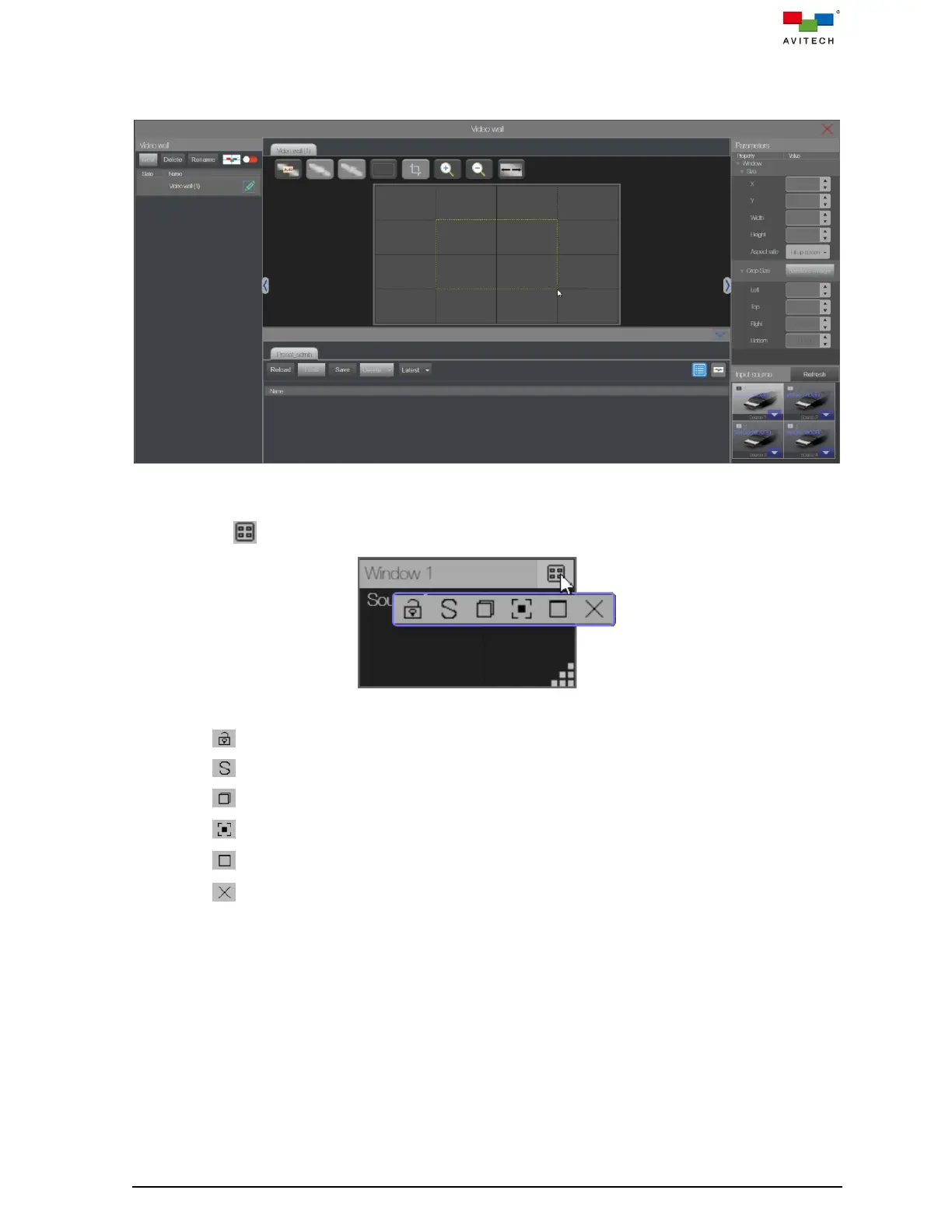
Step 16. Click and holding the mouse left button and drag to select the display window size on the wall
canvas. The new window already contains the corresponding input source image will display
on the video wall instantly.
Figure 5.2.27 Add a New Window in Video Wall Canvas
Click to expand the title menu for position and size adjustment.
Figure 5.2.28 Window Title Menu and Components
: click to lock the window position and size.
: click to swap the position and size with other window.
: click to restore down the window position and size prior to fullscreen.
: click to allow the window to be automatically aligned to the gridlines.
: click to set the window to fullscreen.
: click to close the window.
Step 17. Perform step 15 – step 16 to add more sources to the wall canvas.
Step 18. Click Save preset and enters a preset file name; then click OK to save the layout.



 To Next Page