71
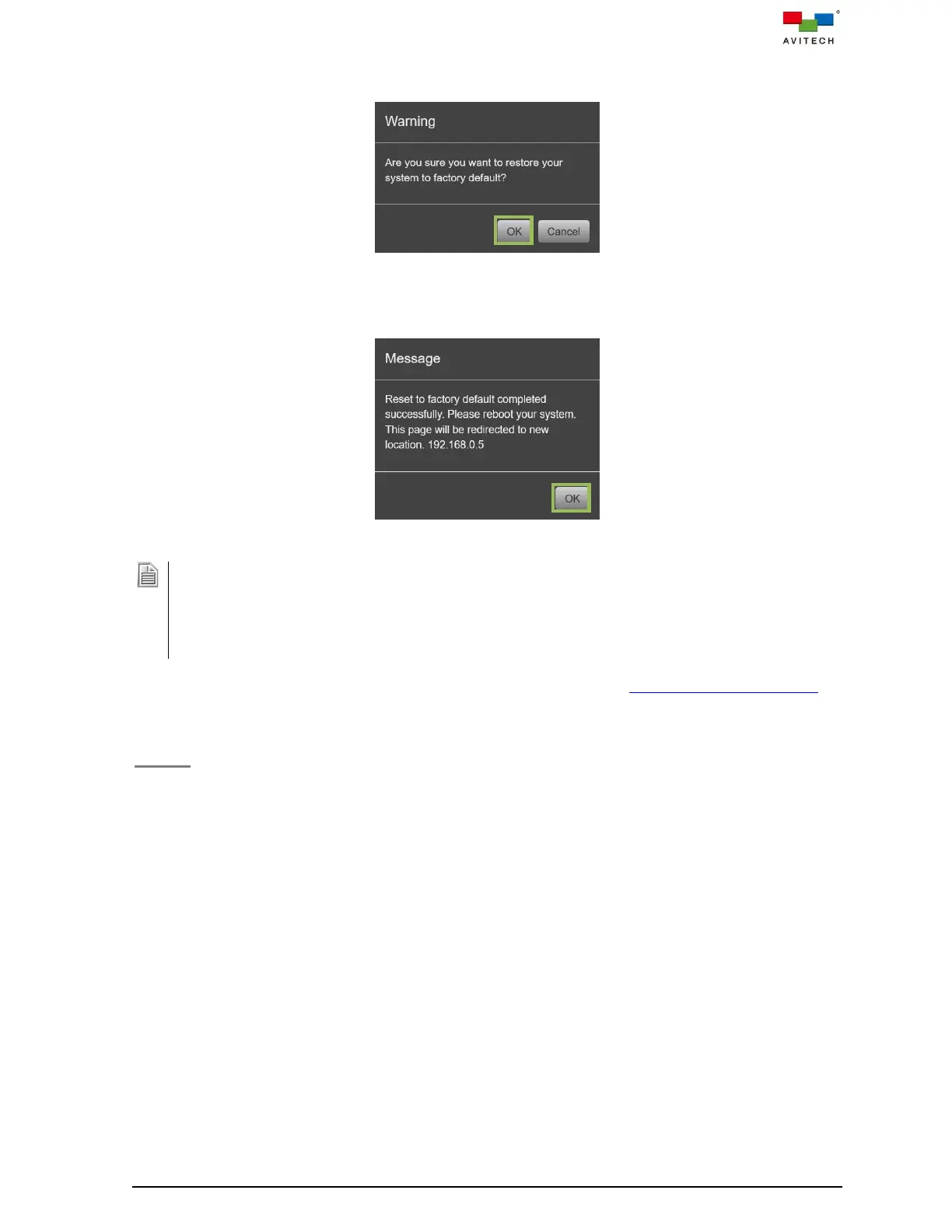
Step 2. When prompt appears onscreen with warning message window, click OK to complete the
process of resetting to its factory default state.
Figure 4.3.4.14 Warning Message Window to Confirm the Factory Default Process
Step 3. Reboot Sequoia 4K60 (power OFF, and then power ON) when the prompt appears onscreen to
complete the process of resetting to its factory default state.
Figure 4.3.4.15 Reboot to Complete Reset to Factory Default Process
1. When you reset the Sequoia 4K60 to factory default settings, all of your settings and configurations will
be deleted.
2. Before you reset the Sequoia 4K60, you may back up your system file first. When you finished resetting
your Sequoia 4K60 to factory default state, you can restore the system backup file to the Sequoia 4K60.
3. When restore your configuration to the Sequoia 4K60, it is recommended to change the IP address or it
will stay 192.168.0.5. (the default IP address)
Step 4. (Optional) Change the IP address of the Sequoia 4K60. Refer to section (4.3.2) “IP address” for
details.
Backup
Backup allows you to export the Sequoia 4K60 settings; it will automatically save as backup.bin file
that may include the following:
Layout & Routing – last input/output source routing status.
Multiview Layout – OSD Option settings, and upon clicking OK.
Multiview Layout – User icon preset / User preset / Latest preset settings, and upon clicking OK.
Latest Label Edit page configuration, and upon clicking Apply.
This can also include the latest Change icon page configuration, and upon clicking Apply.
Video wall – video wall preset files.
System – General page settings, and upon checking.
System – Network page settings, and upon clicking Apply.
System – Configuration page settings, and upon clicking Apply.
To export the system information of the Sequoia 4K60, perform the following steps:



 To Next Page