42
3.5.2 Source seamless switching for the Projector (Fullscreen) Display Mode
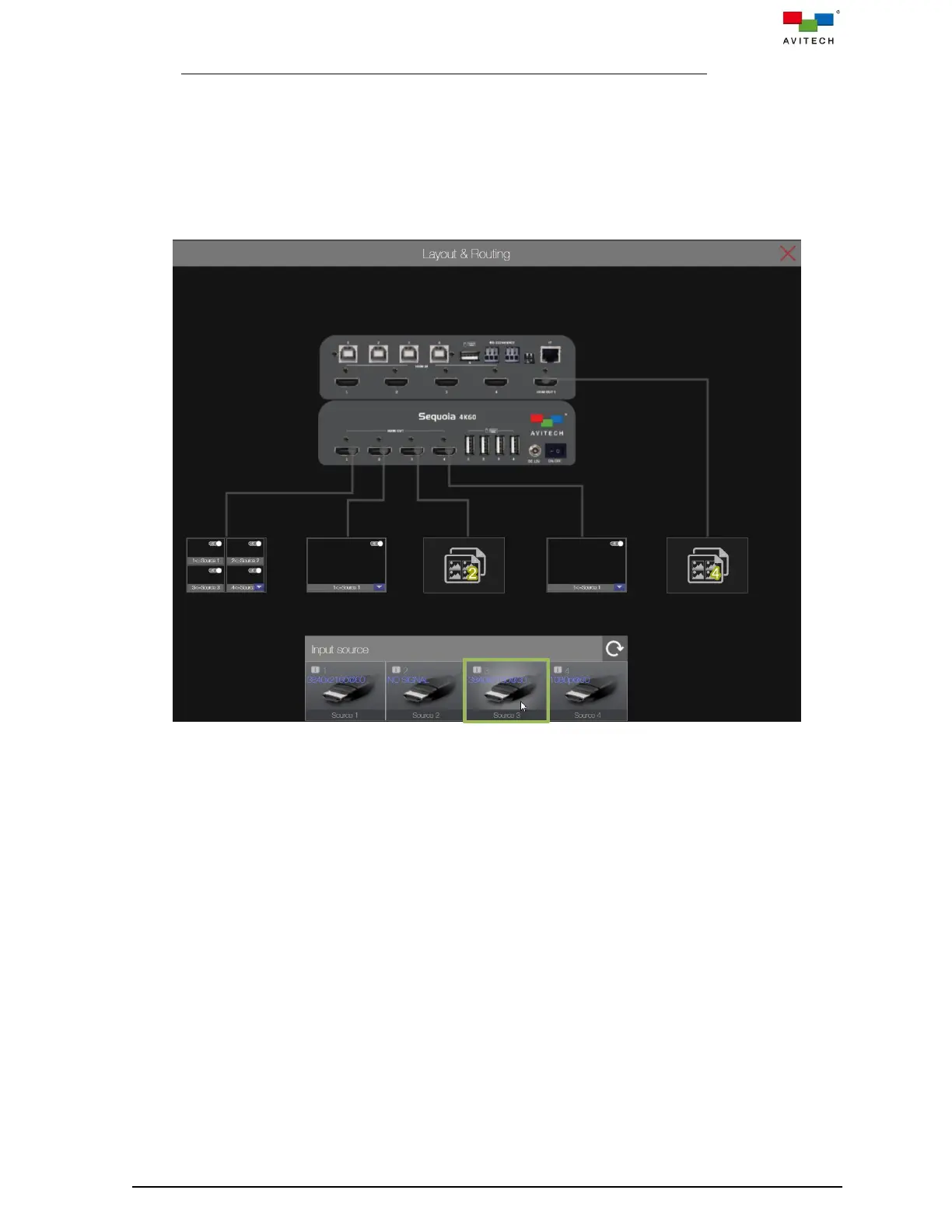
When in Projector (fullscreen) display mode, the Sequoia 4K60 offers seamless switching of the input
sources to any of the single-view fullscreen outputs. The web browser-based GUI comprises an input
source bar and output displaying ports in subsequent order. Video switching can be achieved through
simple drag- and-drop of input to the target output for video routing.
Use drag-and-drop to switch a source to destination port, perform the following steps:
Step 1. Select the target video source by holding the mouse left button on its input source icon.
Figure 3.5.2.1 Web Browser-based GUI: Select Input Source



 To Next Page