96
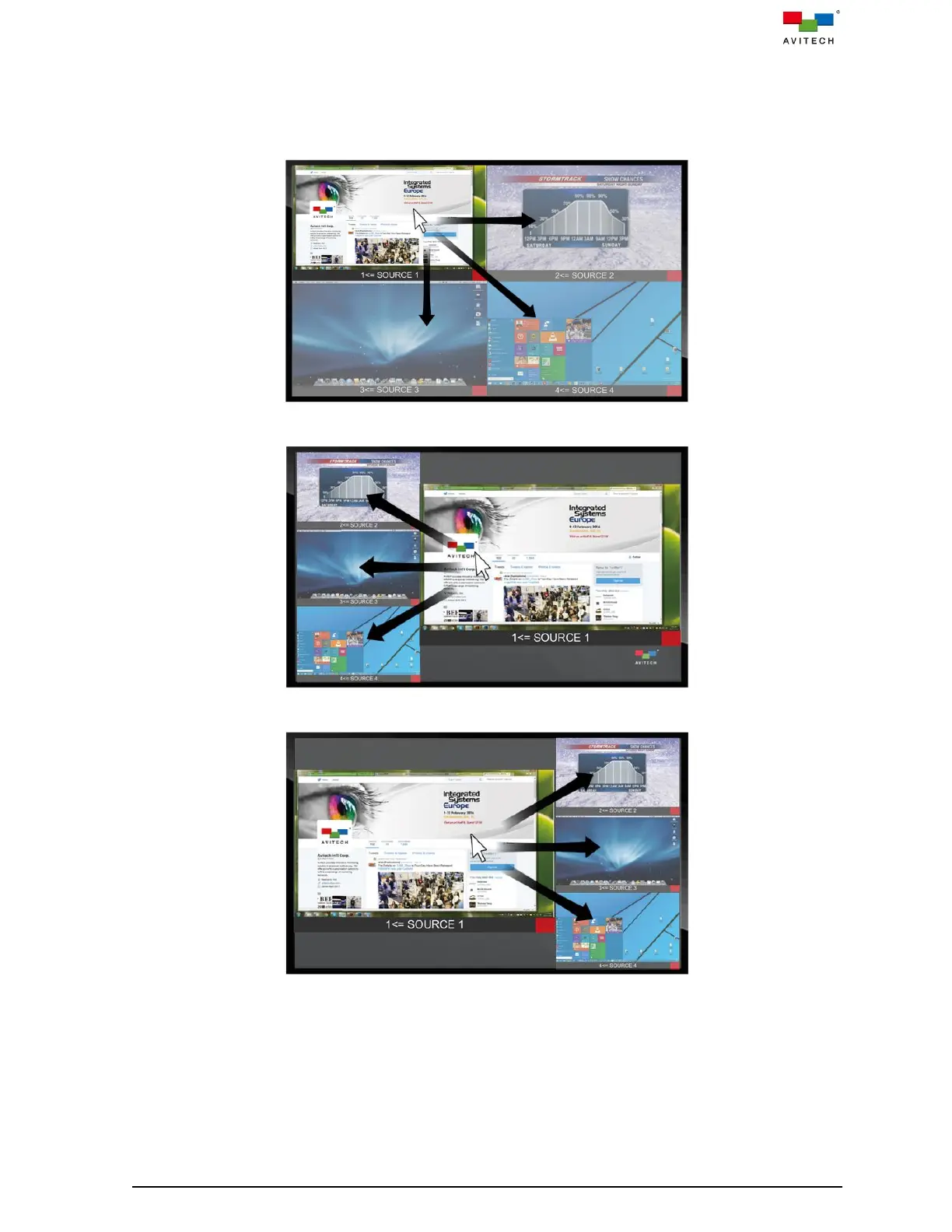
Below figure shows the allowed “Source” window control switching action upon moving the
mouse to the window sides (“shaded area” indicators). Moving the mouse from one “Source”
window to another transfers control from the former window to the target window.
No “Source” window control switching action will occur upon moving the mouse to the outer
borders of the screen.
Figure A.1.2 “Surfer” Feature on Default Preset 1
Figure A.1.3 “Surfer” Feature on Default Preset 2
Figure A.1.4 “Surfer” Feature on Default Preset 3



 To Next Page