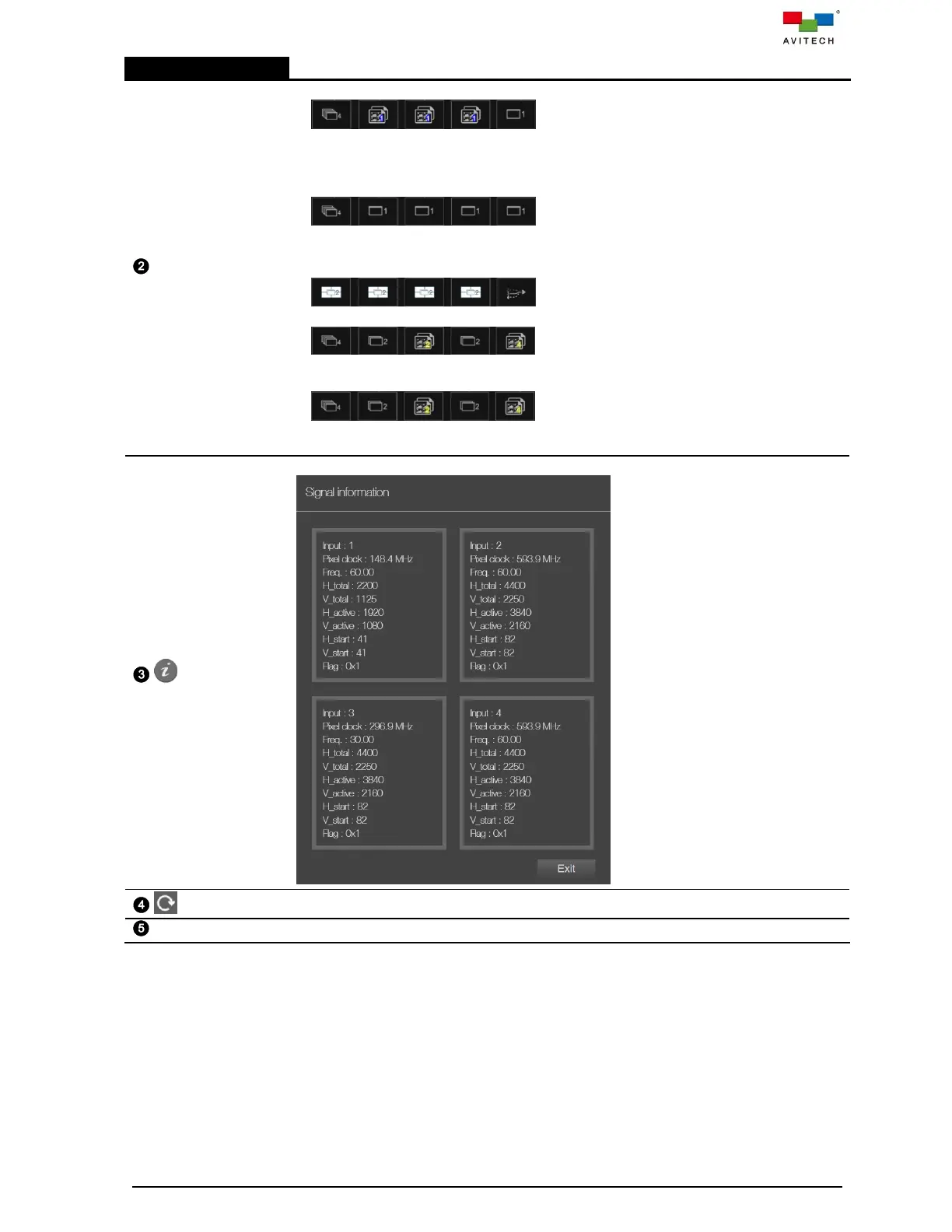
Shows the current display mode of system.
Workstation (Default): supports simultaneous
display of four signal sources in multiview layout on the 1
st
output. Freely switch
single-view fullscreen image, or duplicated multiview layout image on the 2
nd
to 4
th
outputs. The 5
th
output can only have one of the input signal source display single-view
fullscreen image.
Workstation (Quad + 4 Singles): supports
simultaneous display of four signal sources in multiview layout, and freely switch to
single-view fullscreen image on the 1
st
output. Freely switch single-view fullscreen
image on 2
nd
to 5
th
outputs.
Video wall: support a 2x2 video wall or video
walls with 1 row and 2 to 4 columns with PiP display.
Projector (PiP): creates a preview multiview on
the 1
st
output, and the 2
nd
to 5
th
outputs can duplicate two picutre-in-picture (PiP)
images.
Projector (Fullscreen): creates a preview
multiview on the 1
st
output, and the 2
nd
to 5
th
outputs can duplicate two single-view
fullscreen imag for seamless switching of the input sources.



 To Next Page