AW00089317000 Standard Features
Basler ace GigE 265
By using the vertical decimation feature, you can increase the frame rate of the camera.
Setting Vertical Decimation
You can enable vertical decimation for the acA1280-60, acA1300-60, acA1600-60, acA1920-25,
acA2500-50 and acA2040-25 cameras by setting the Vertical Decimation parameter. Setting the
parameter’s value to 1 disables vertical decimation.
You can set the Vertical Decimation parameter value from within your application software by using
the Basler pylon API. The following code snippet illustrates using the API to set the parameter
values:
// Enable Vertical Decimation by 8
Camera.DecimationVertical.SetValue( 8);
// Disable Vertical Decimation
Camera.DecimationVertical.SetValue( 1 );
You can also use the Basler pylon Viewer application to easily set the parameters.
For more information about the pylon API and the pylon Viewer, see Section 3 on page 45.
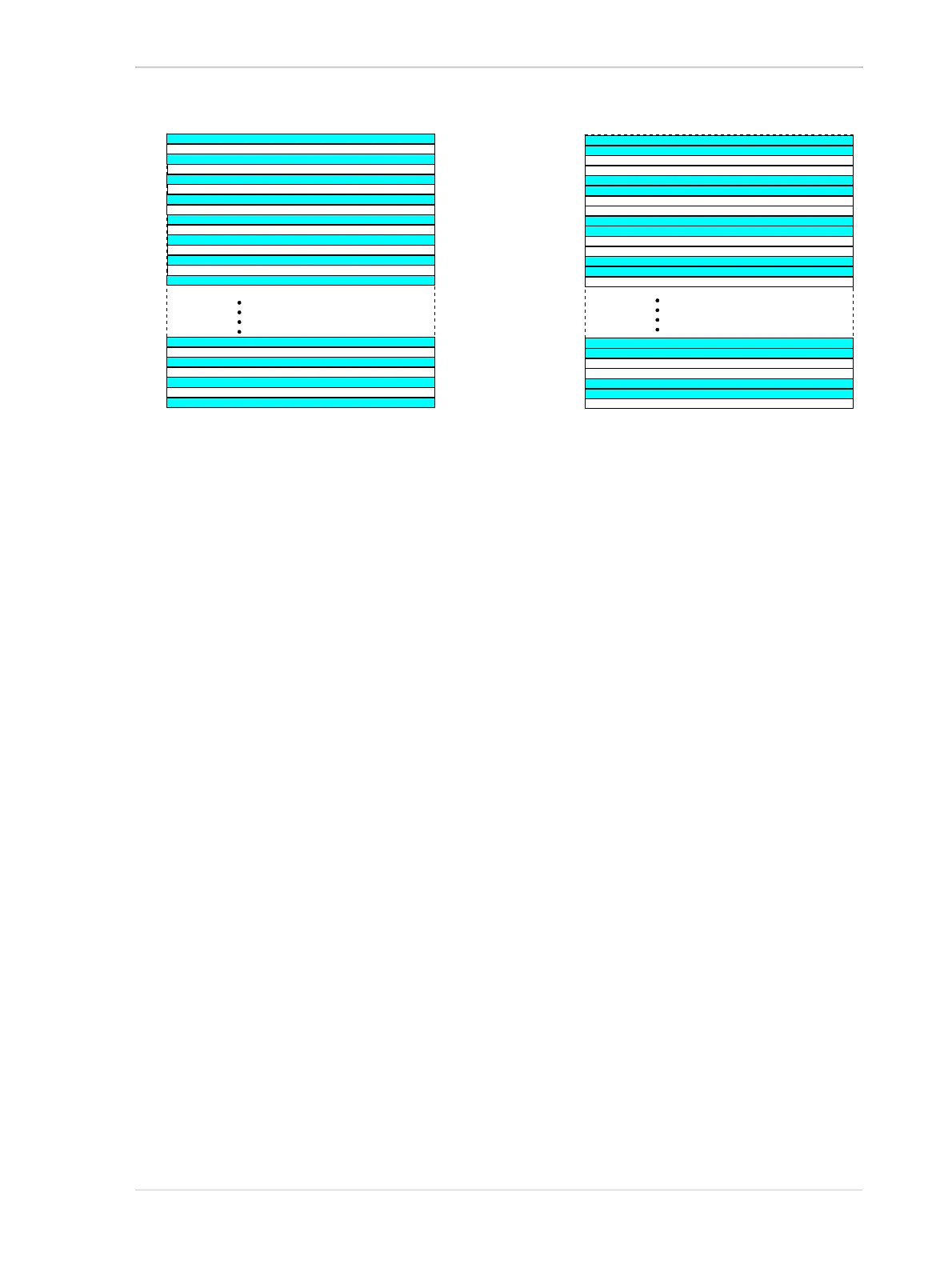
Fig. 110: Decimation of 2 (Color Cameras)
Fig. 109: Decimation of 2 (Mono Cameras)



 To Next Page
 Loading...





