Setting Up the Compounder
Operator Manual for the Baxter ExactaMix 2400 Compounder
53007410 Rev. C Page 63
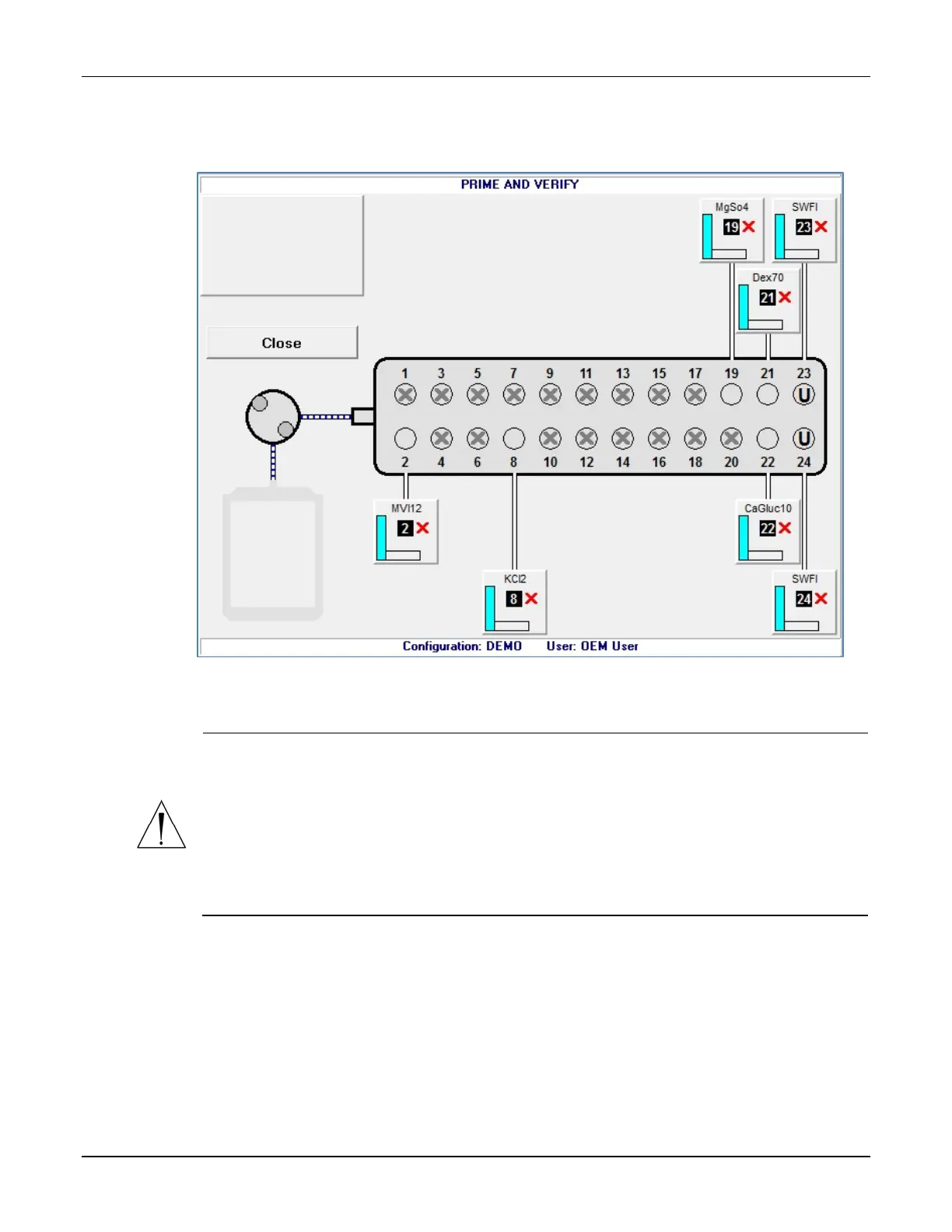
When an X appears on the ingredient button, it indicates that priming and verification
are needed.
PRIME AND VERIFY screen, no inlets primed
CAUTION
Do not prime calcium and phosphate ingredients consecutively. Interaction of these
ingredients can cause a precipitate, which may block the common fluid pathway and
require a replacement of the tube set.
If the configuration includes a lipid, you should prime the Universal Ingredient
immediately after priming the lipid.
Always follow the configuration setup that Baxter recommends, and prime ingredients
in the sequence of the port numbers (1, 2, 3 and so on).
Tip! Baxter recommends physically rotating each source container so that its product
label faces you, for easy verification.
3. Tap an ingredient button.



 To Next Page