5 – Reference
103
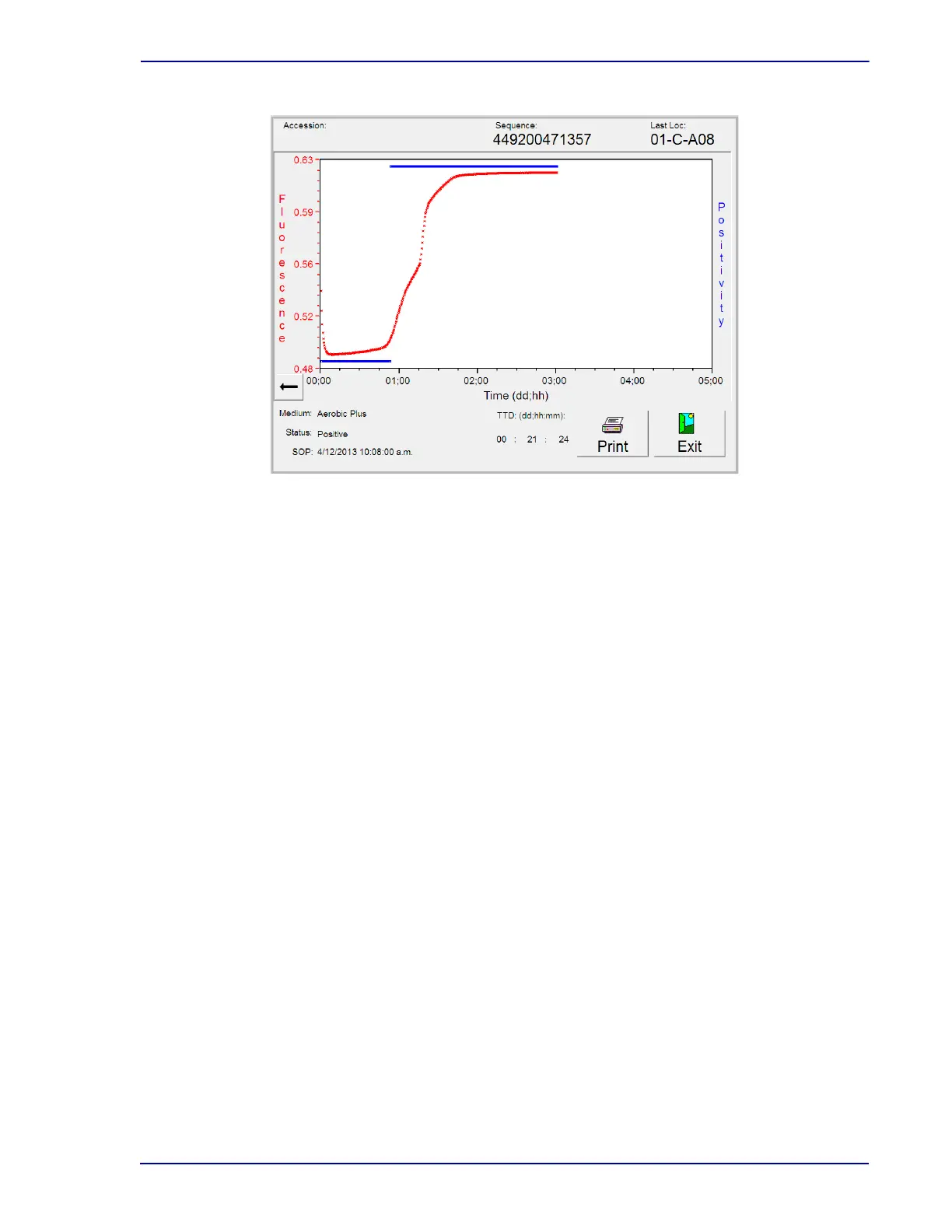
Figure 5-11 – Plot Display
5.4 Reports Menu
The Reports Menu enables you to select reports to be printed. To access the Reports menu, select the
Reports tab. The display in Figure
5-12 appears.
The following reports are available:
• Affected Vials (5.4.1)
•Alert List (5.4.2)
• Contaminant Vials (5.4.3)
• Culture Summary (5.4.4)
• Current Inventory (5.4.5)
• Current Negatives (5.4.6)
• Current Positives (5.4.7)
• Loaded Vials (5.4.8)
• Maintenance QC (5.4.9)
• No Growth Accession (5.4.10)
• Orphan Vials (5.4.11)
• Partially Seated Stations (5.4.12)
• Pending (5.4.13)
• Unloaded Negative Vials (5.4.14)
• Unloaded Positive Vials (5.4.15)
• Unloaded Vials (5.4.16)
Each of the reports is discussed in greater detail in the sections shown above.
Tap and Drag:
You can tap an area of the plot
and drag to select an area to
zoom in











 To Next Page