5 – Reference
125
Q.C. (report) button
Select to print/reprint the Ma
intenance QC Report.
This button is disabled when the instrument is in degraded mode.
Block/Unblock button
Select to access the Block/Unblock stations display. Refer to Block/Unblock Stations Display
below.
5.5.2 Block/Unblock Stations Display
The Block/Unblock Stations display enables you to block (remove from service) and unblock (return to
service) stations in the drawers. Blocking a station might be advised, for example, when a station
indicator does not light.
To access the Block/Unblock Stations display, from the Maintenance – Test display, select
Block/Unblock
.
To block or unblock one or more stations, make sure the drawer where the station is located is open.
To block a station, select the desired stations in the display, and follow any instructions in pop-up
message/alert windows. The blocked station is shown with a station icon. To unblock a station,
select a blocked station. When blocking/unblocking is complete, select Exit.
Refer to Section 6.2.2.1 for additional instructions.
See Figure 5-30 for a sample Block/Unb
lock Stations display.
To access Maintenance – Block/Unblock:
• From the Status display, select the Maint
enance tab
• From the Maintenance – Test display
, tap the “Block/Unblock” button
Block/Unblock Station Fields:
Station statuses
All station statuses are shown.
Location
Read-only field showing the last blocked/unblocked sta
tion. That station is also highlighted
with a gray box surrounding it.
Block/Unblock Stations Buttons:
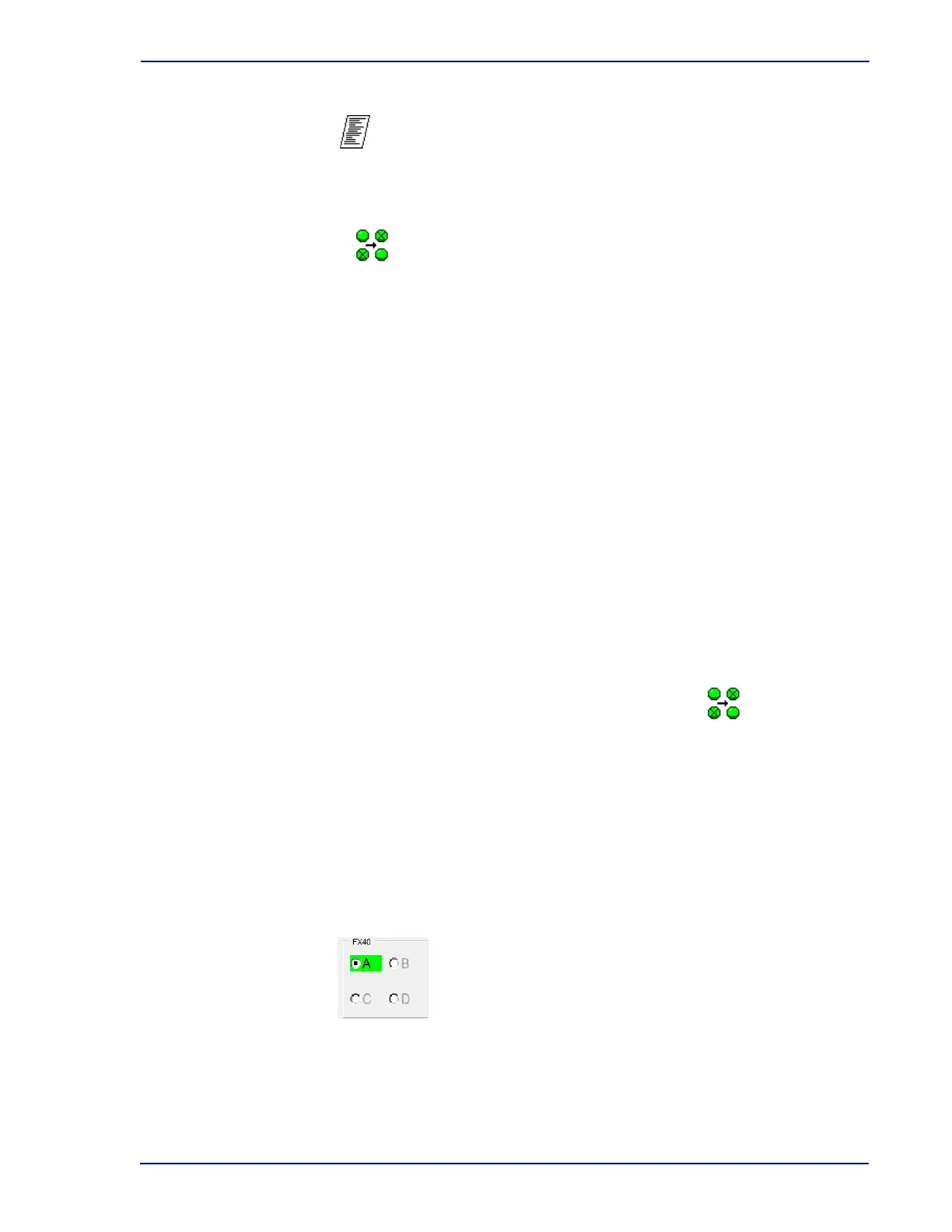
FX 40 radio buttons
Selected instrument is indicated by filled in radio button. The currently open instrument is
highlighted in green. To select a different instrument for viewing, select the empty radio button
to the left of the letter (A, B, C, D). Only stations in the currently open instrument can be
blocked/unblocked.











 To Next Page