3 – Controls and Indicators
49
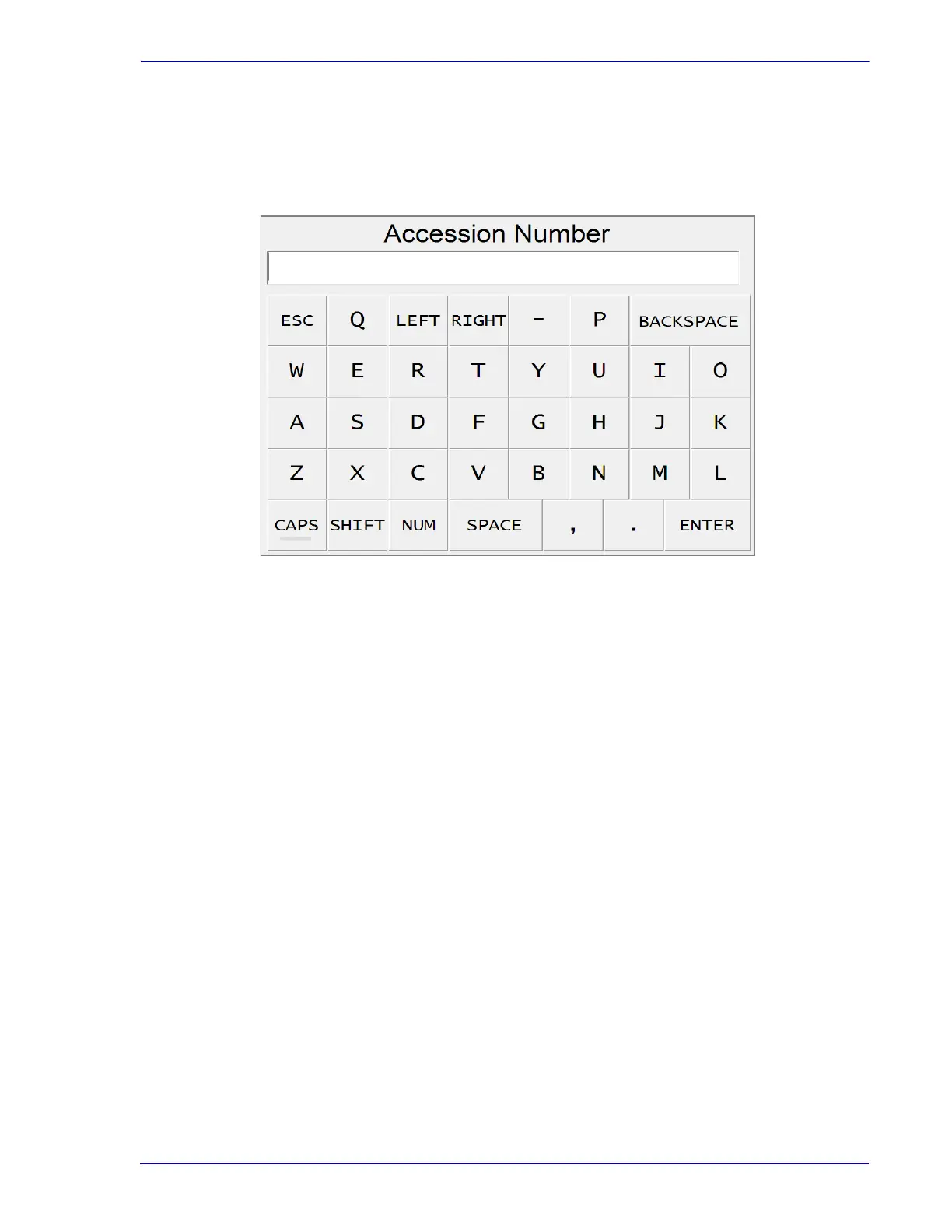
To exit the keyboard display, select ESC.
To enter the text into the field, select ENTER.
The keyboard display is shown in Figure 3-6.
Figure 3-6 – Keyboard Display
3.11 Remote Alarm
The BD Remote Alarm unit is a small box that sounds an audible alarm when critical System Alerts
occur, and when positive vials are detected. Controls and indicators are described in the operating
instructions, furnished separately.
3.12 Printer
For an explanation of controls and indicators on the printer, refer to the manufacturer's operating
instructions, furnished separately.
Note that a local printer should be connected to one o
f the instrument’s rear USB ports. One printer
can serve the entire cluster of instruments.











 To Next Page