5 – Reference
81
5.3 Status Display
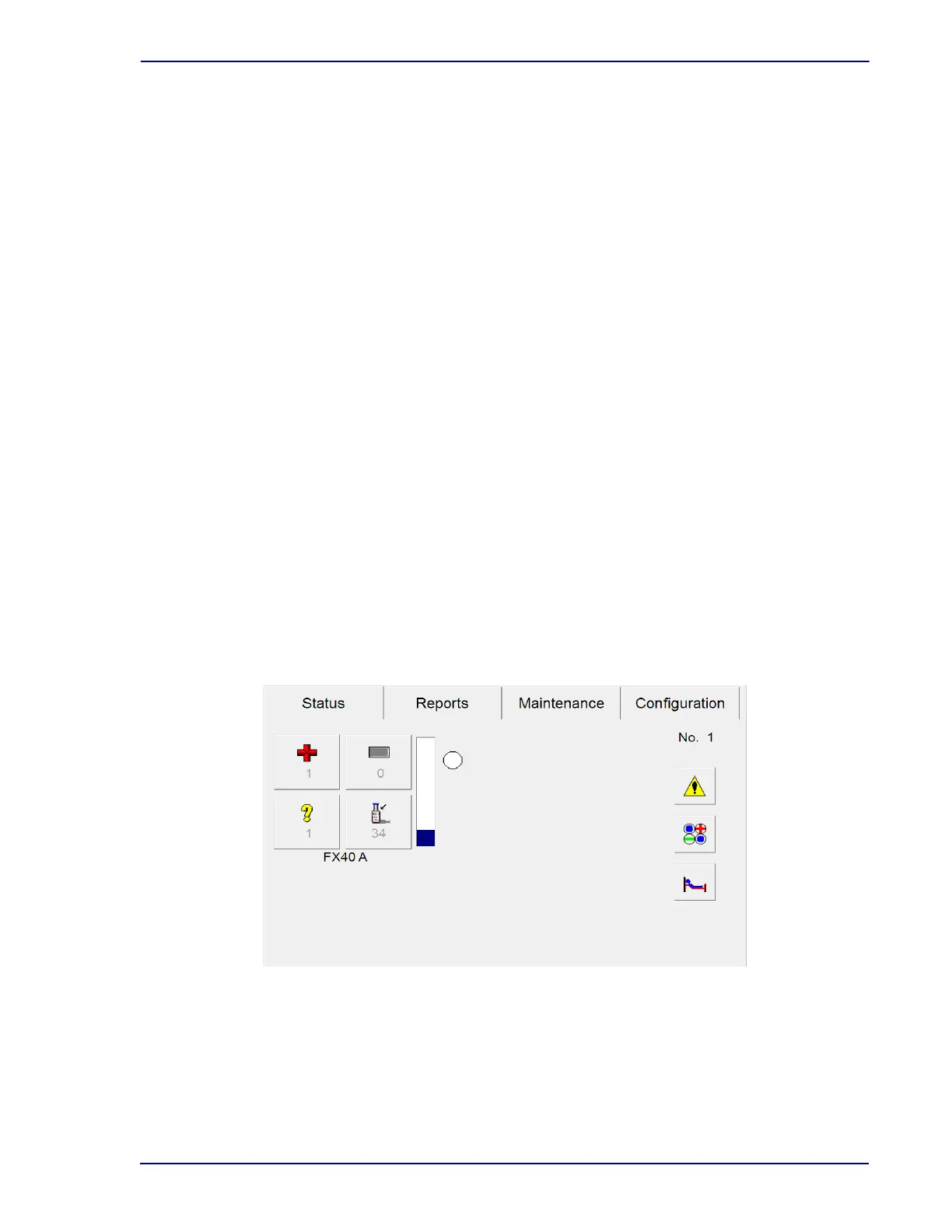
The Status display provides general information about system and station status.
The following operations can be initiated from the Status display:
• View System Alerts
• Access View Stations display
• Access Culture displays
• Access Positive Removal, Negative Removal, Identify Anonymous, or Vial Entry activities for
an open instrument
The following status information is shown:
• Open door (highlighted by a green box)
• Instrument number
• Number of positive, negative, anonymous, and available vials/stations, updated dynamically
• Testing status (active/inactive)
• Approximate station occupancy
• Communications status with LIS or BD EpiCenter™ system
See Figure 5-1 for a sample Status display.
The screen is divided into areas that represent the instruments in a cluster. The icons are grayed out if
there are no vials/stations that correspond to the status/activity. Offline instruments are not shown on
the display.
If you add up the counts for stations, the total may exceed 40 because a vial or station may be tallied in
more than one area (e.g. a positive anonymous vial counts as 1 anonymous vial and as 1 positive vial).
Figure 5-1 – Status Display











 To Next Page