BD BACTEC™ FX40 Instrument User’s Manual
44
3.3.2 Indication
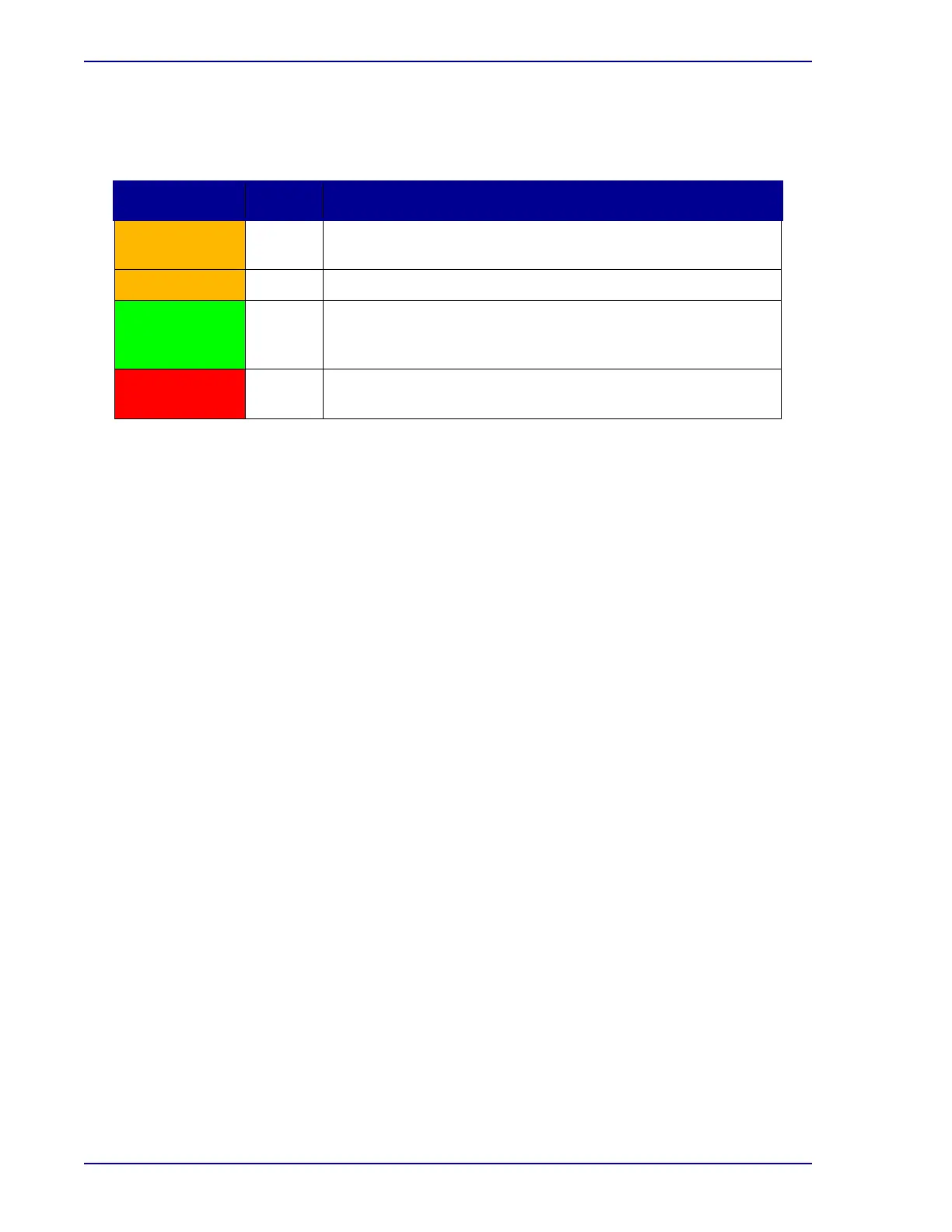
The system indicators inform you of various states in the instrument, as shown below.
3.4 Door Handle
3.4.1 Location
The door handle is located at the bottom right of the instrument front.
See Figure 3-1 for door handle location.
When the door is opened, agitation of all rows in the instrument ceases, and any measurements in
progress are aborted.
3.4.2 Operation
Grasp the door handle and pull the door open. The door pivots open on the hinge at the far left.
When closing the door, be sure to close it completely. A tone confirms the door closing.
Avoid opening the door unnecessarily; it should not remain open longer than 4 minutes.
If the door remains open longer than 4 minutes, an alert message displays and a continuous tone
sounds. You may acknowledge the alert message or close the door to silence this tone. If the door
remains open after the initial alert is acknowledged, a reminder alert message will display, and a tone will
sound every two minutes after the reminder alert is reported and acknowledged. If the door is slightly
ajar, a loud continuous tone sounds to alert you to the condition. This tone continues until the door is fully
opened or fully closed.
3.5 Barcode Scanner
3.5.1 Location
The barcode scanner is a peripheral scanner that is placed in a convenient location for your
laboratory’s use. Typically, when space permits, a location to the right of the instrument is optimal,
since the door opens from the right side. The scanner can be placed atop the instrument also if that is
convenient.
See Figure 3-3 for a barcode scanner in operation.
Indicator Color State Meaning
Amber On System Alert (Indicator remains on until the condition is
corrected/addressed.) See Section 7 for additional information.
Flashing Instrument is not communicating with the tablet PC
Green On Out-of-protocol negative vial (Indicator remains lit until all
negative vials are removed through the Remove Negative Vials
activity.)
Red On Positive vial. (Indicator remains lit until all positive vials are
removed through the Remove Positive Vials activity.)











 To Next Page