7 – Troubleshooting
163
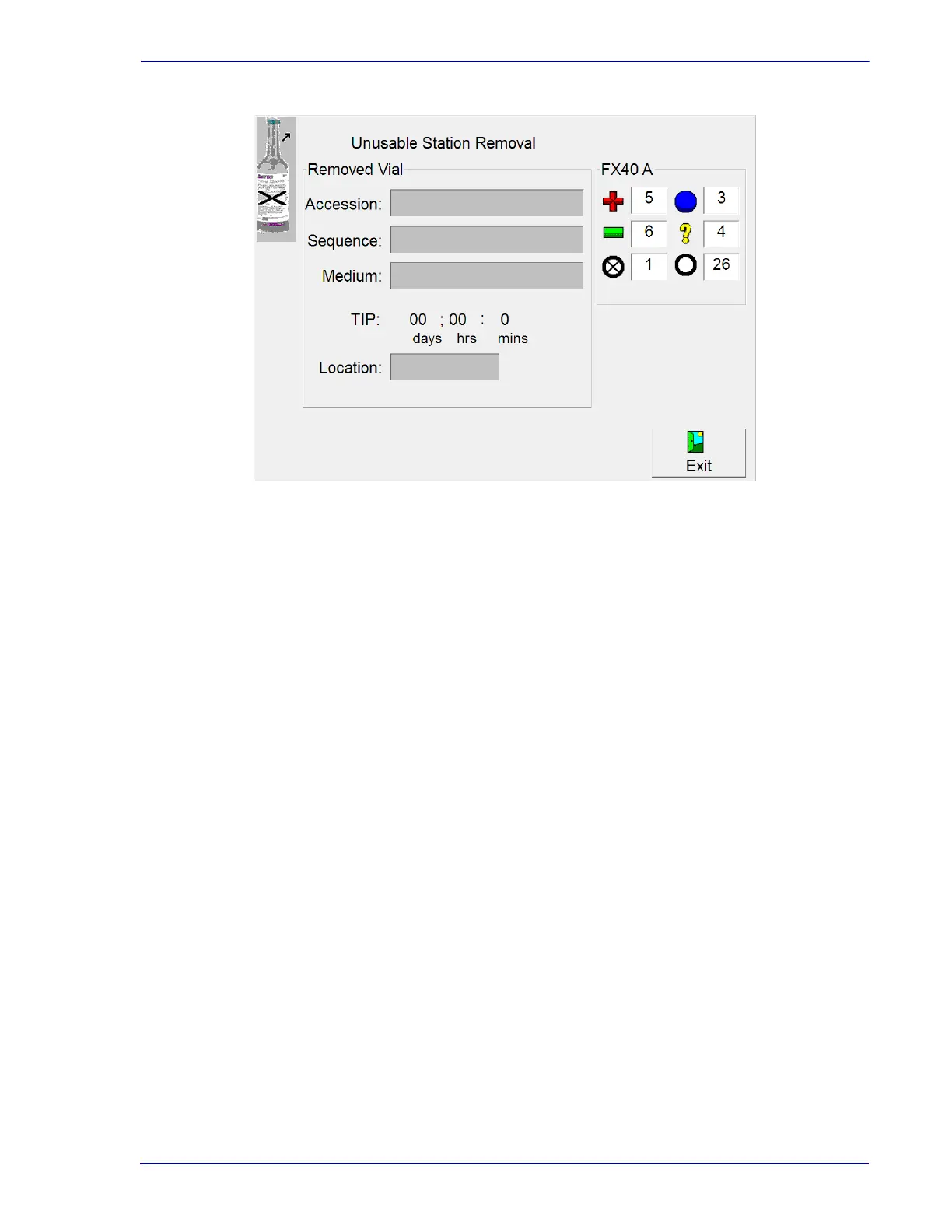
Figure 7-1 – Unusable Station Removal Display
7.3.3 Affected Vials
In some cases, a system alert resulting in unusable stations and affected vials can resolve on its own
(e.g., an out of range temperature). When the system alert clears, the yellow system indicator
extinguishes and the audible alarm stops. The stations may no longer be considered unusable.
It is important to review the System Alert display when the indicator is yellow (indicating active alerts).
Anytime you see a critical alert (Incubation/Temperature Failure, Measurement System Failure,
Agitation Failure, Reading Gap, Drawer offline, etc.), you should print an Affected Vials Report. This
report lists all vials within the last 30 days that the instrument has marked as Affected.
For optimal recovery, subculture all affected vials before returning them to the instrument. Vials should
be returned to the instrument within 5 hours. After appropriately addressing alerts in the Alert List,
select Remove All to clear the System Alert display of any inactive alerts.
7.3.4 Partially Seated Stations
When a WE53 message box appears, certain conditions within the instrument have led it to believe
that one or more vials may be partially seated in the station.
The message box provides the opportunity to deal with the partially inserted vials now or later.
If you reply Later, the message box closes and the normal station indicator patterns light. The next time
the drawer is opened, the message reappears.
BD strongly recommends that you address the WE53 message as soon as possible by responding
Now. Because the message occurs when test readings are outside of specifications, they may indicate
a potential problem with a vial or with a station, so resolving the situation as soon as possible is
advisable. When you select Now, the display shown in Figure
7.2 appears.











 To Next Page